Received More Goodies from Dynon

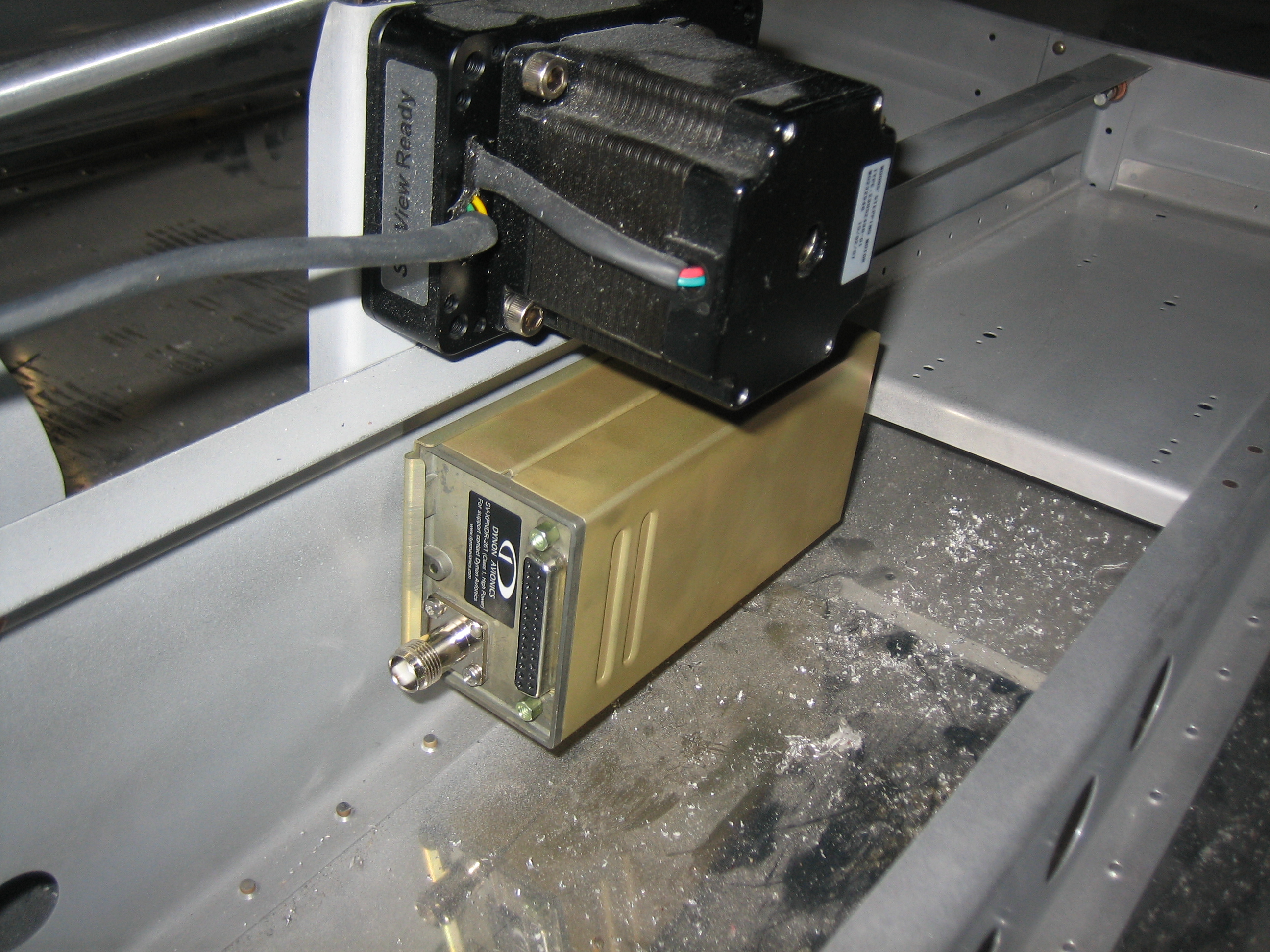
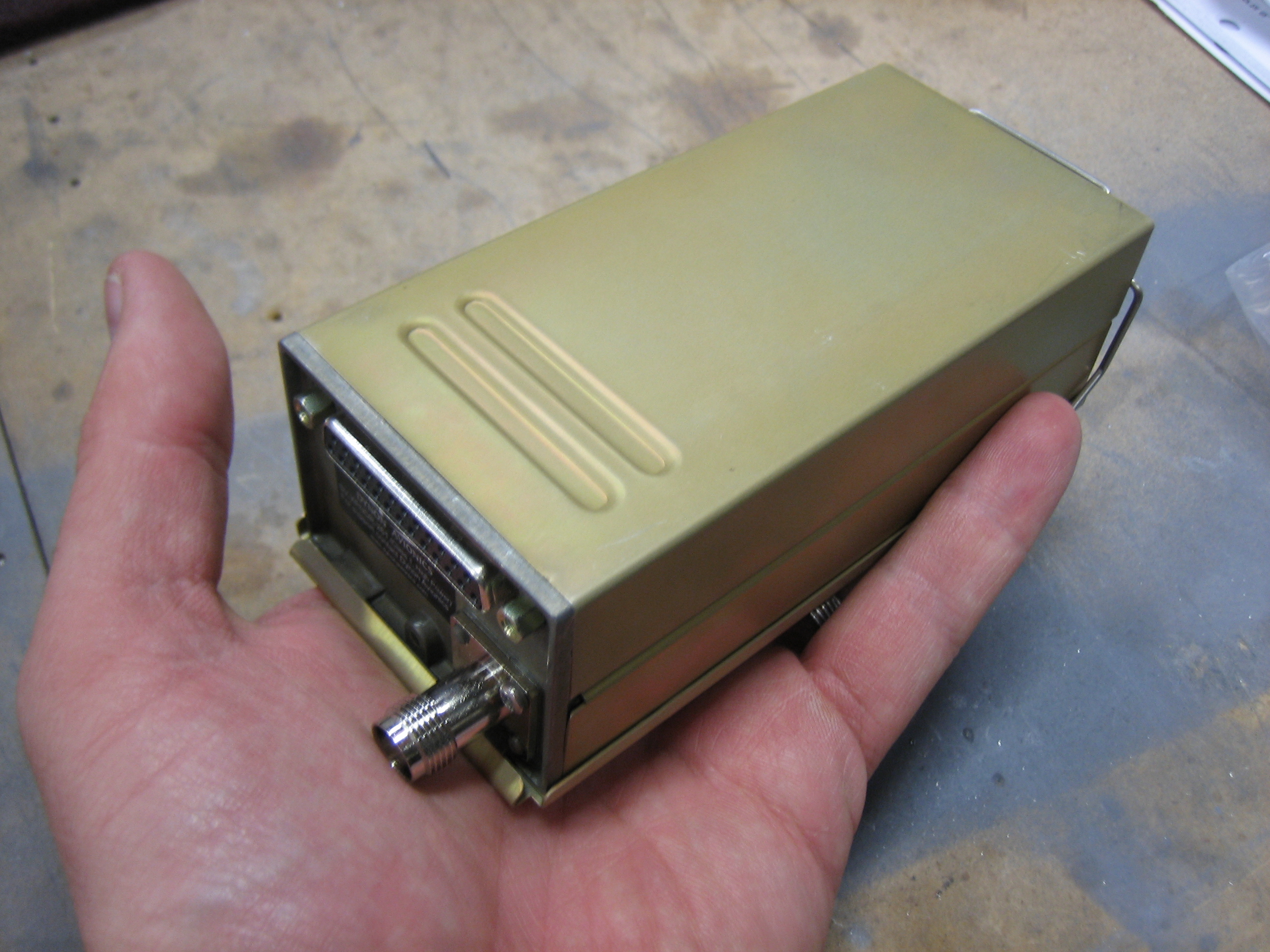
I got my transponder from Dynon.  I purchased the high-power, class 1 SV-XPNDR-261.  This thing is nice and tiny, but still puts out 250W of transmit power.  It also meets the full ADS-B out requirement when connected to a TSO-C146A GPS (such as the Garmin GTN series that I’m going with).  It also displays TIS traffic on the SkyView which is handy around the areas I fly in.

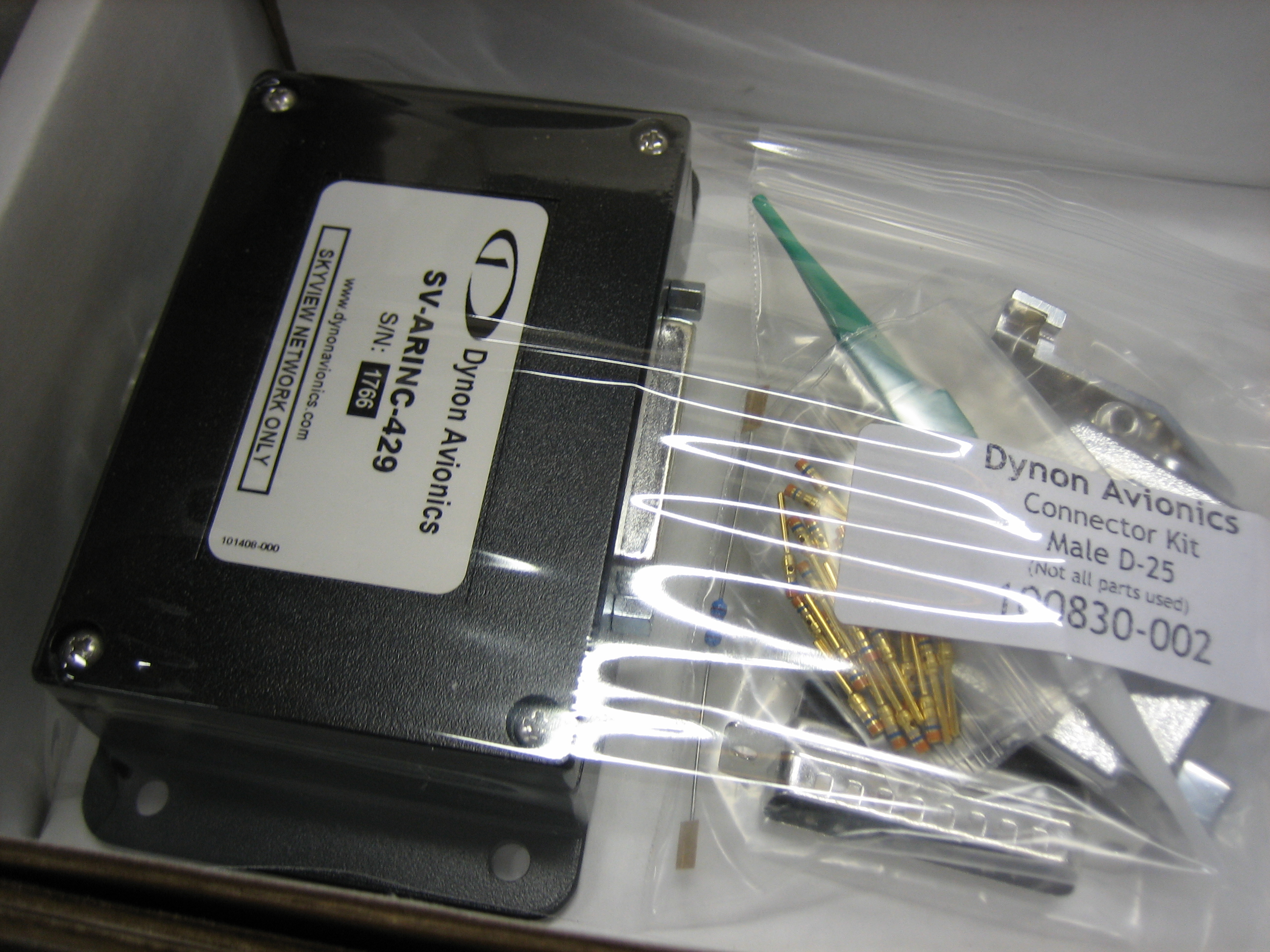
I also received the ARINC-429 module.  This lets the SkyView interface fully with the Garmin GTN unit to get features like GPS steering for the autopilot, CDI autoscaling, and vertical guidance for approaches.

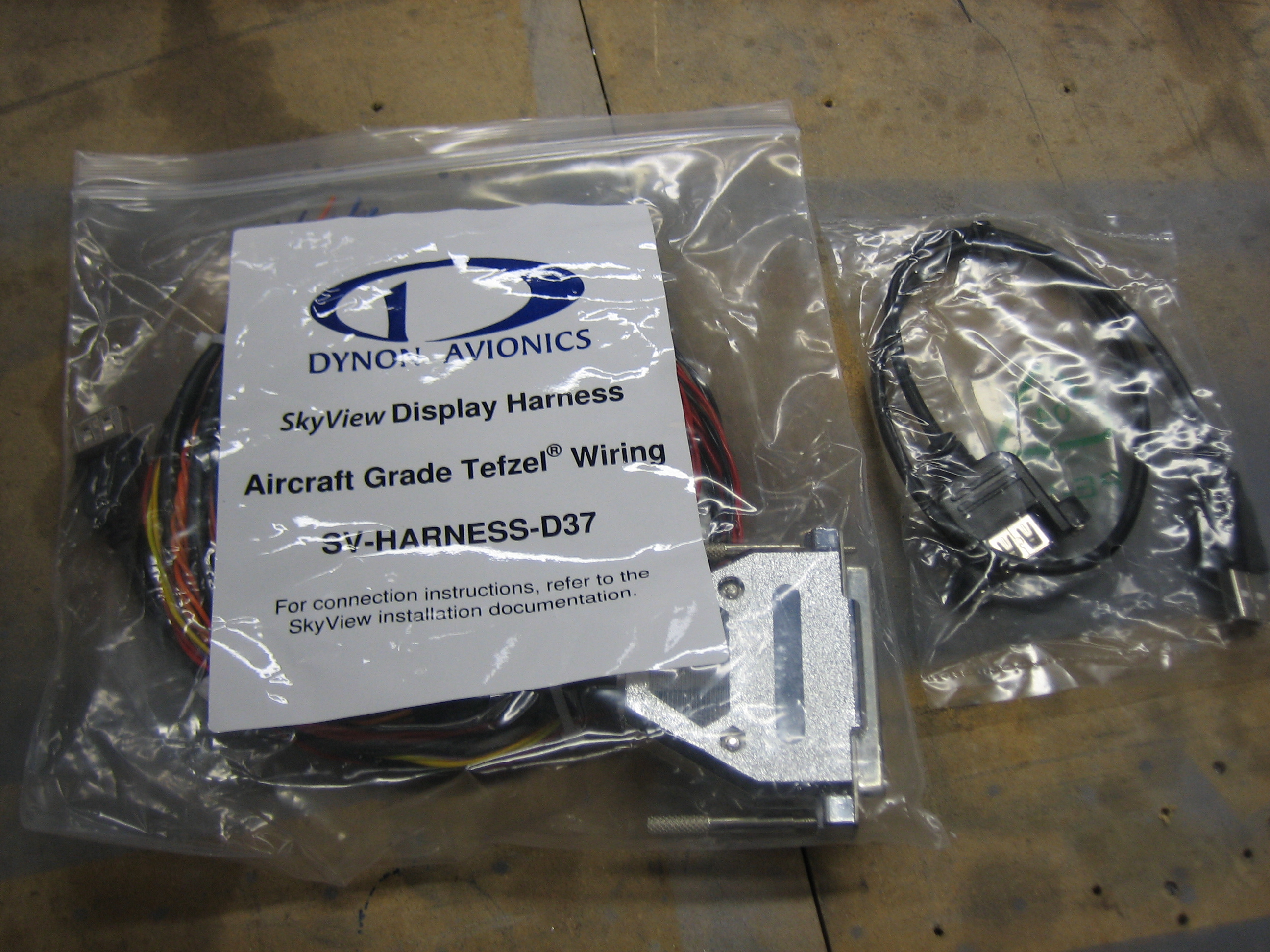
I also purchased a second SkyView Display Harness.  I decided to purchase this separately so I can hold off on purchasing the second display until just before flight.  I can move my single display between sides on the panel when building the overall harness.  You can also see that I purchased a second panel mount USB cable.

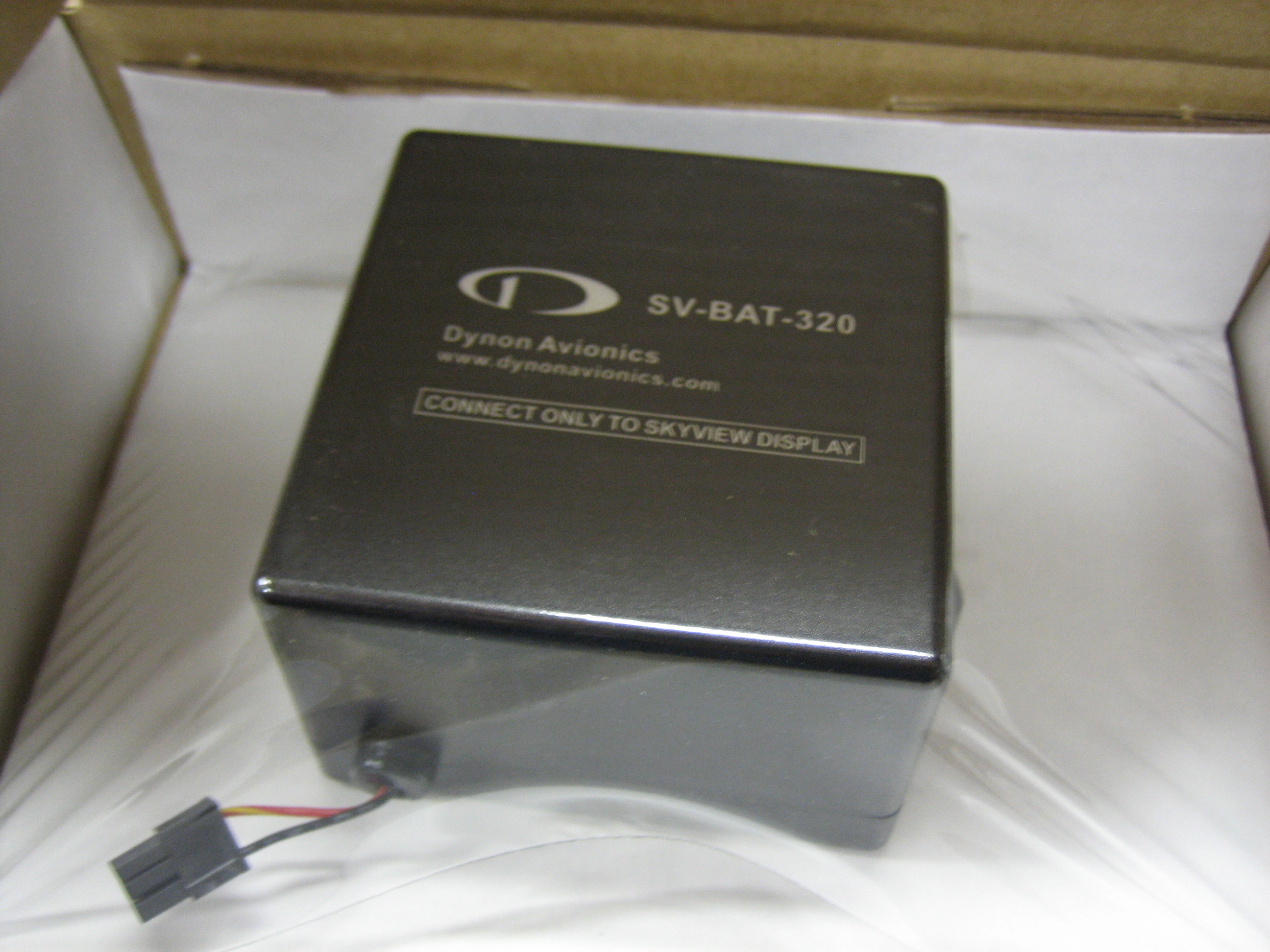
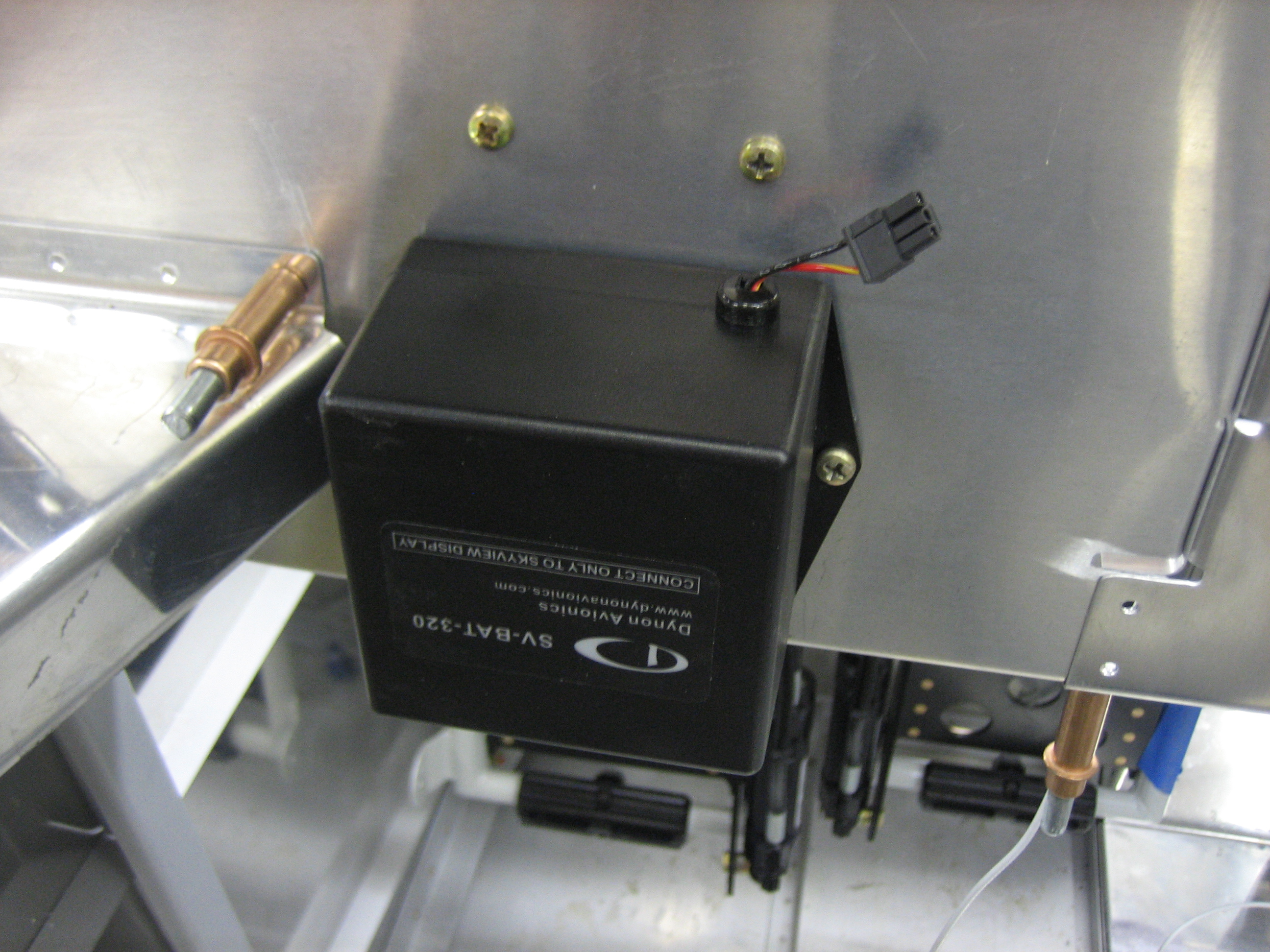
I also received a second battery for the right display.  I can go ahead and mount this and connect it to the right display harness.

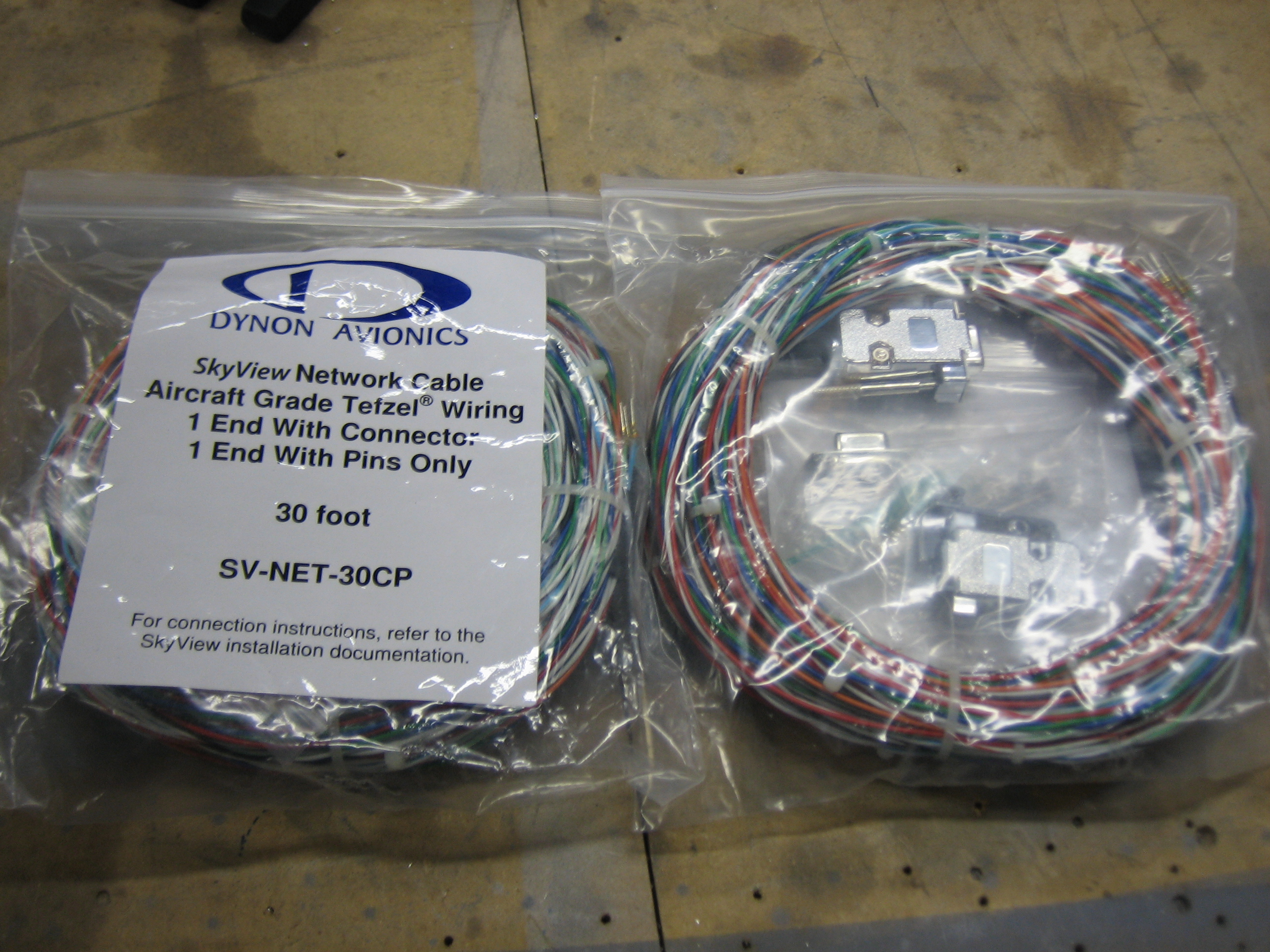
I also picked up two 30′ network cables.  I’ll cut these up to the custom lengths I need when connecting components.

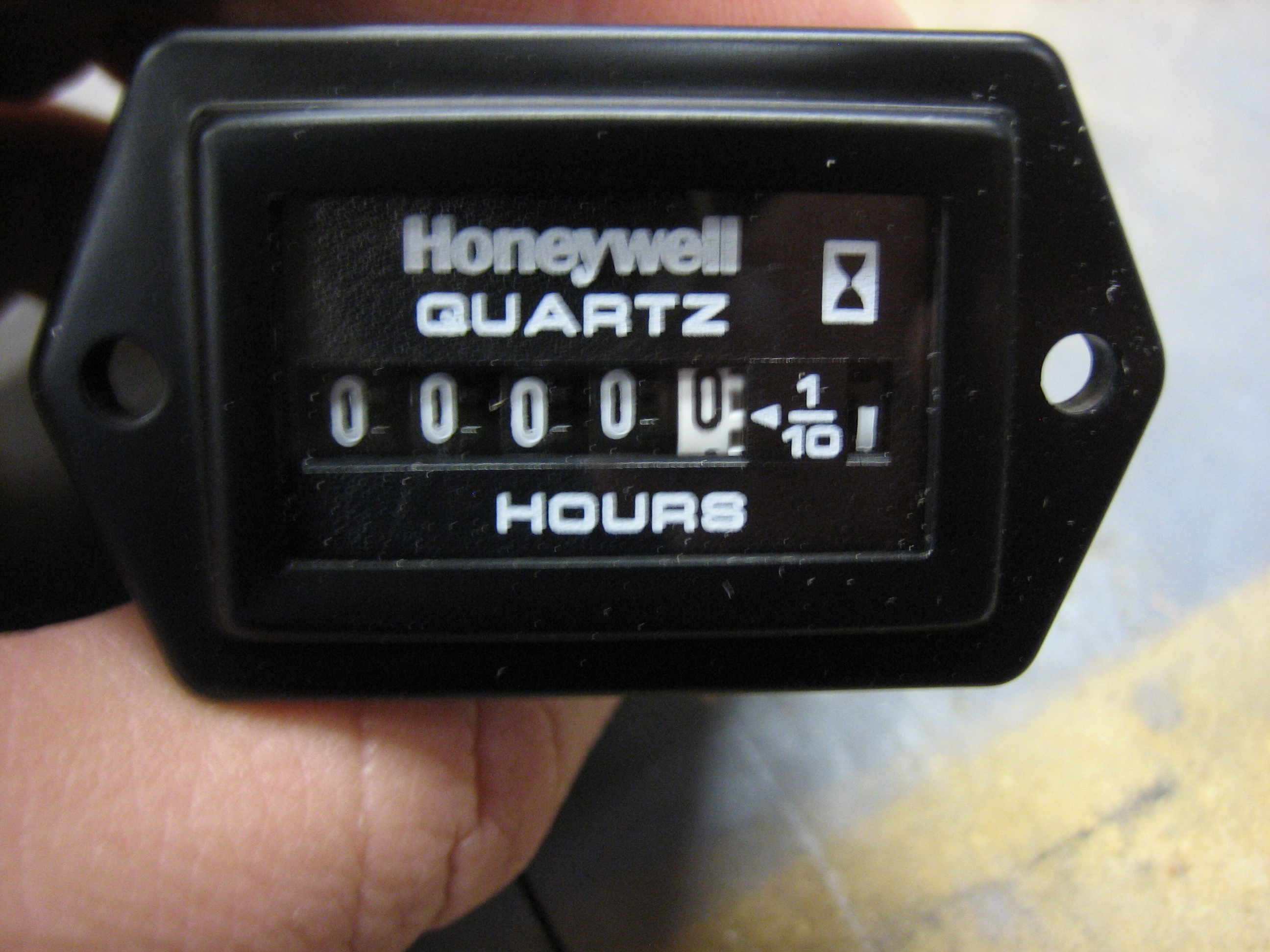
I also picked up a hobbs meter from Aircraft Spruce.  Although the SkyView has a hobbs built in, I don’t like the idea of having the only record of aircraft flight time being stored electronically.  If there is a failure or I have to send a display back for service, there is always the possibility that the total flight time is lost.

Installed Transponder and Wired Engine Sensors

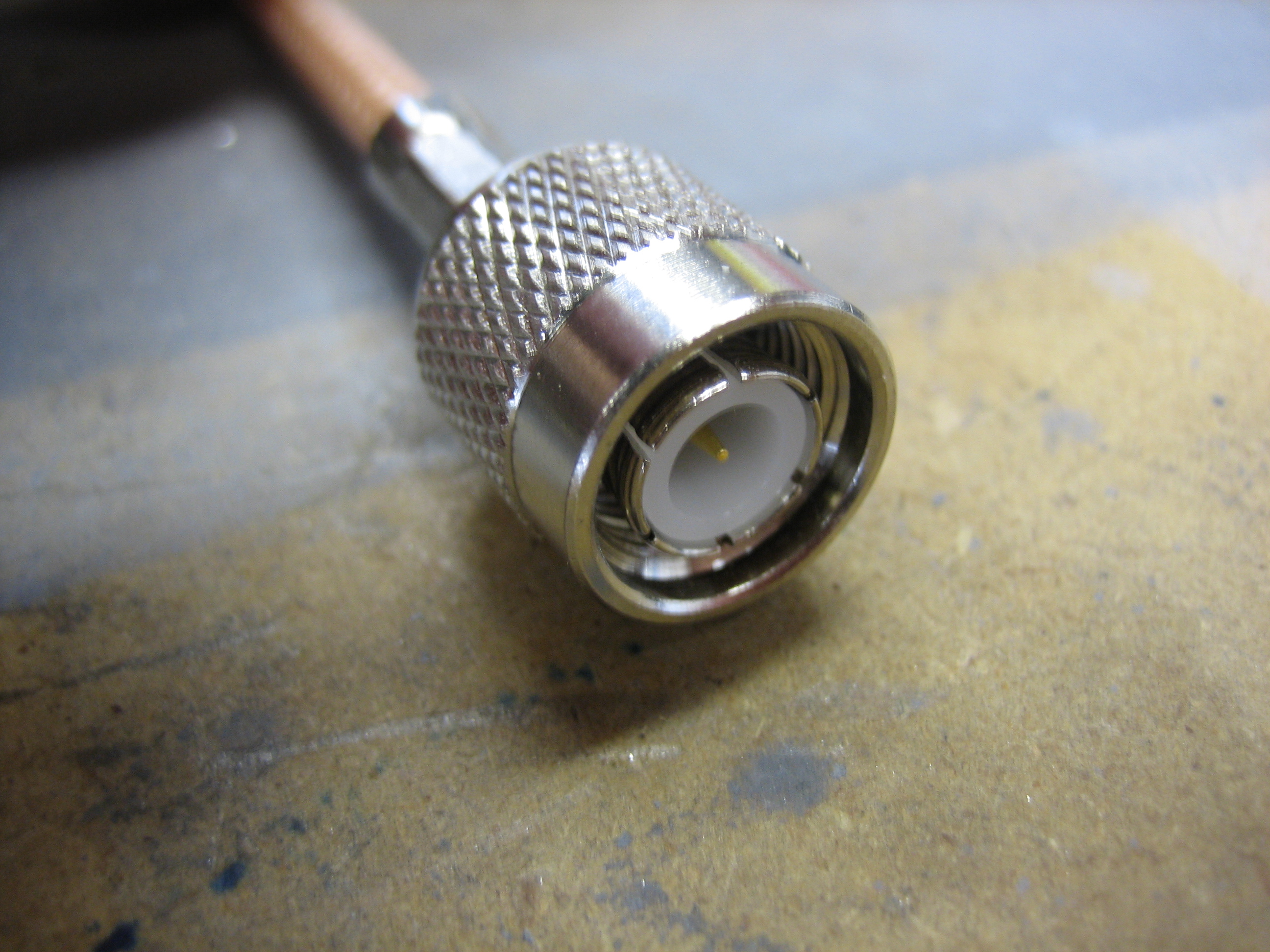
The Dynon transponder uses a TNC connector instead of an BNC connector.  Fortunately, Fry’s carries RG-58 TNC crimp on connectors.  I’m using RG-400 which uses the same connectors.  I crimped it on to the end of a piece of RG-400.  I’ll cut it to length and put a BNC connector on the other end to connect to the antenna.

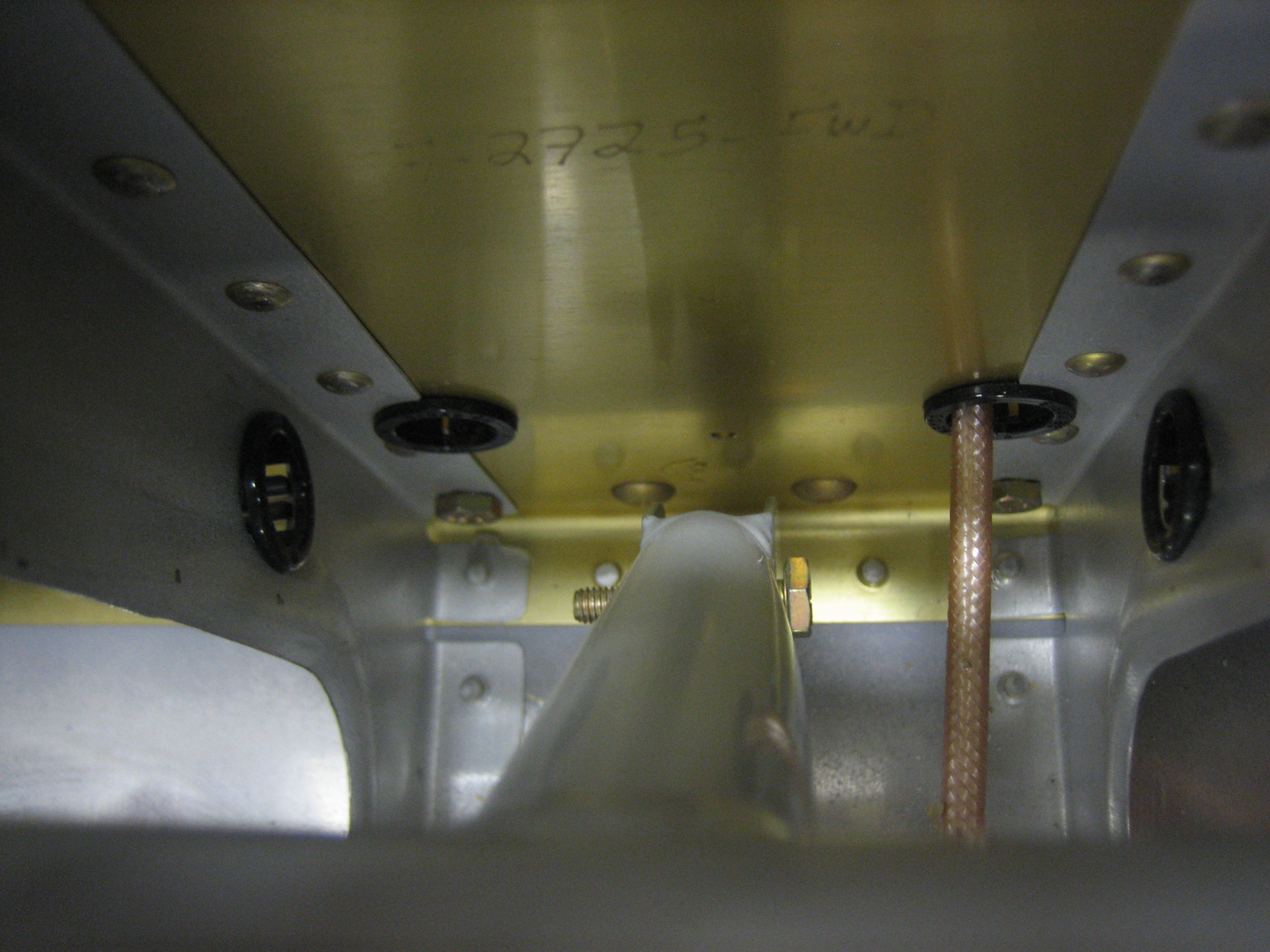
I was originally thinking I’d install the transponder and antenna under the passenger seat, but Dynon recommends at least 3′ of separation between the transponder and COM antennas.  Instead, I decided to mount the transponder behind the baggage wall underneath the pitch servo.  The transponder clips to a mounting bracket that is screwed to the center rib just in front of the shelf where I’ll mount the ELT.

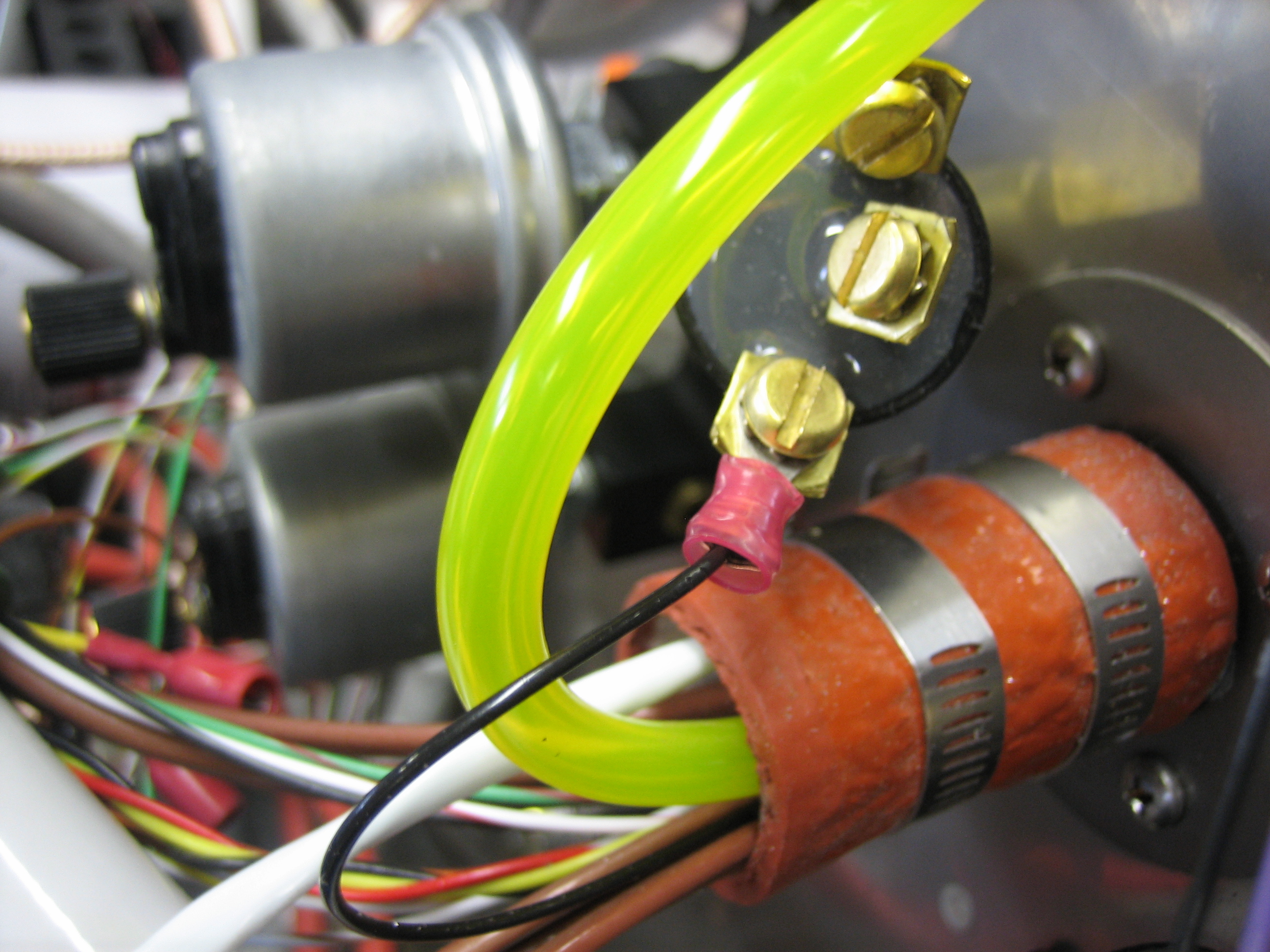
Now that the EMS is in its final position, I cut the oil and fuel pressure lines and added crimp ring terminals.

I also crimped the connectors on the manifold pressure sensor wires and installed it in the MAP sensor.

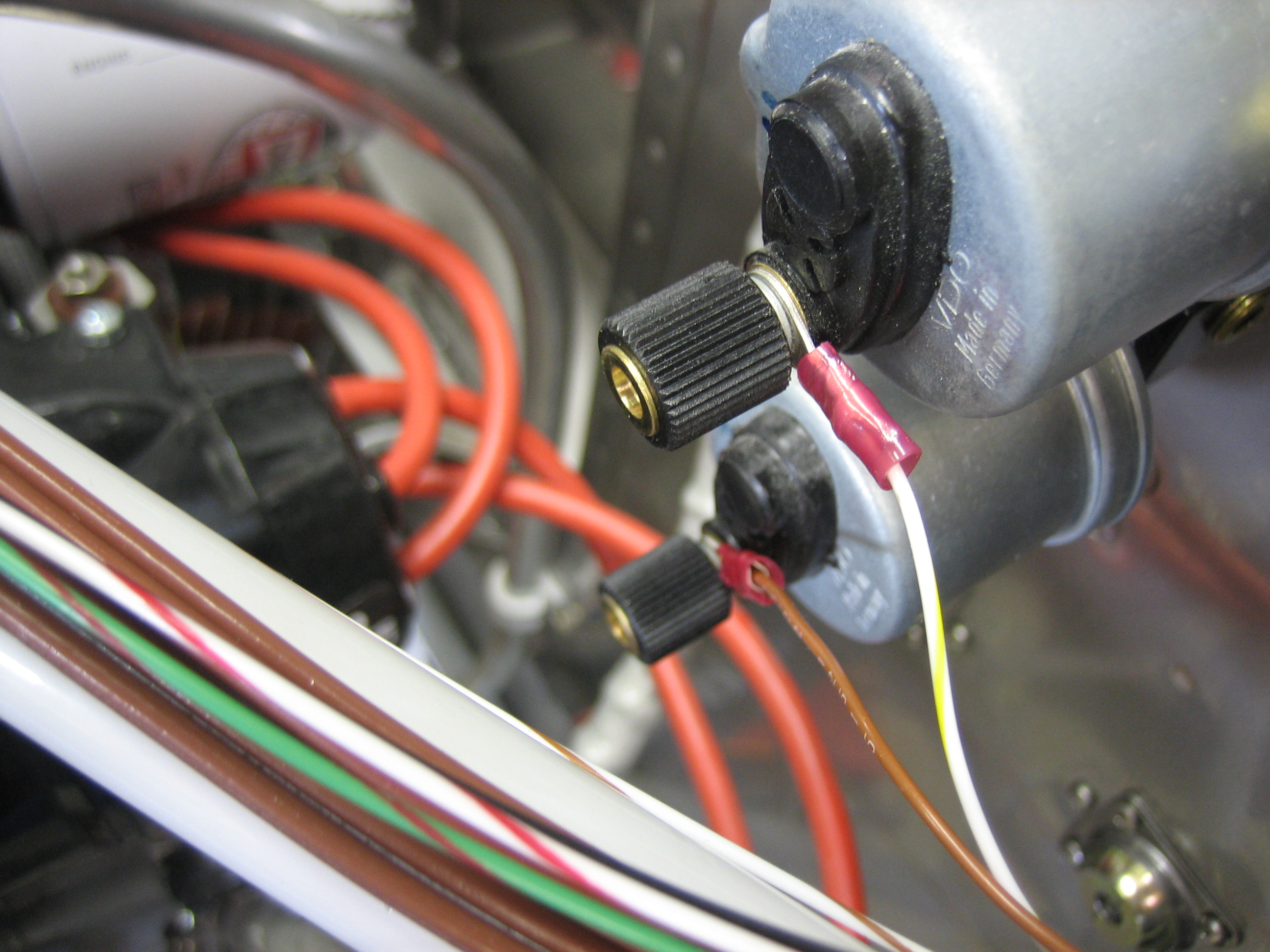
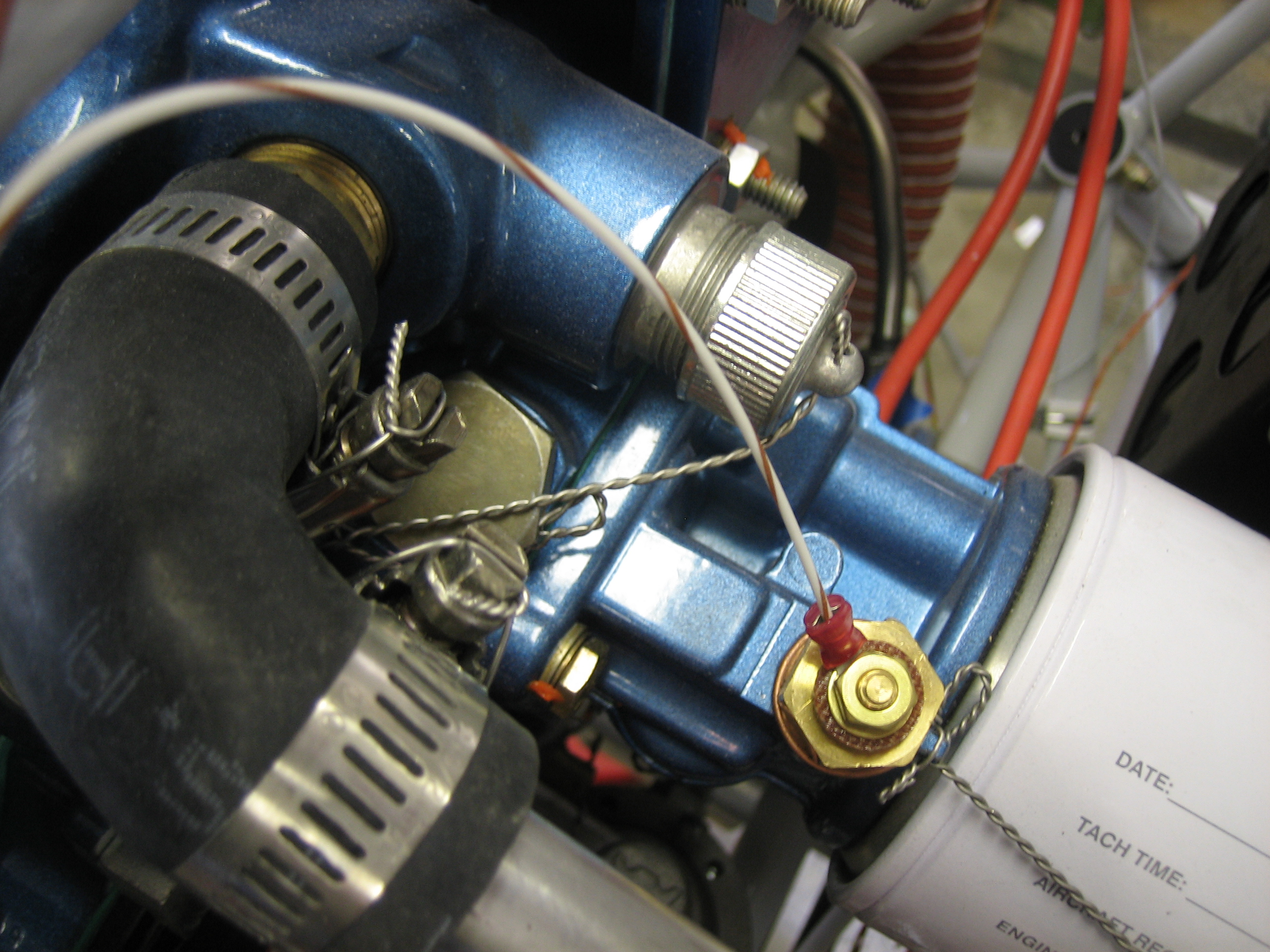
Lastly, I installed the sensor wire on the oil temperature sensor.

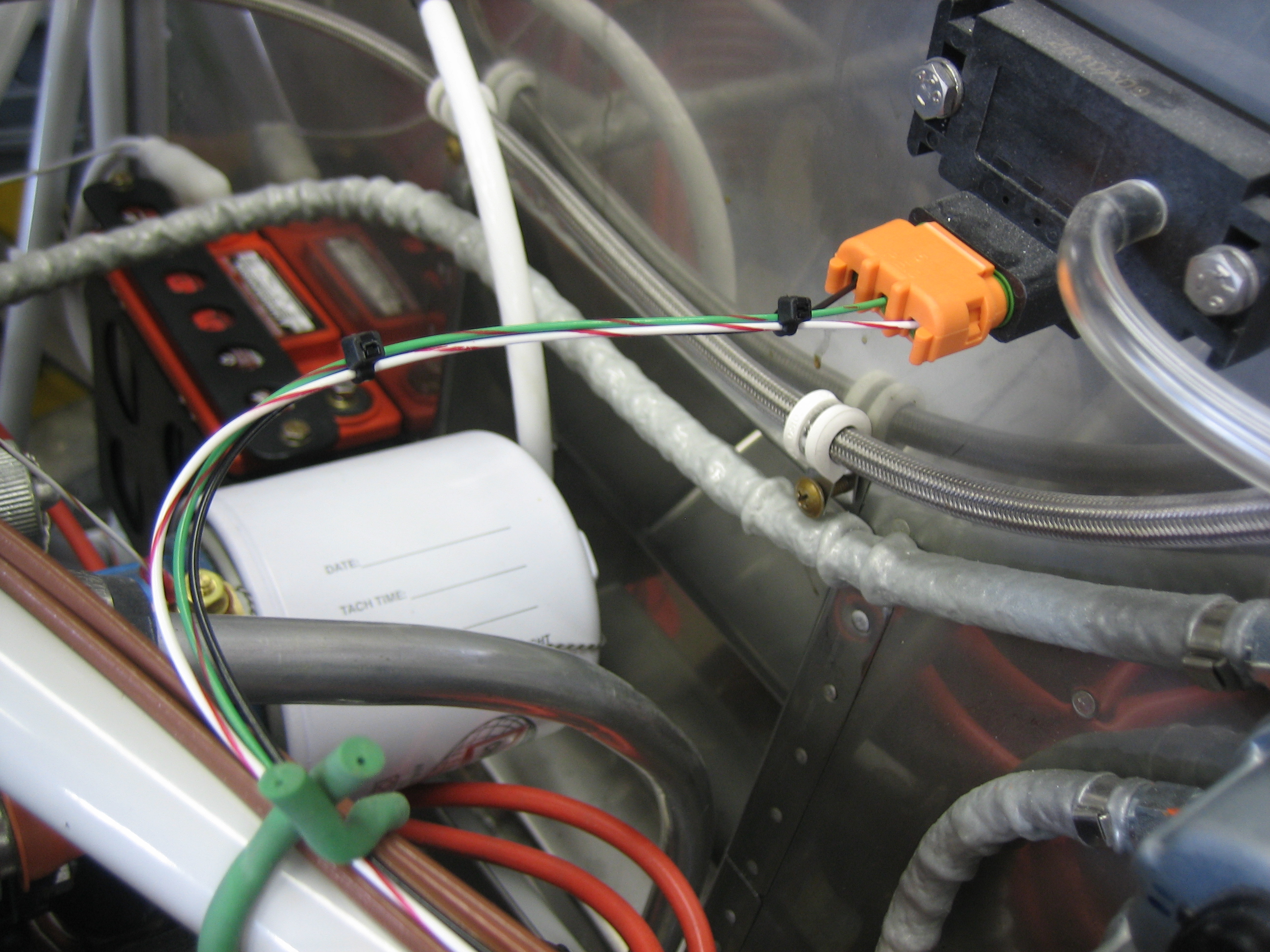
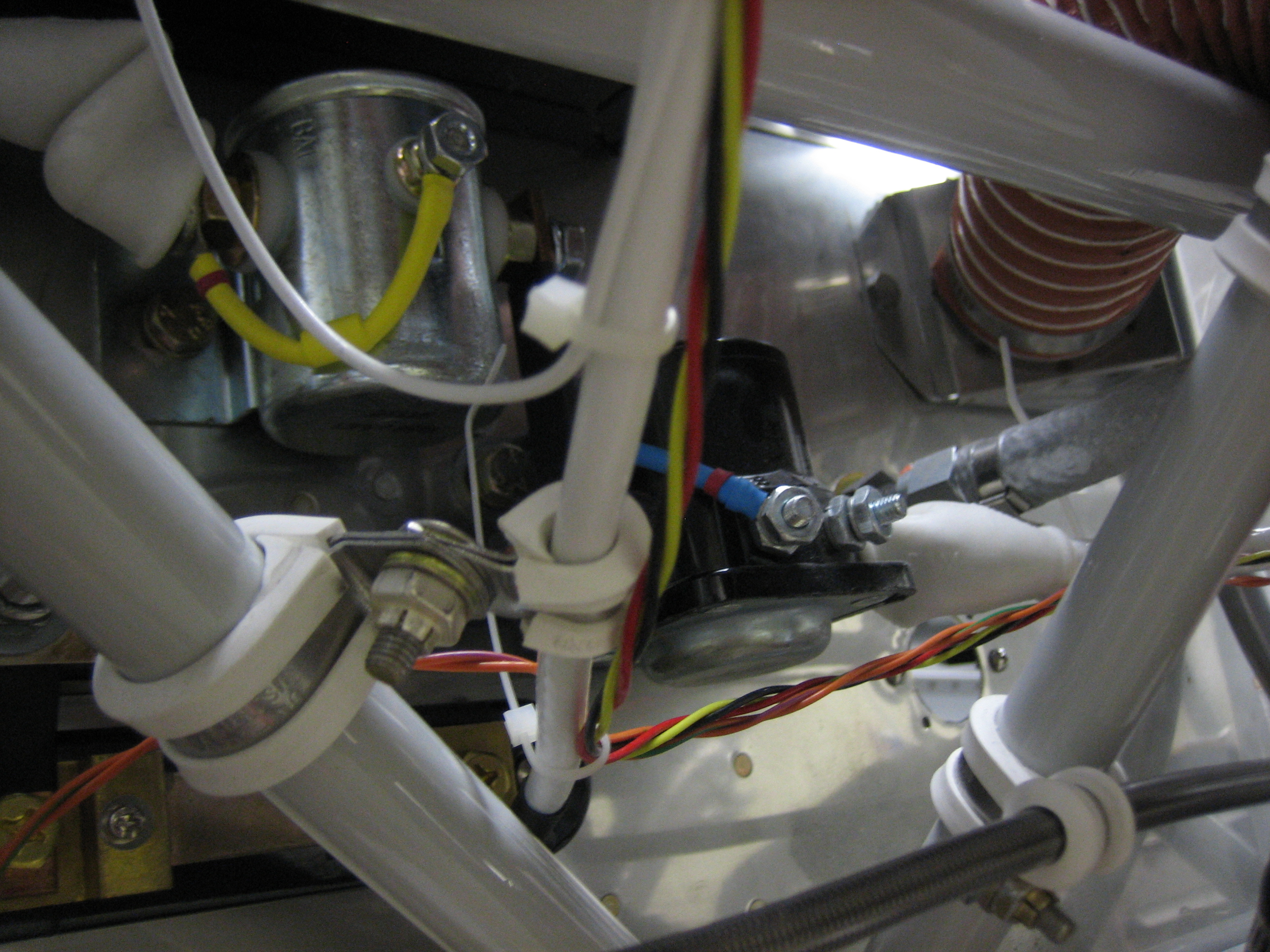
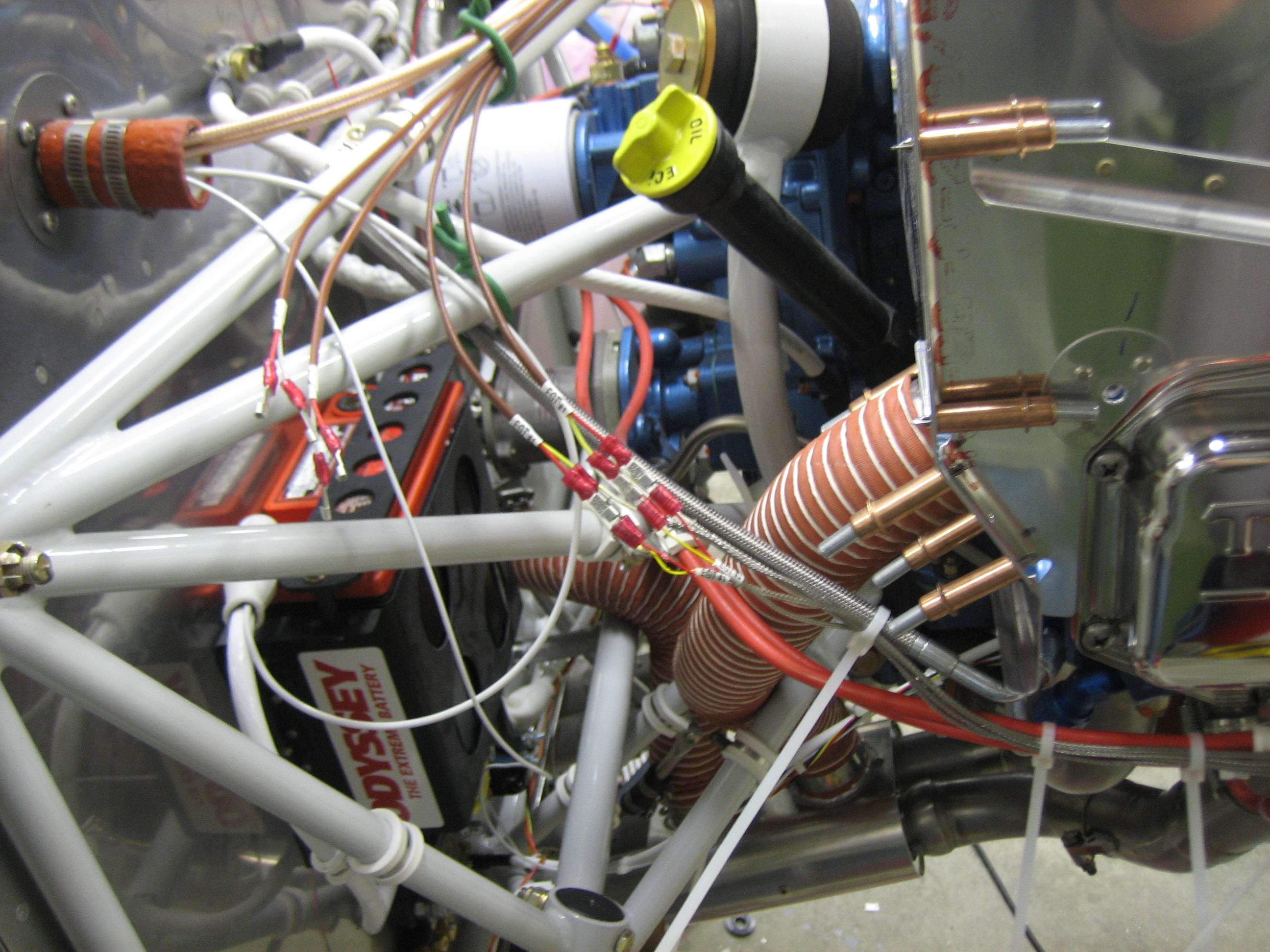
I played around with routing the shunt and fuel flow sensor wires over to the right side of the engine.  I decided to have them follow the Light Speed ignition sensor wire to where it mates up with the starter wire, then turn and follow that across the engine compartment.

Here you can see those wires follow the starter cable over to the connector.

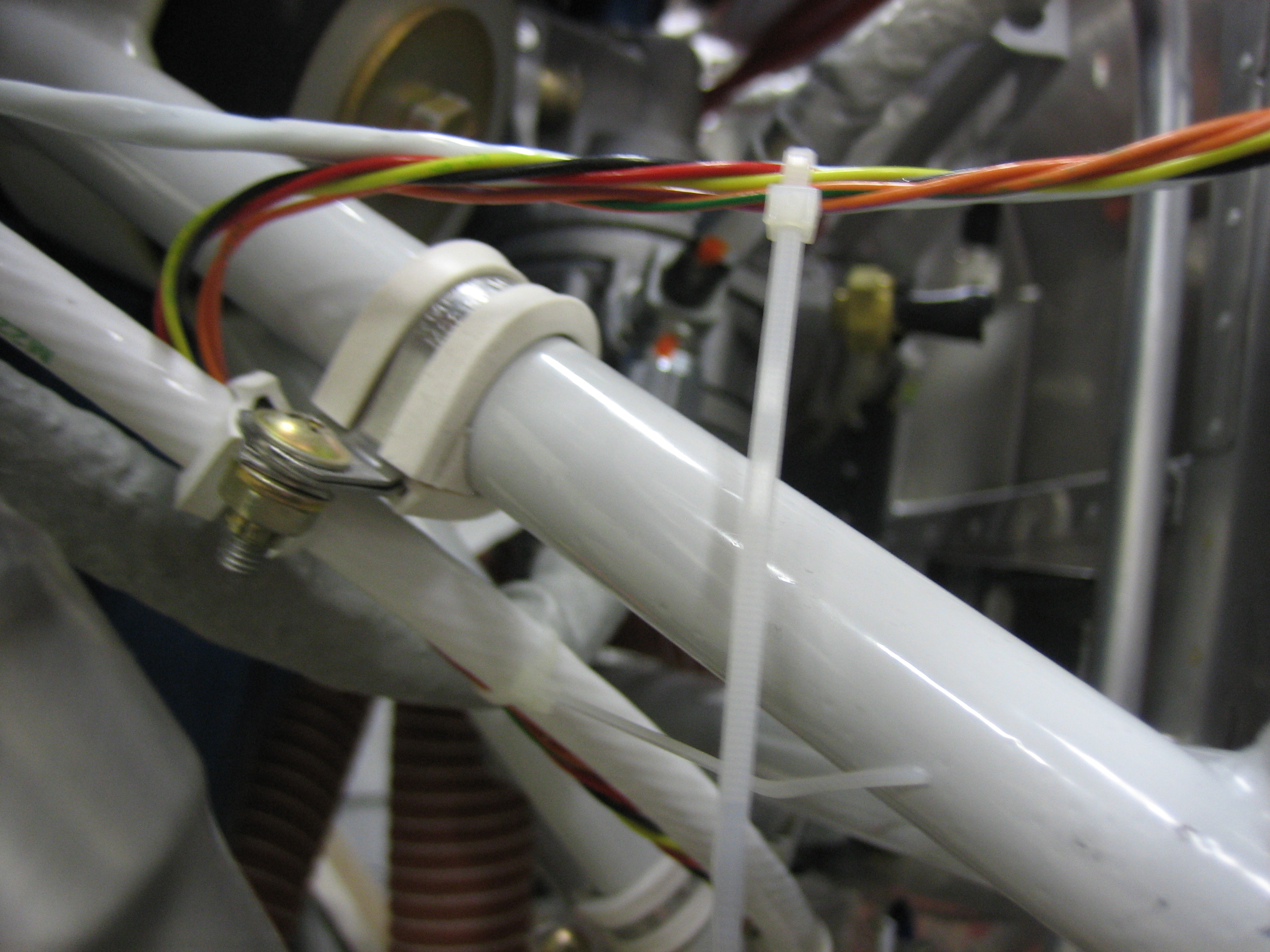
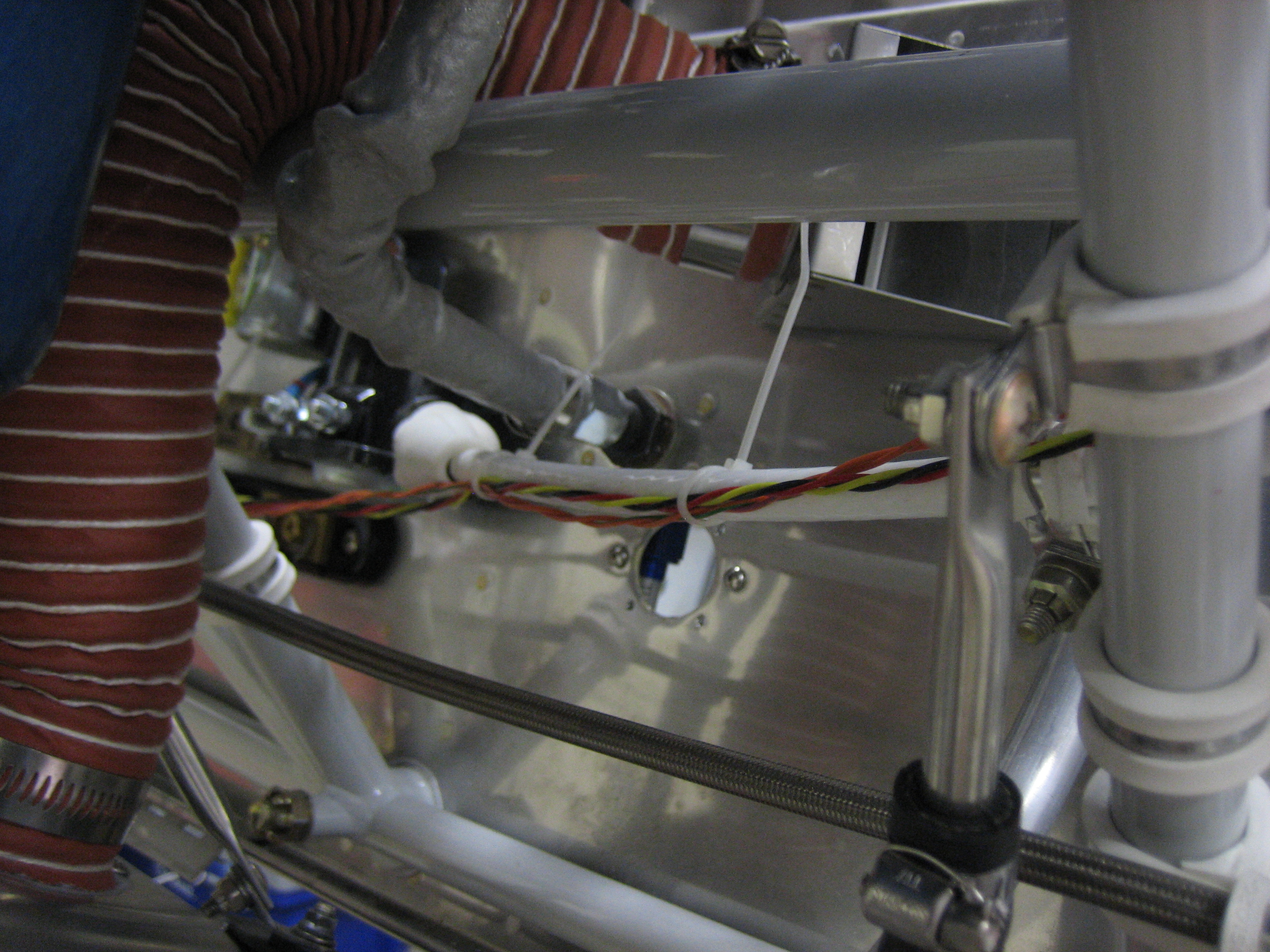
They then jump over to the alternator feed wire.  The shunt wires separate there and will connect to the shunt just behind the left tube here.  The fuel flow wires follow the alternator feed wire forward to where the fuel flow sensor will be mounted.

Misc Avionics Stuff

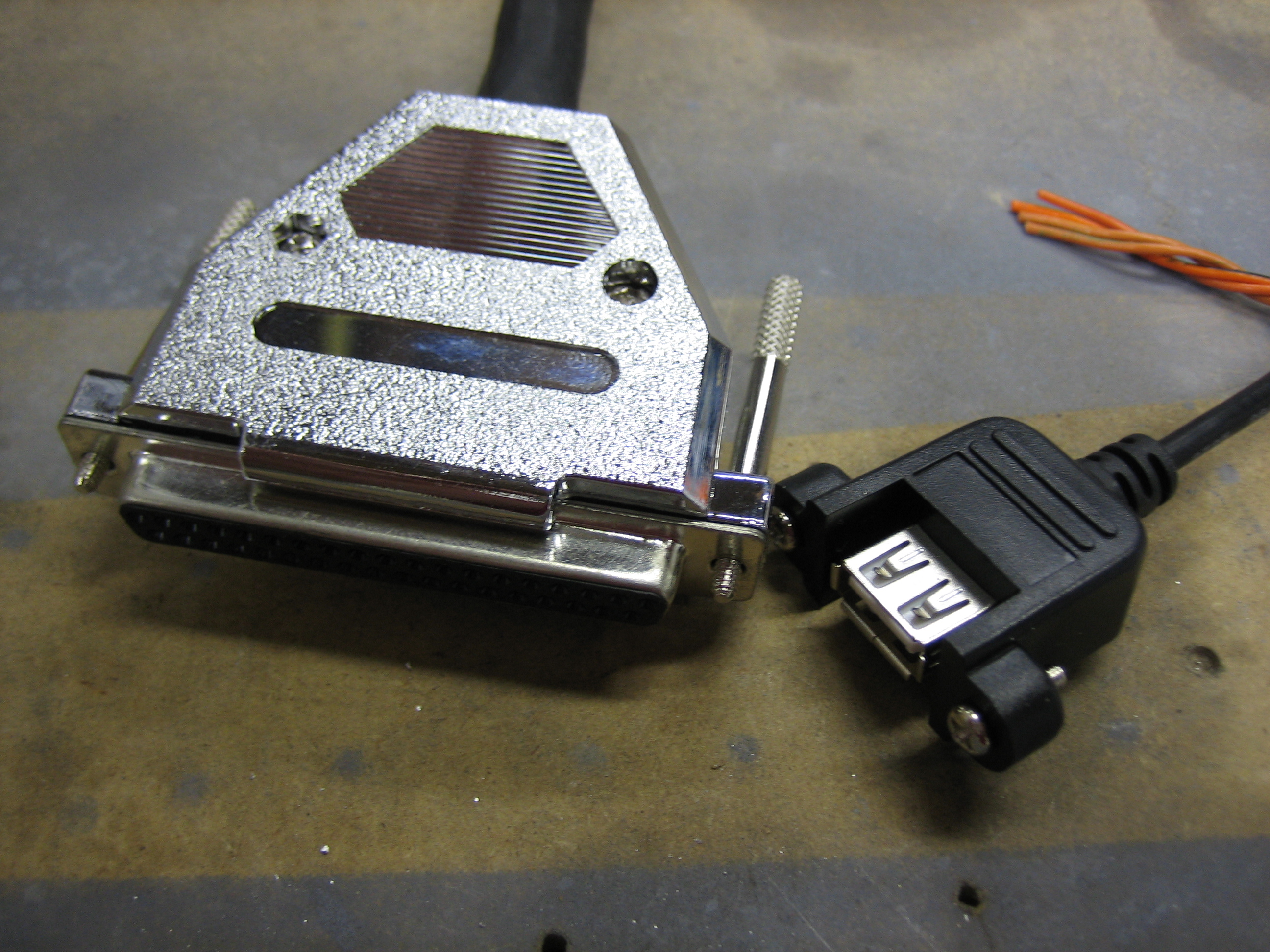
I opened the new SkyView Display Harness and installed the panel mount USB cable.

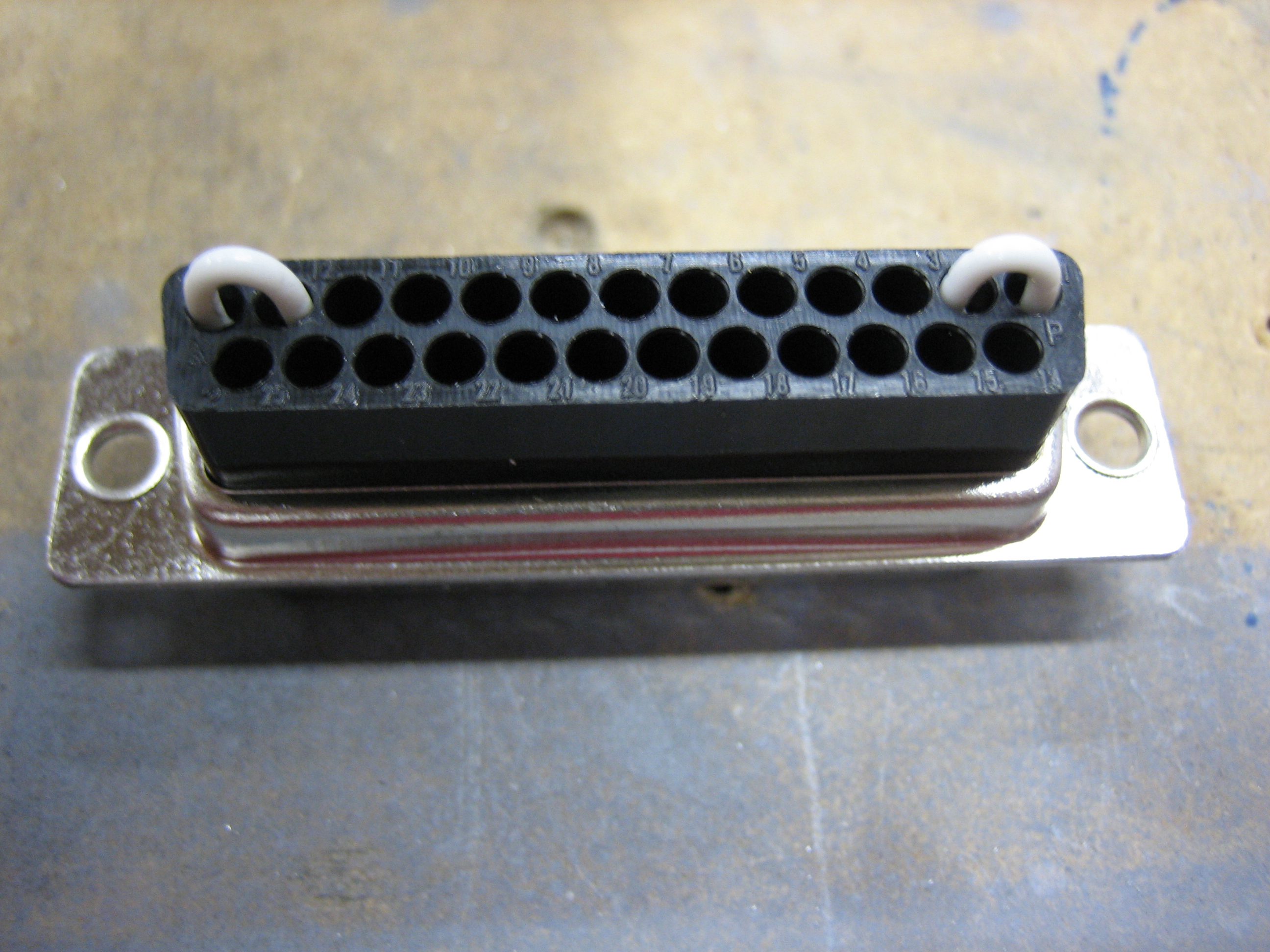
While looking at the wiring diagram for the transponder, I noticed that there were a couple of loopbacks, so I installed these using some 22AWG wire.

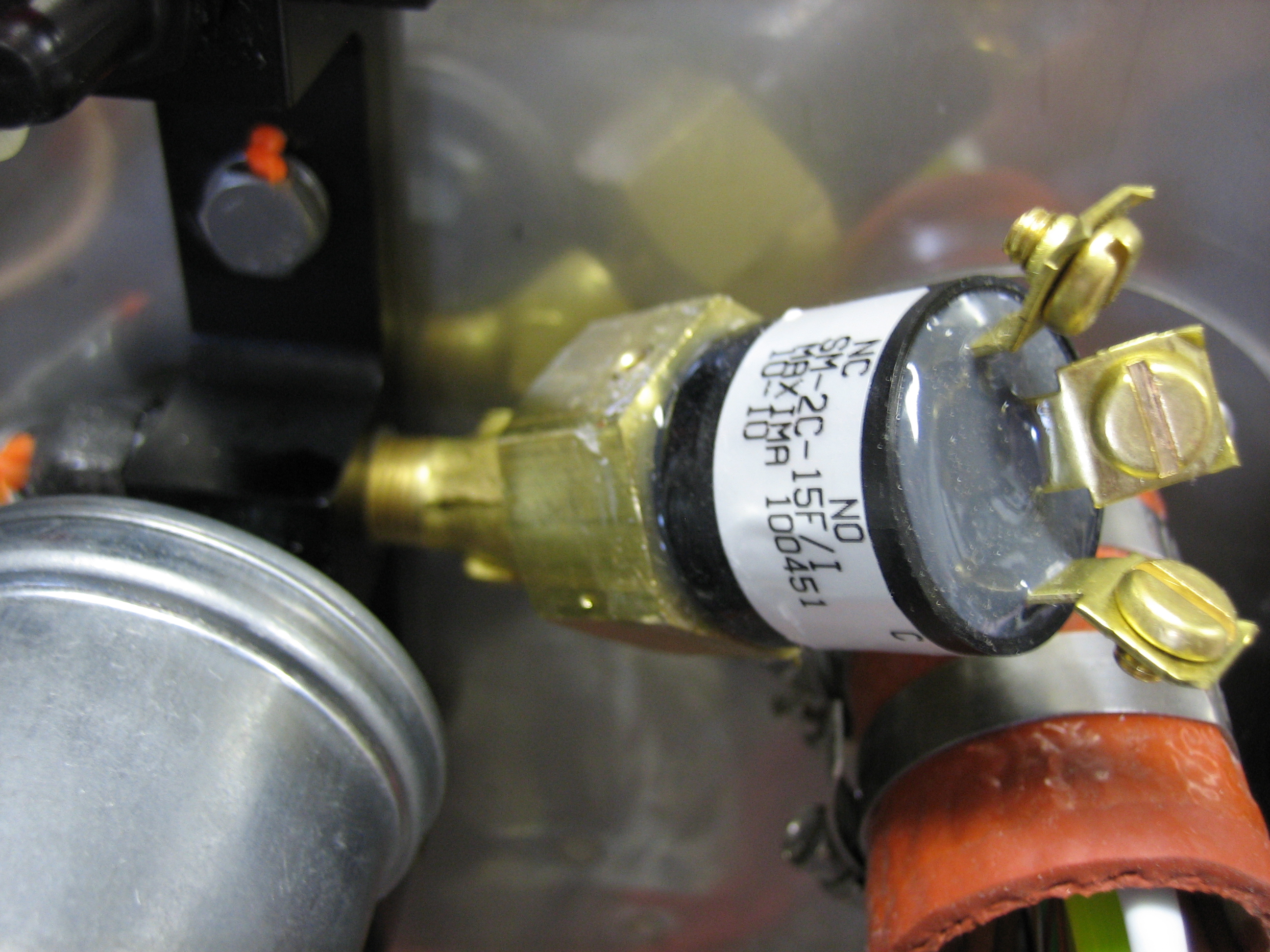
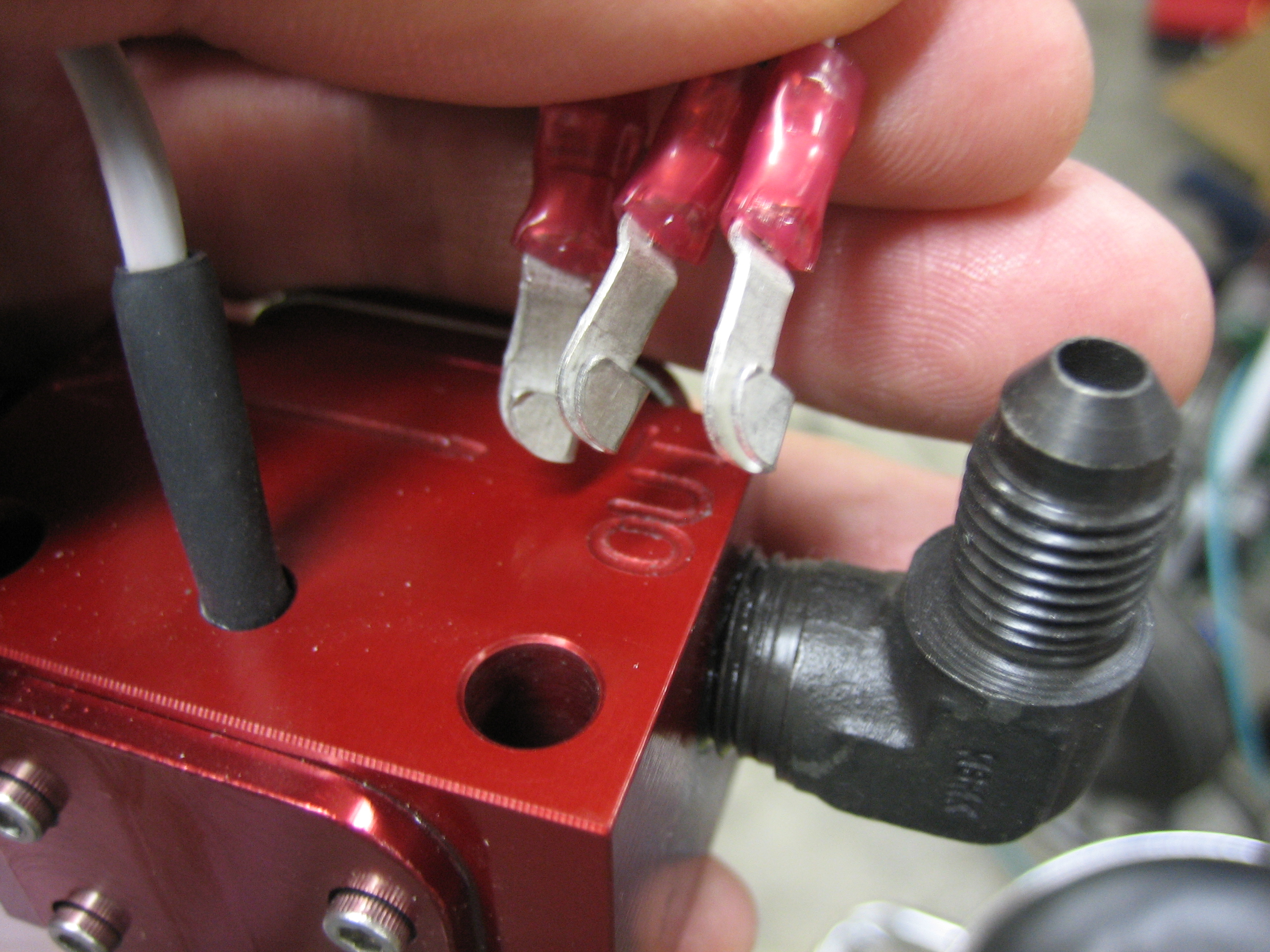
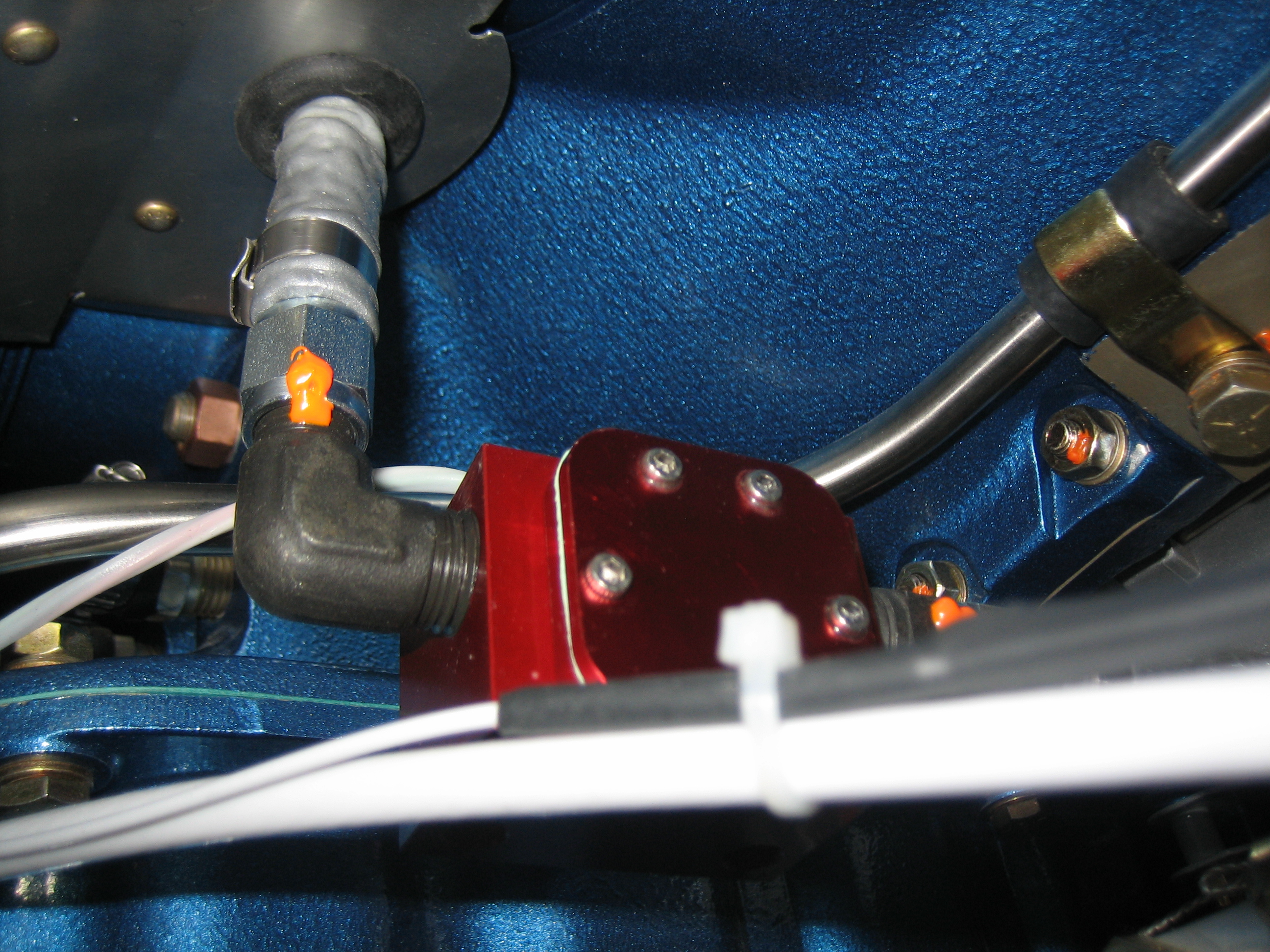
I also got an order from Van’s that included this pressure switch.  I installed it in the right port of the manifold using an AN915-1 elbow.  This will drive both the hobbs meter (connected to the NO pin) as well as one of the annunciator lights to indicate low oil pressure.

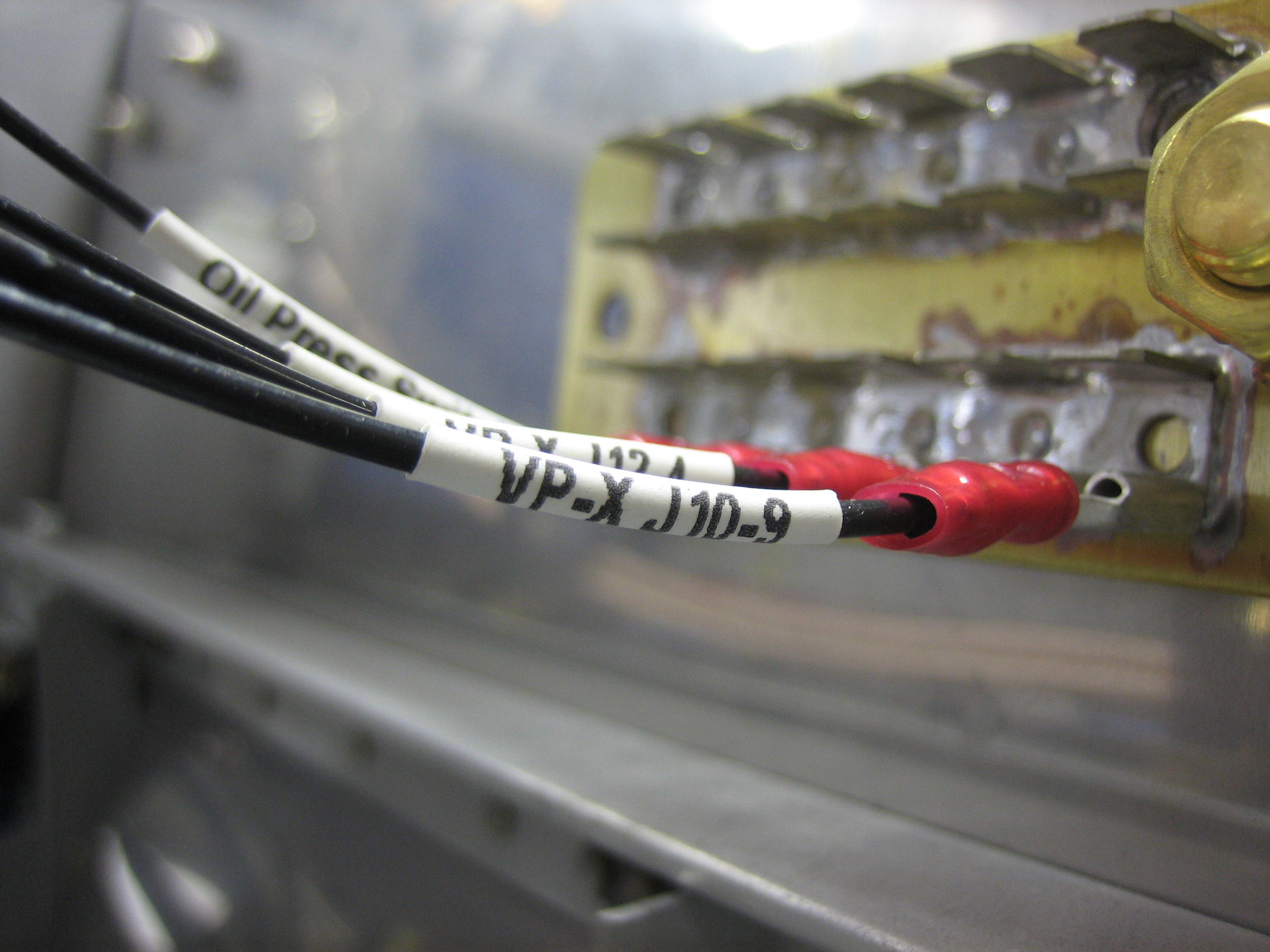
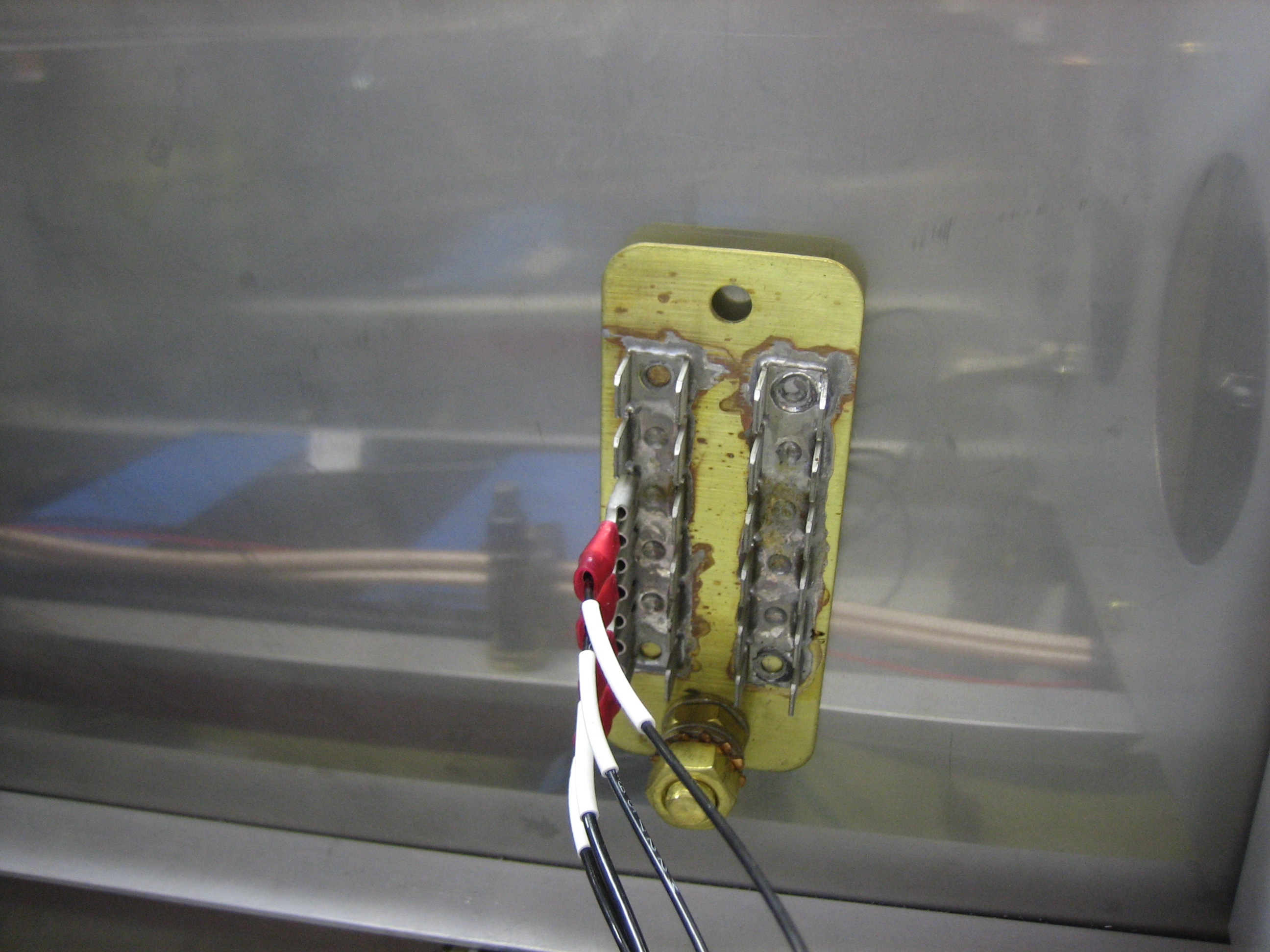
I went ahead and installed a wire to the ground pin.  Since I don’t have a ground block on the firewall side, I ran this through the pass through so I can connect it to the ground block on the cabin side.

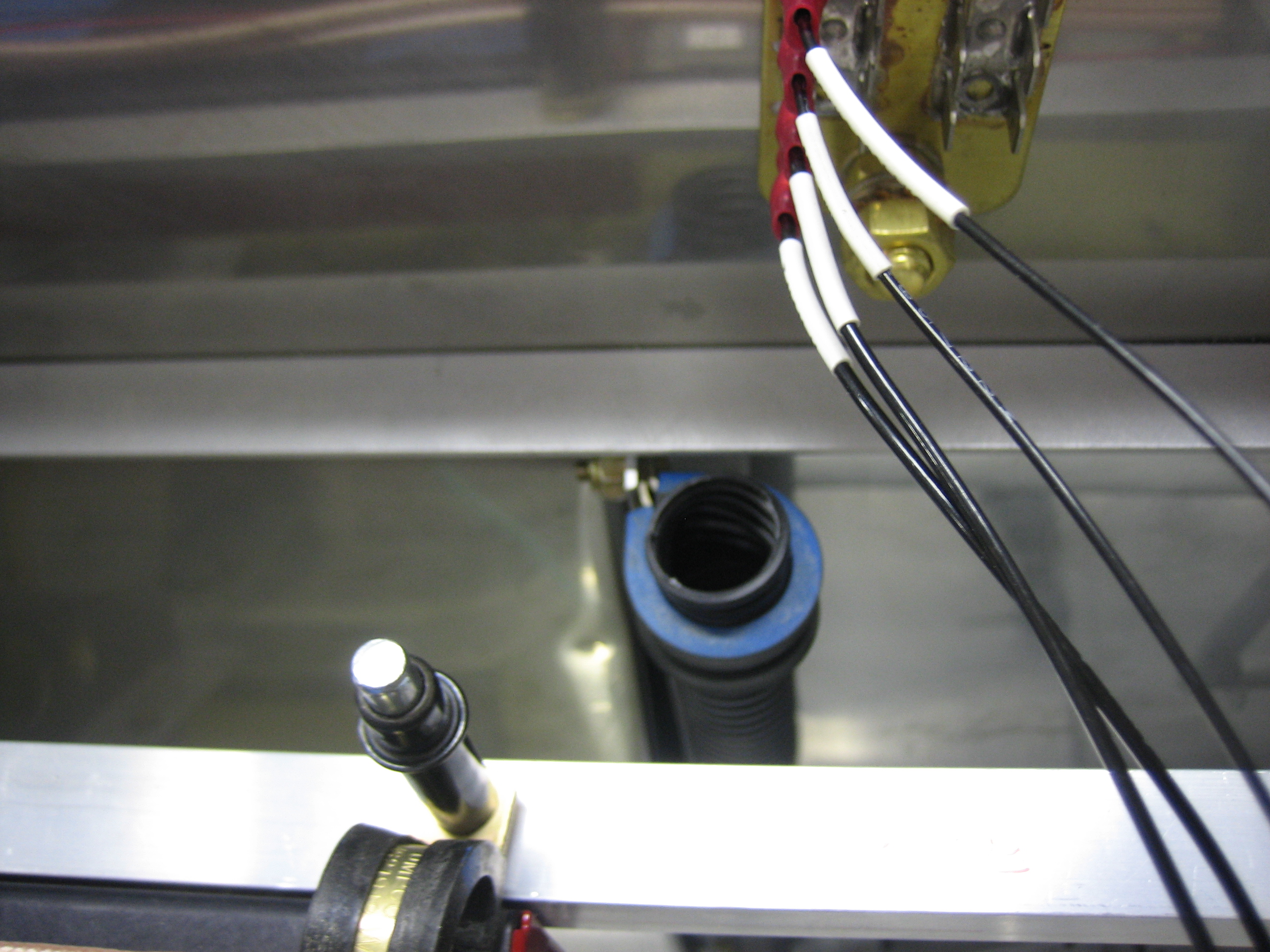
I decided to go ahead and label the ground wires.  The labels are facing downward since I’ll only be able to see this from below once the last skin goes on.

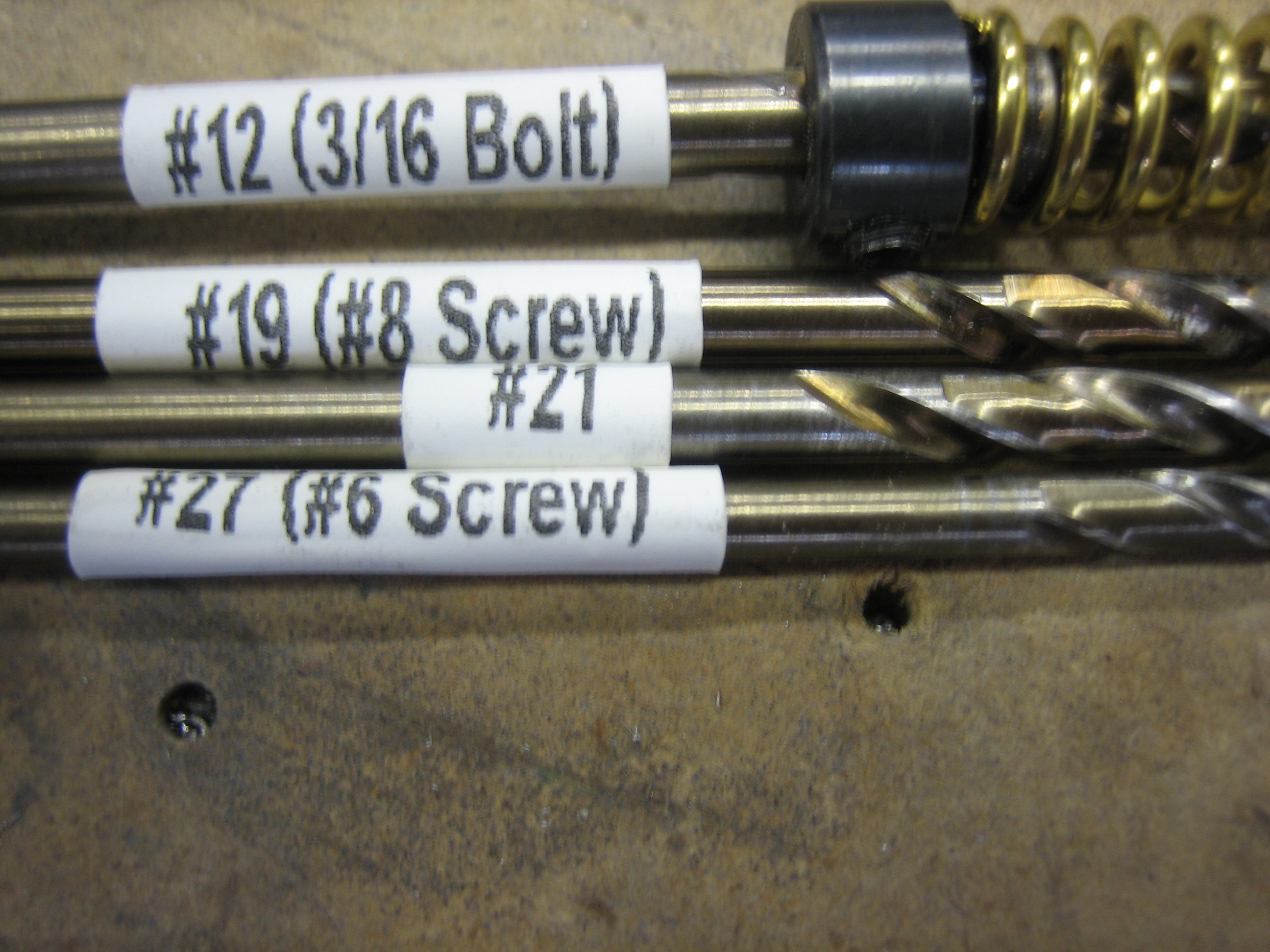
I have no idea why I didn’t think of this before.  Since I have a label maker that will print on heat shrink tubing, I printed up some labels for my drill bits.  Trying to read these numbers on the bits themselves has become quite a pain.  You can also see that I put the screw/bolt size on the label as well so I don’t have to look these up on a drill guide.

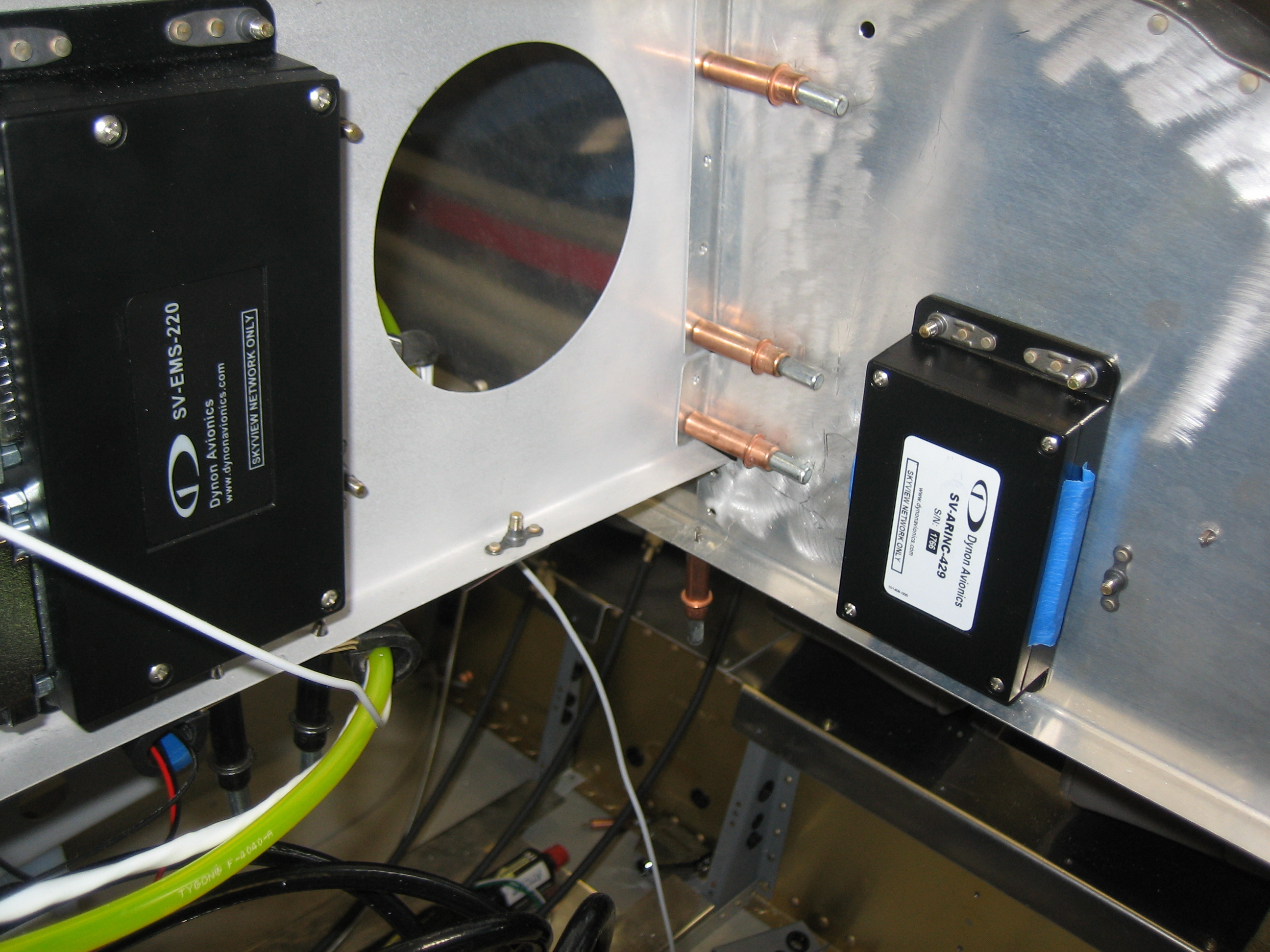
I installed the ARINC-429 module on the front side of the subpanel on the pilot’s side.

I installed the backup battery for the left display on the back side of the subpanel.  Batteries have to be replaced from time to time, so I wanted these to be fairly easy to access.  With the tipup canopy open, these are easily accessible.

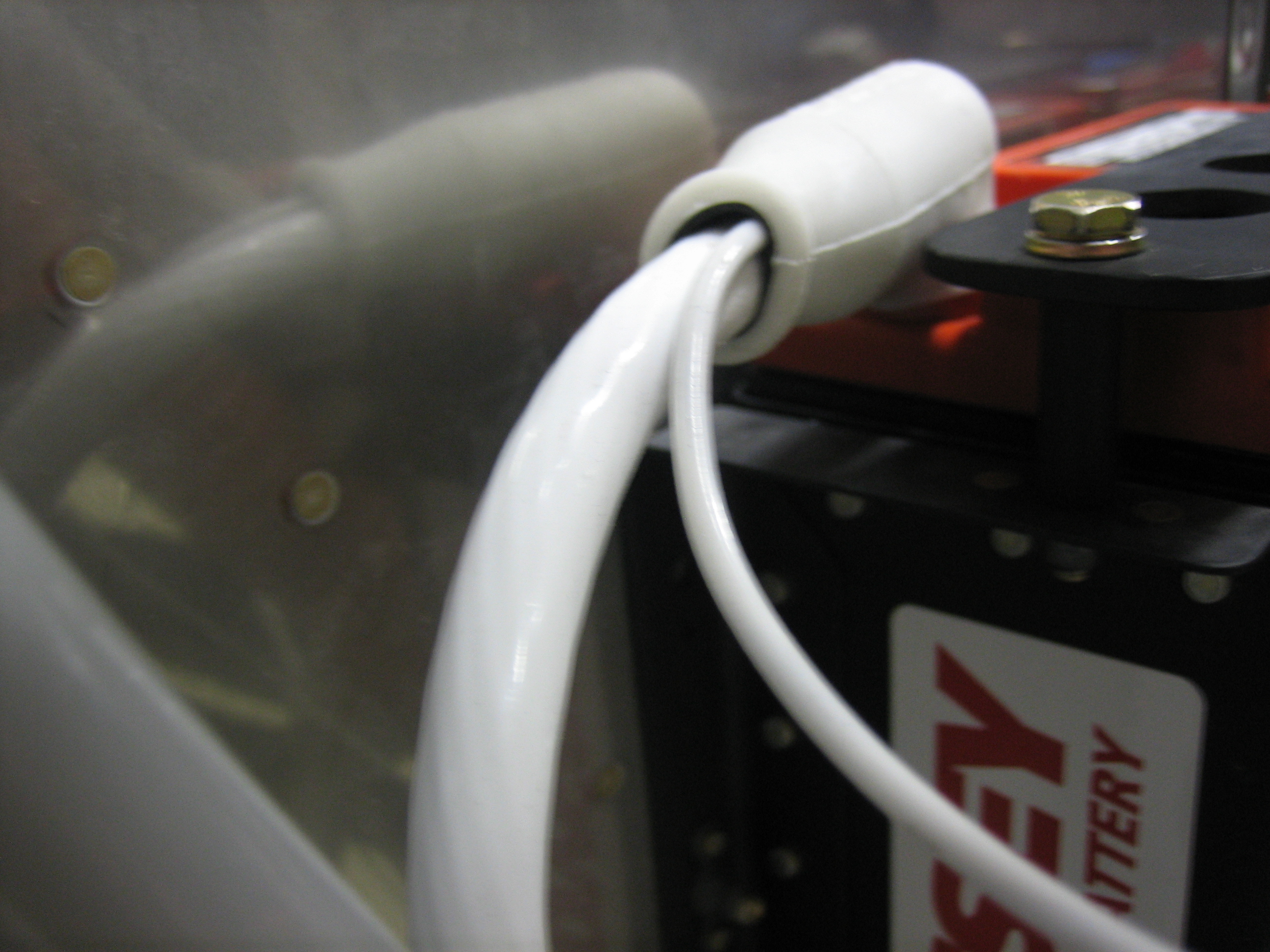
I also put a new terminal on the battery positive cable with a 12AWG wire for the battery bus.

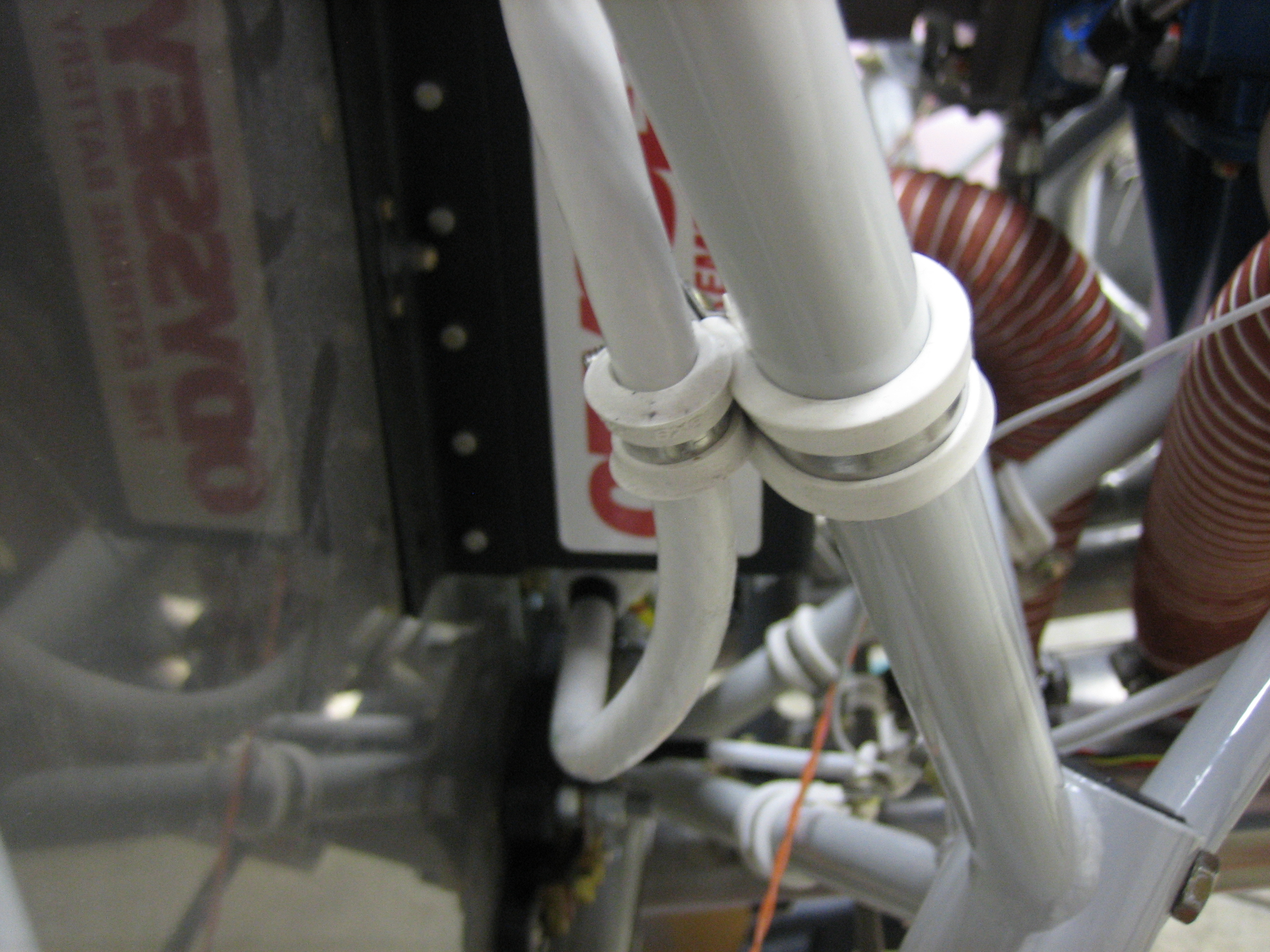
I also installed a couple of adel clamps to tie the battery positive cable to the engine mount.  Without this, the terminals would have to carry all of the weight of this cable (and it can weight quite a bit when I’m pulling 6Gs).

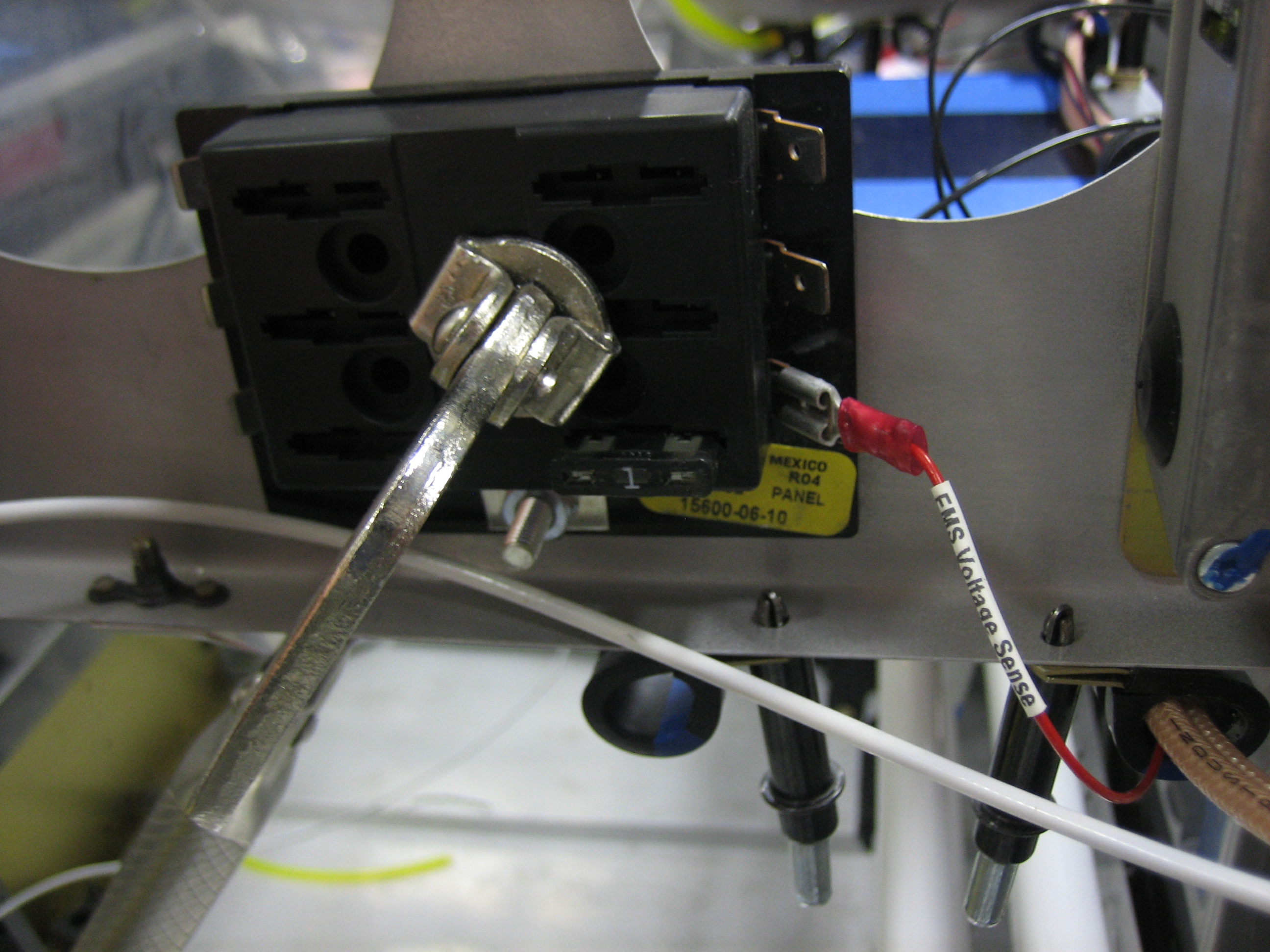
The battery bus cable comes through the pass-through and will connect to the battery bus via the bolt on the bottom.

Installed Fuel Flow Sensor and Worked on EGT/CHT Wiring

I removed the fast-on tabs from the wires on the fuel flow sensor and installed some knife connectors.

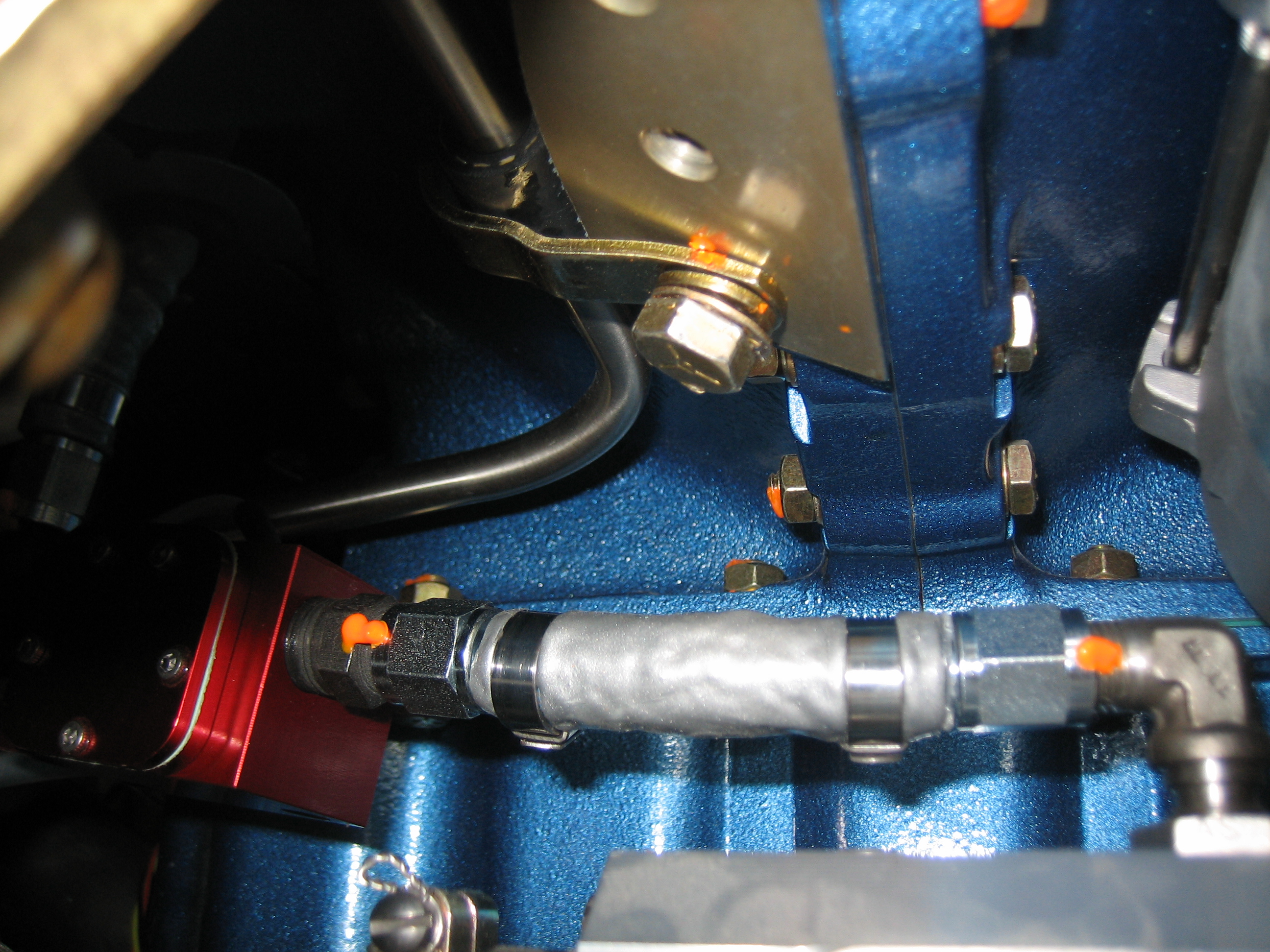
I then installed the short fuel line between the fuel servo and the fuel flow sensor.  If you want to duplicate my setup, you’ll need a 2.75″ seat-to-seat hose with 1/4″ straight-to-straight connectors and firesleeve.

The output side of the sensor has an identical fuel line, but 9.75″ seat-to-seat.  It’s a little hard to tell from this picture, but there’s quite a lot of clearance all around the sensor.  It’s only about 3″ from the #1 exhaust pipe though.  The alternator wire is a little closer even.  I’ll put a long heat shield along this section of the exhaust pipe to reduce radiated heat to these components.

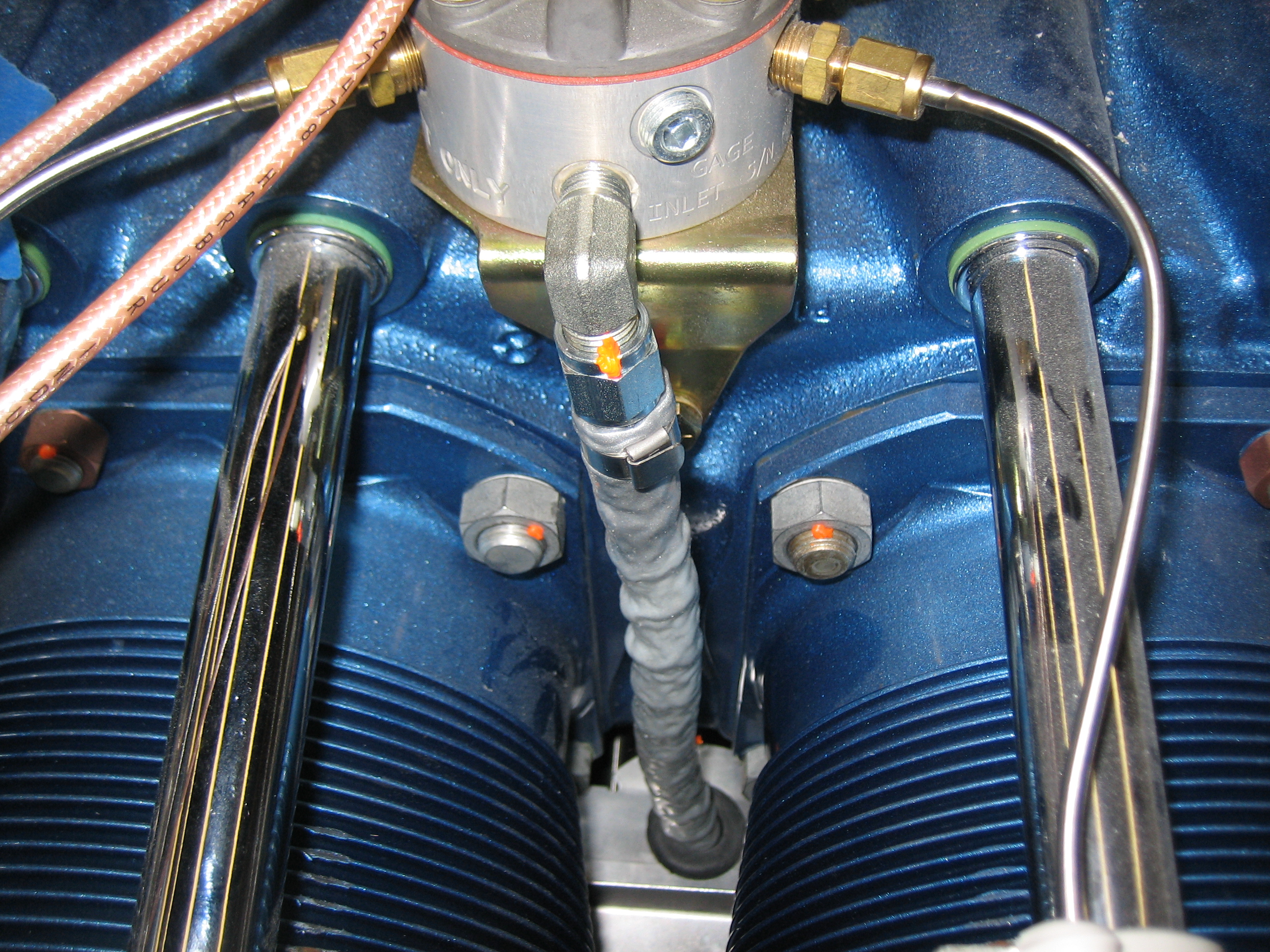
Here you can see how the fuel hose makes a straight run up to the spider from there.

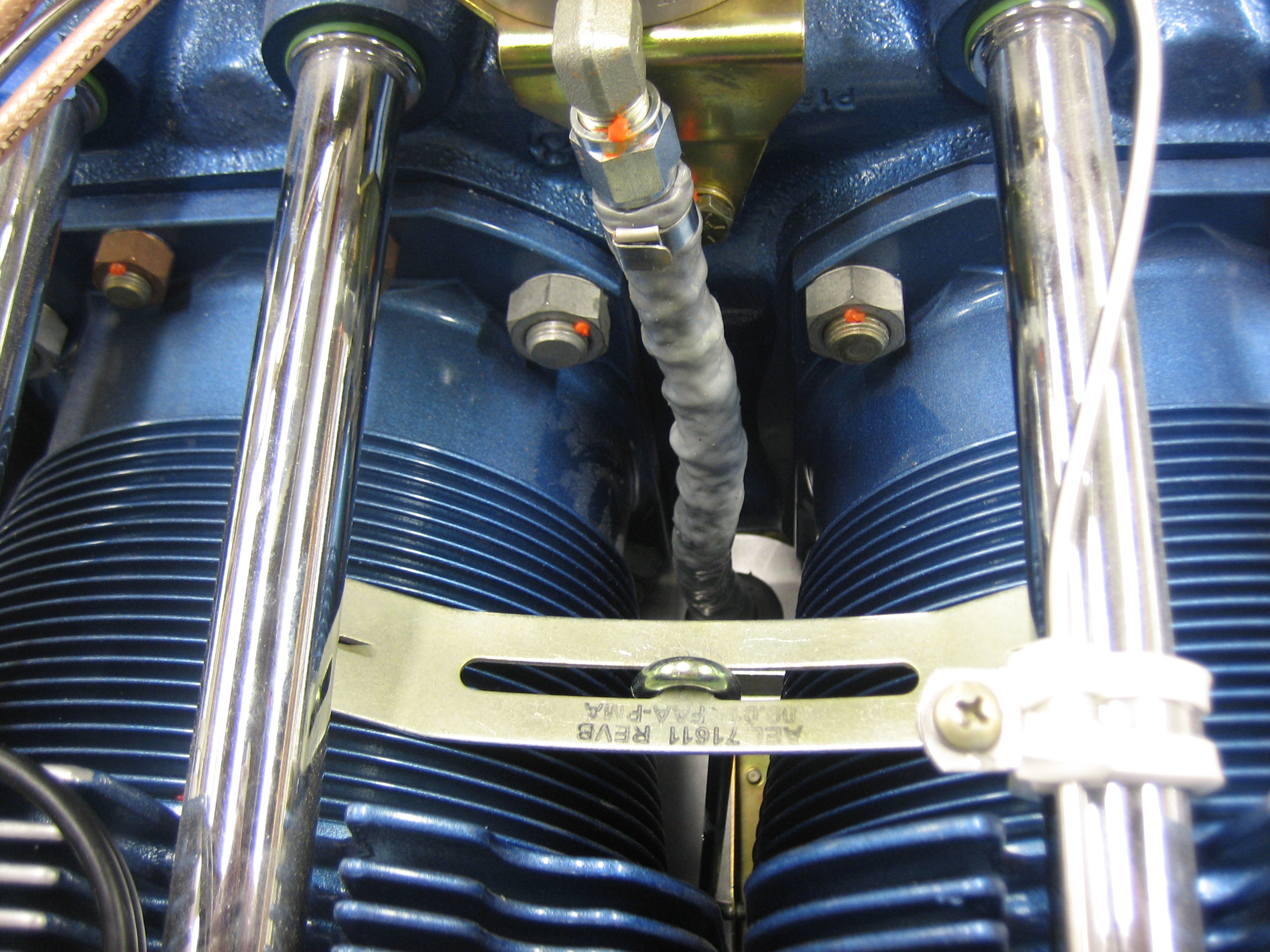
I then reinstalled the inter-cylinder baffle retaining clamp (which was a pain in the ass).

I’m also using the knife connectors to connect the EGT/CHT wires to the EMS harness.  I got through part of the connectors on the right side tonight.

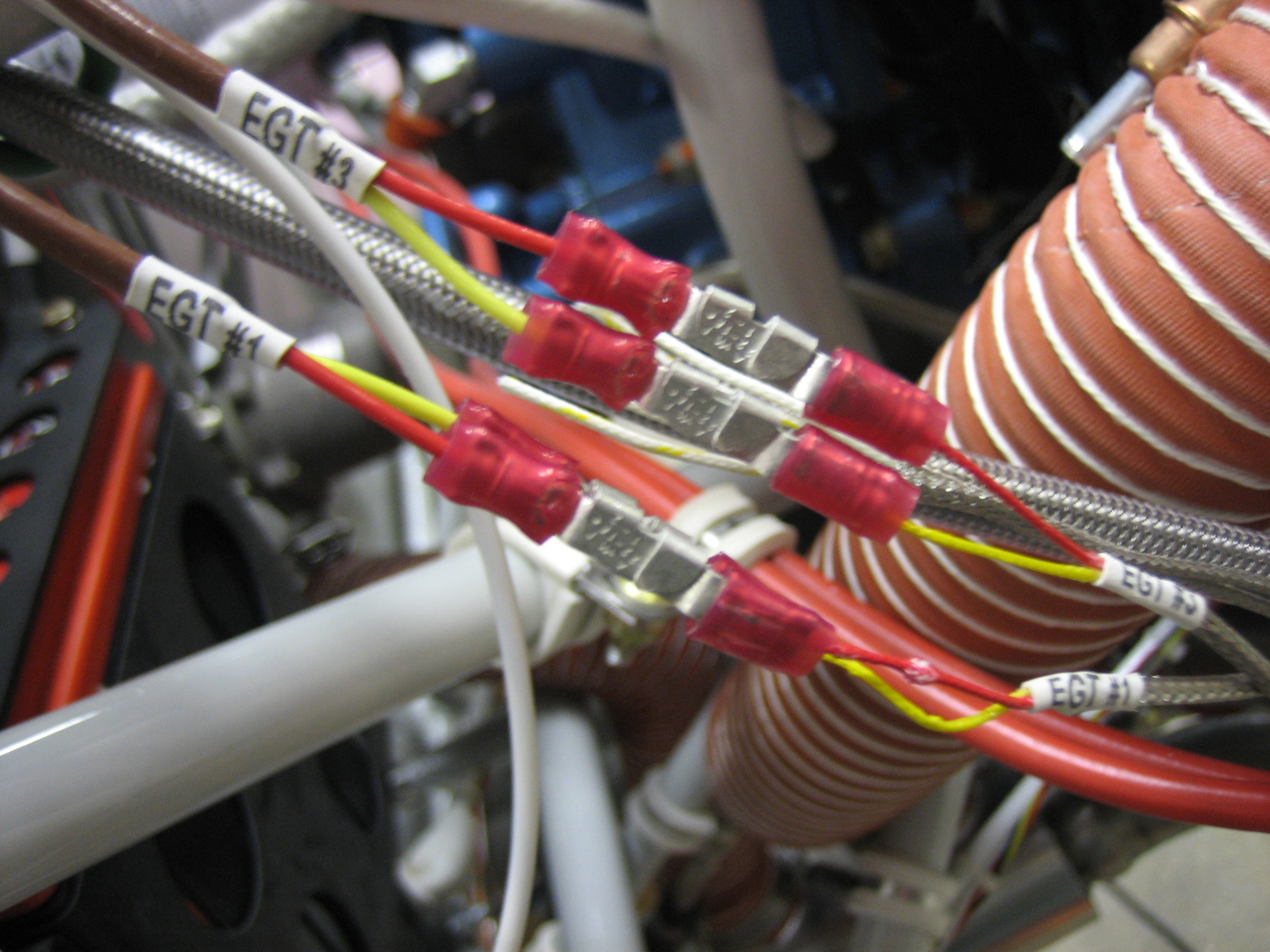
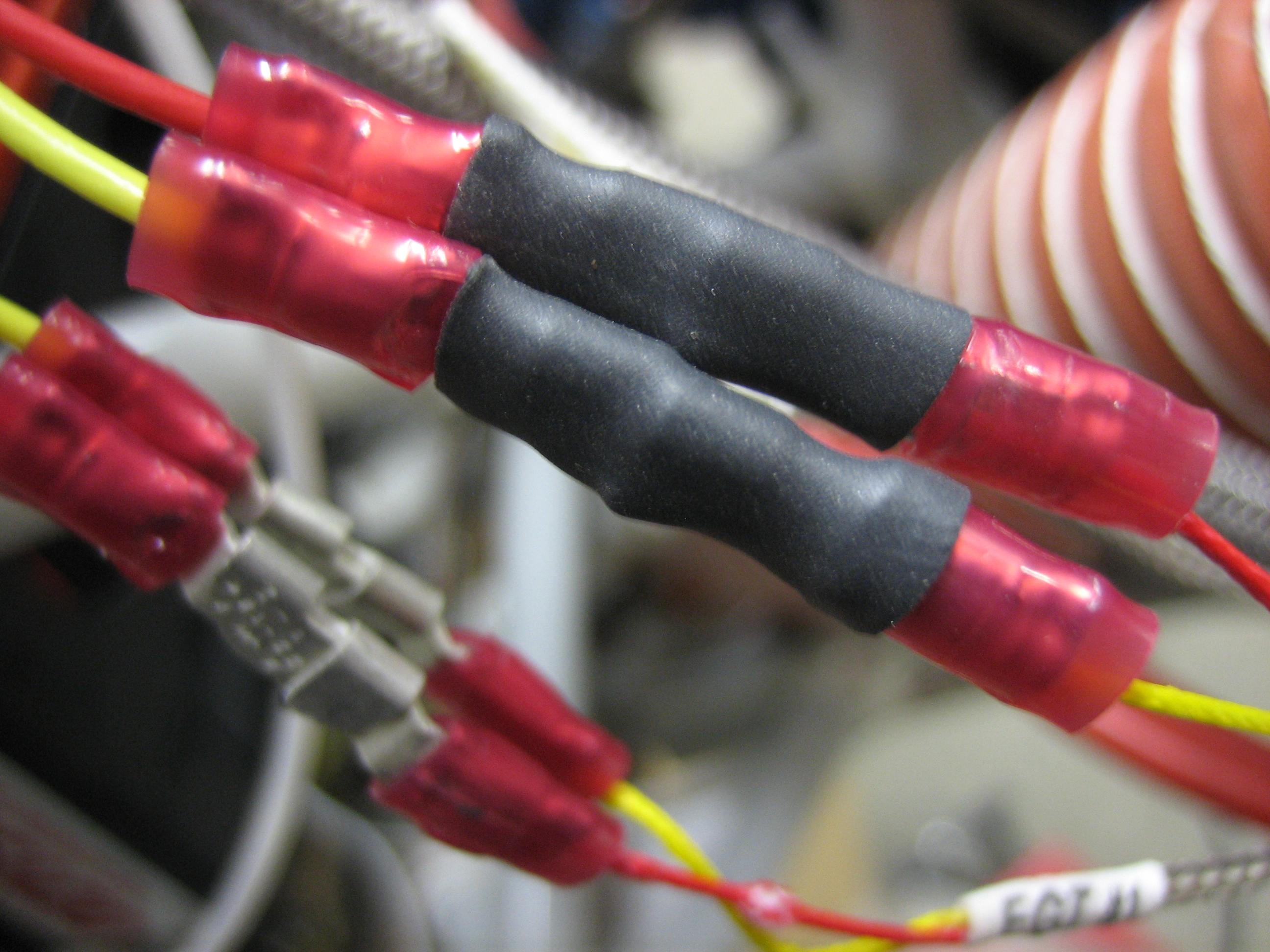
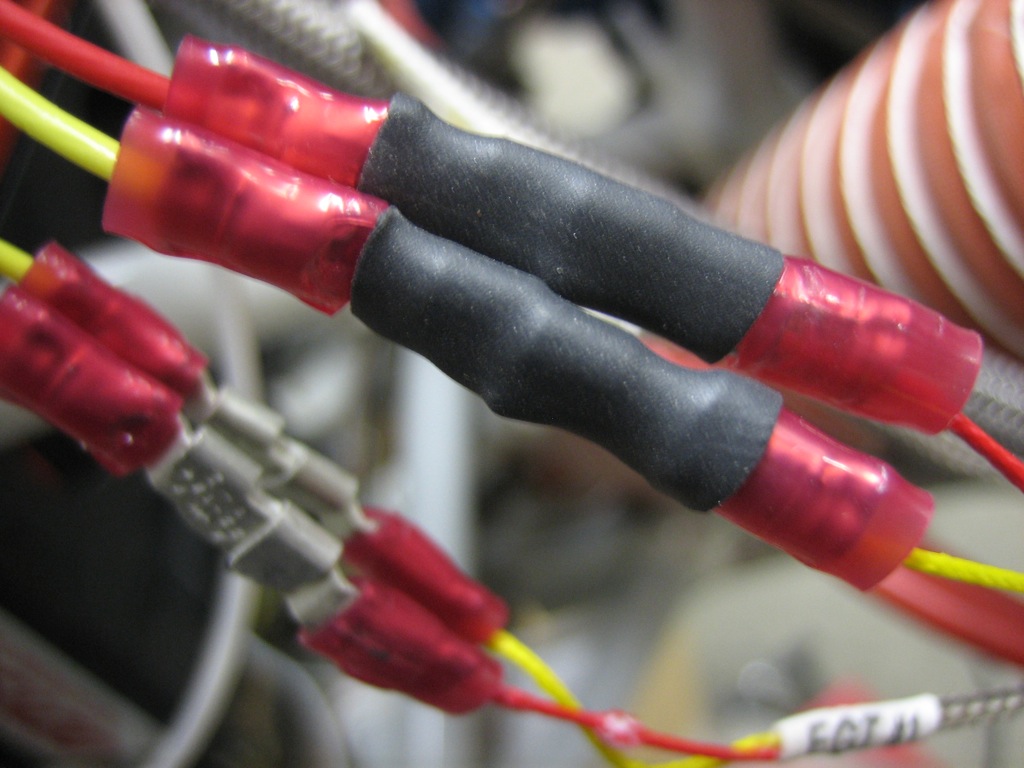
Here’s a closeup of the #1 and #3 EGT connections.

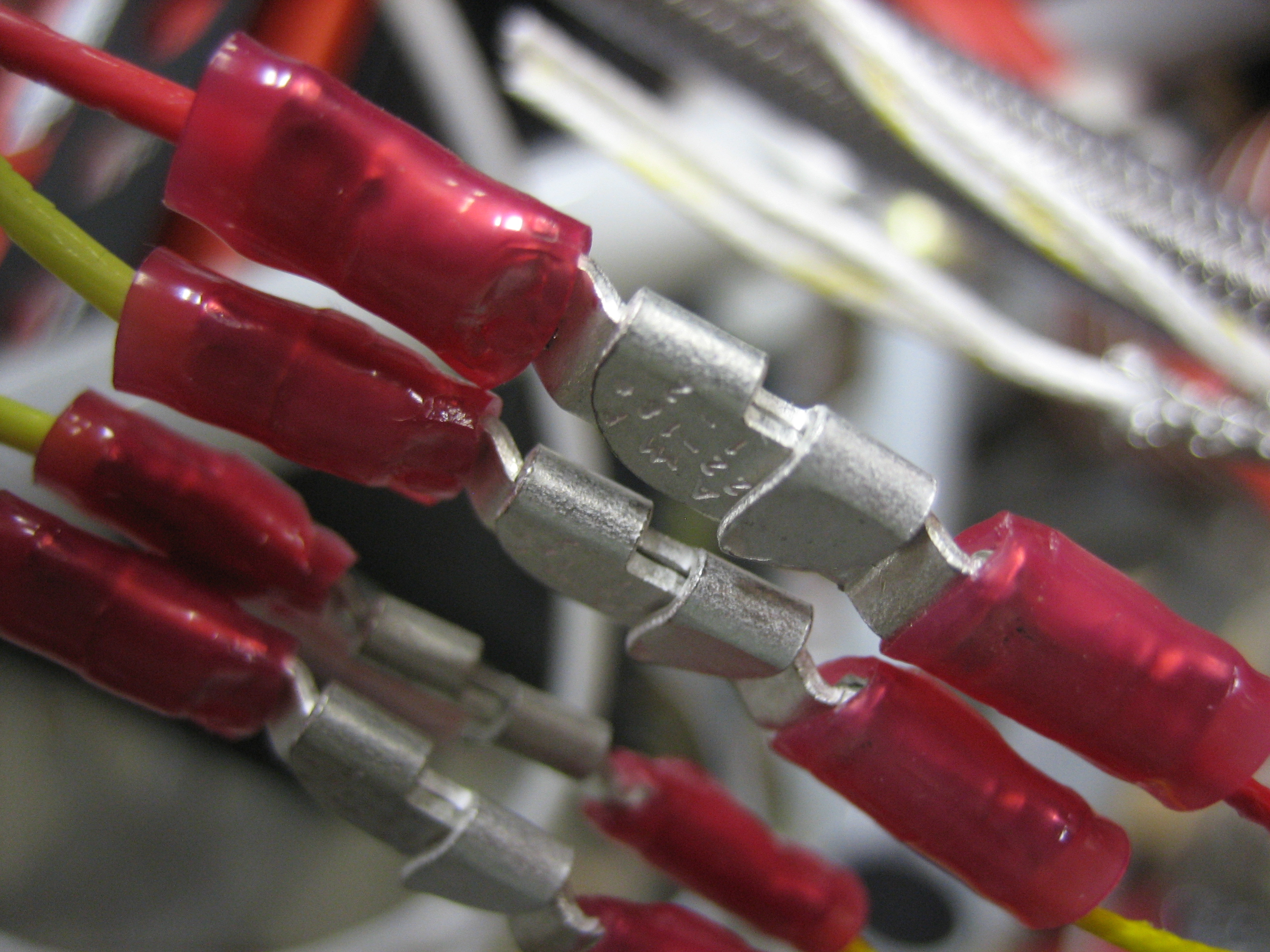
The knife connectors interlock and form a connection that can’t vibrate apart even under tension.  I’ll put sections of heat shrink over all of these connections before finishing off the wiring bundle.

EGT/CHT Wiring and Firewall Conduit

Since the knife splices aren’t insulated where they connect, I slipped a piece of heat shrink over each connection.
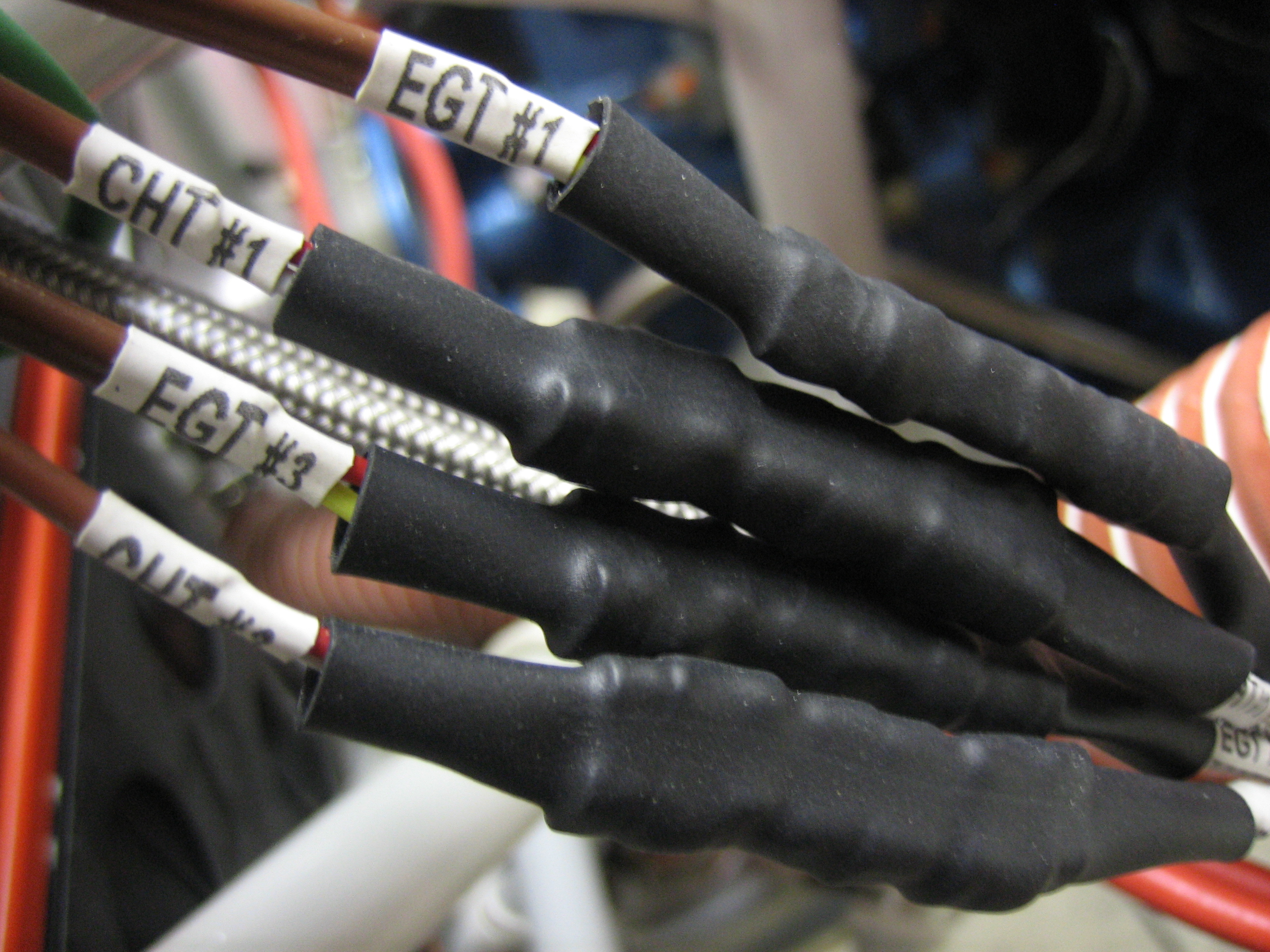
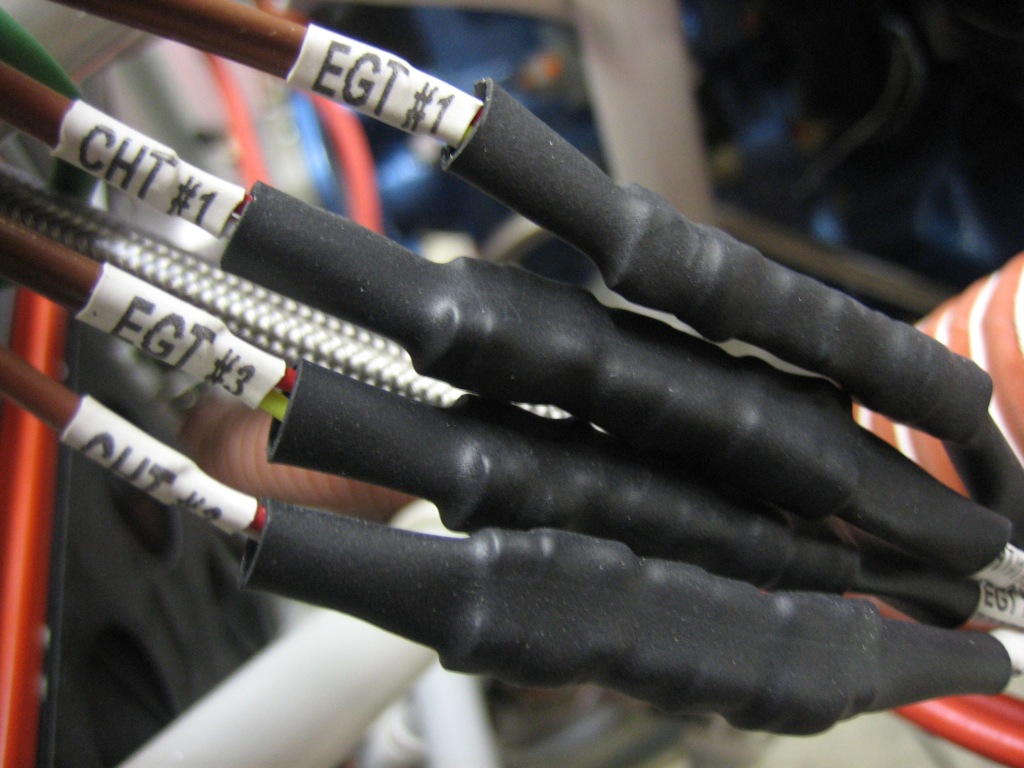
I then put larger pieces of heat shrink over each pair to keep everything immobilized.  For some reason, the EGT probe wires are solid conductors instead of stranded like every other wire used on aircraft, so they need to be well supported.
I ended up turning my ground block vertical.  I’m really glad I held off on drilling the other hole in this.  I’m going to hold off as long as possible in case I need to order a larger one.  If I can use this one, I may turn it another 90º clockwise so that it’s still horizontal.
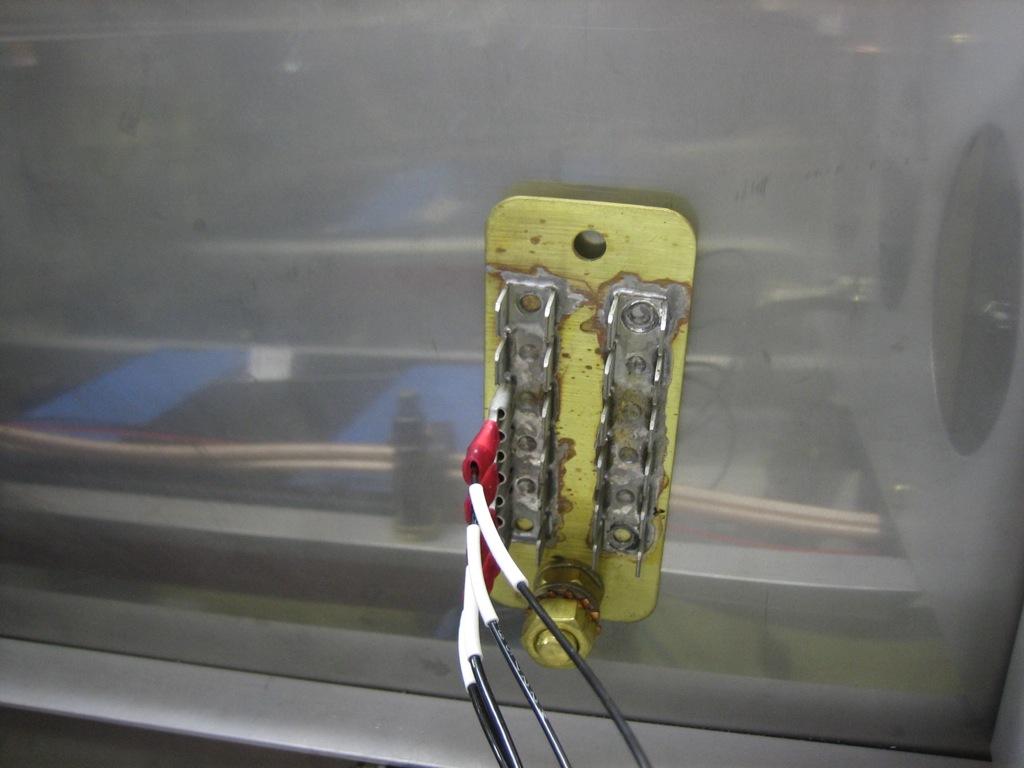
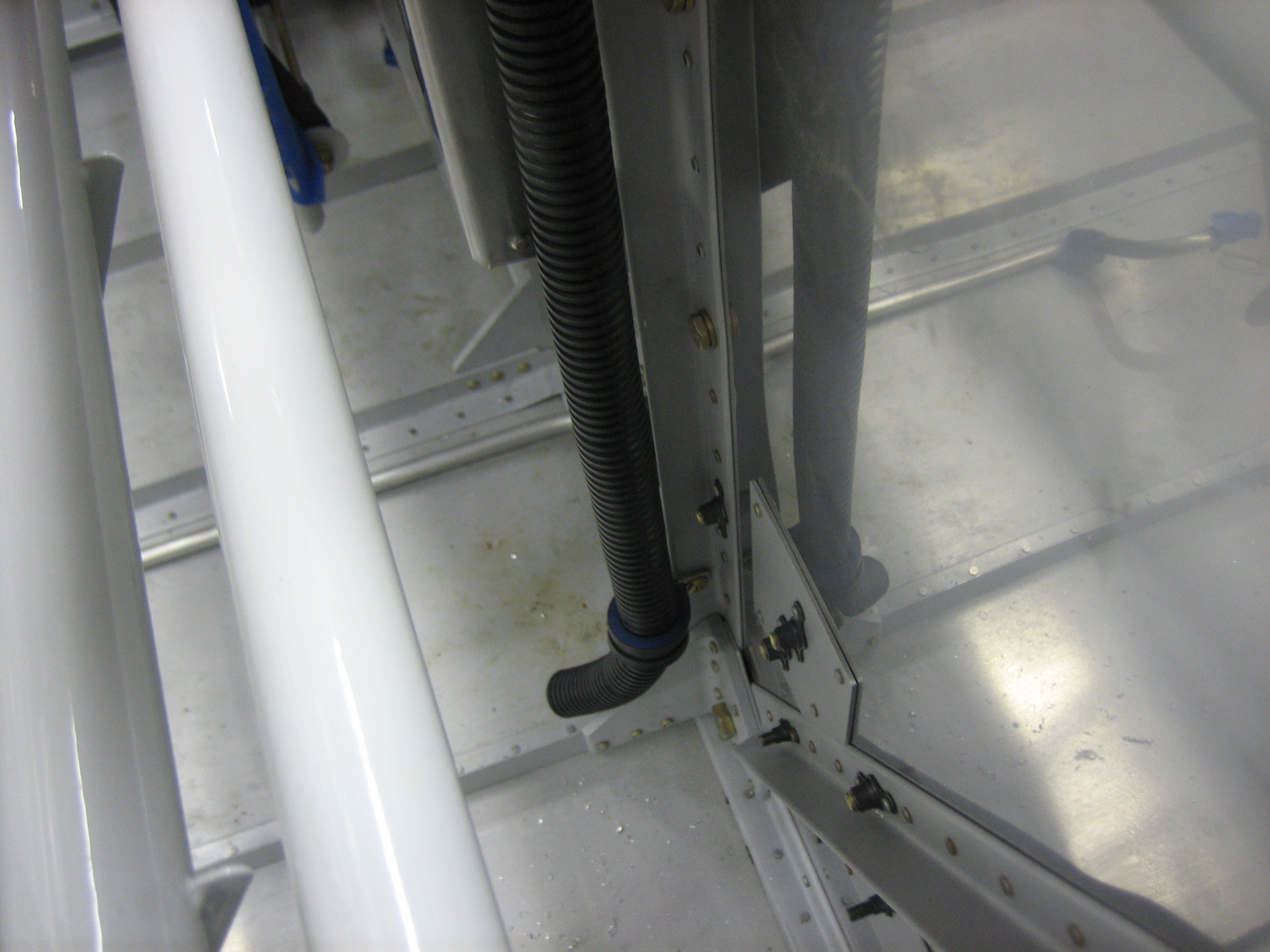
Here’s the reason I turned the ground block.  I installed the firewall wiring conduit per drawing OP-30.  This will be used to route wires front the front of the aircraft to everywhere aft of here.
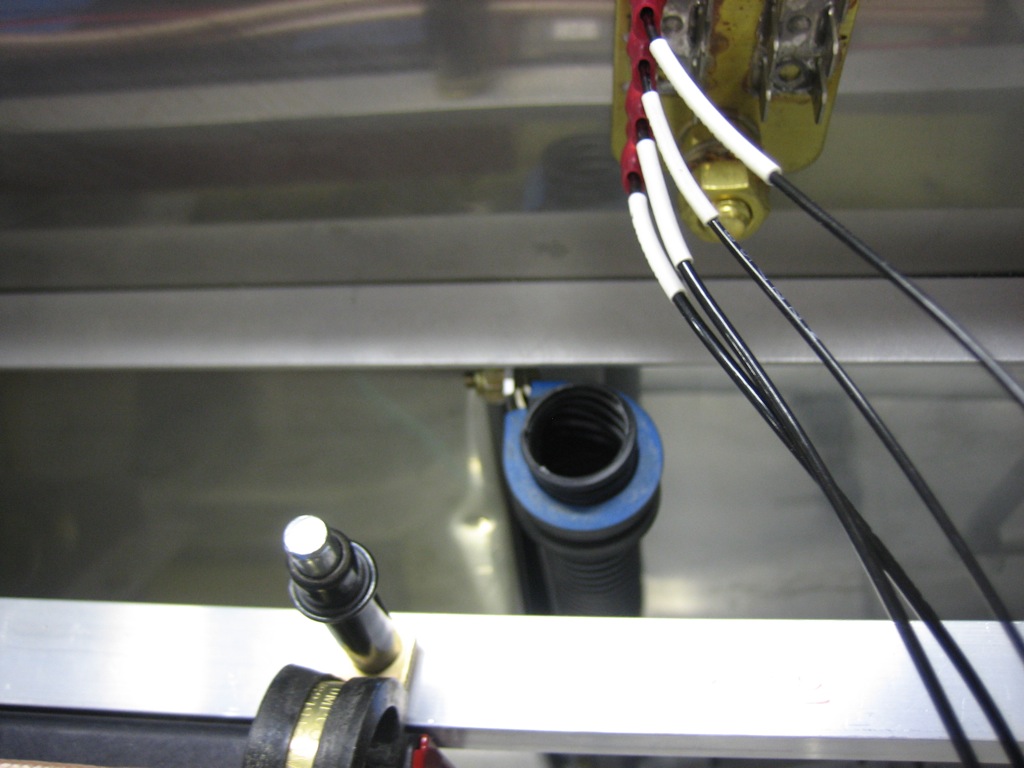
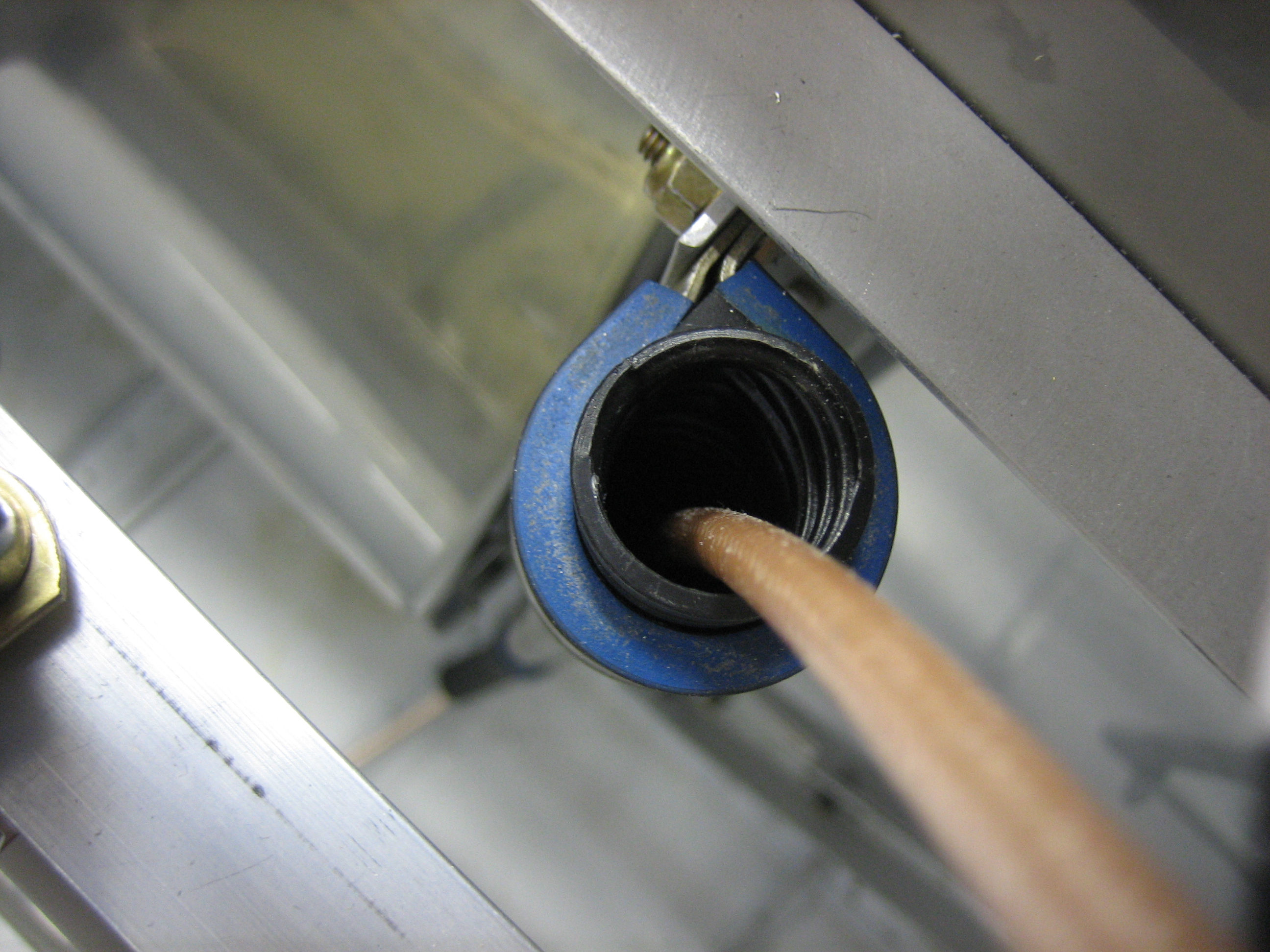
The conduit follows one of the firewall stiffeners and goes through another adel clamp near the bottom.  It then steps inside the stiffener (where there is already a hole in the cover) and will go under the center floor cover back to the spar.
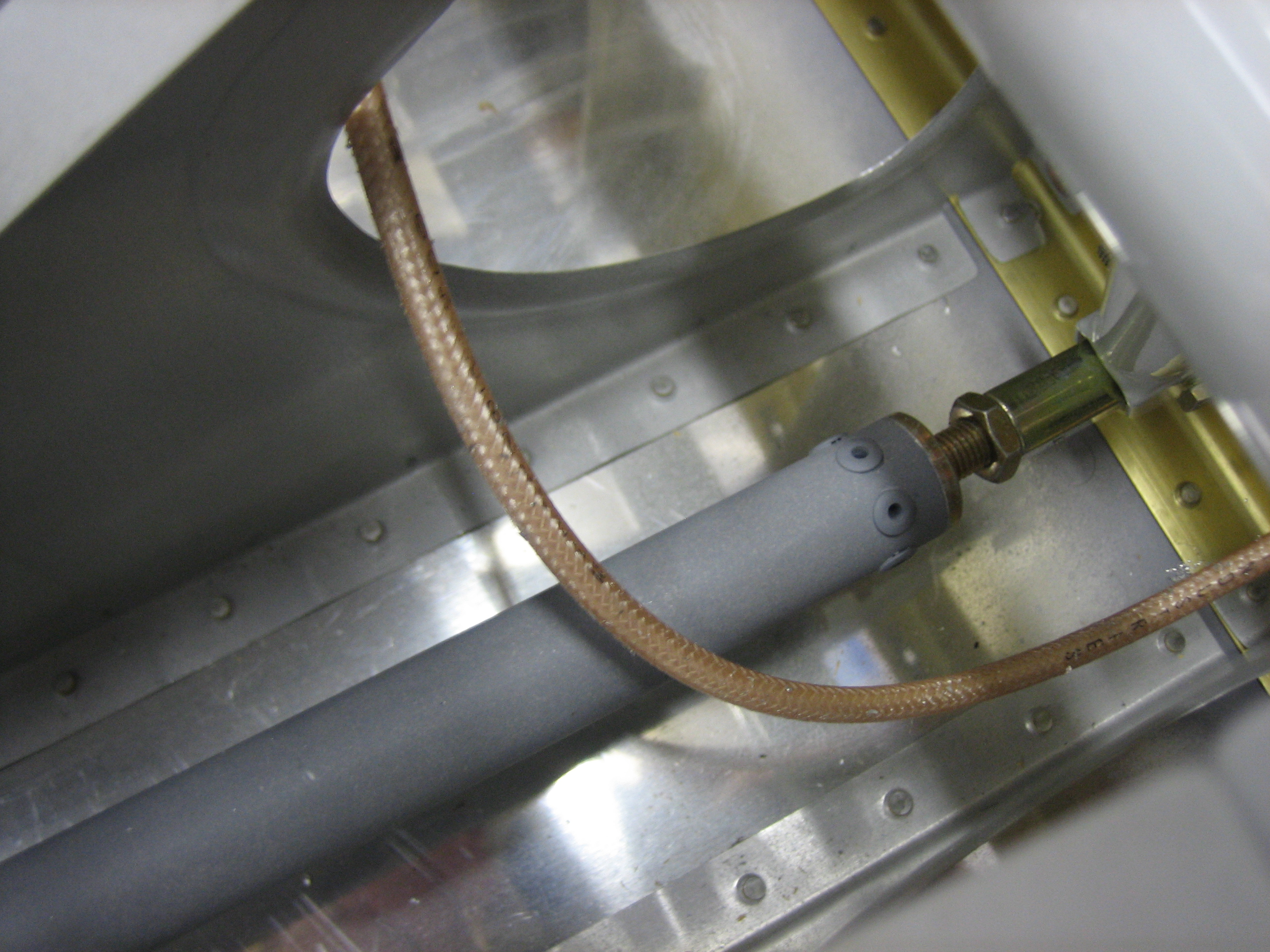
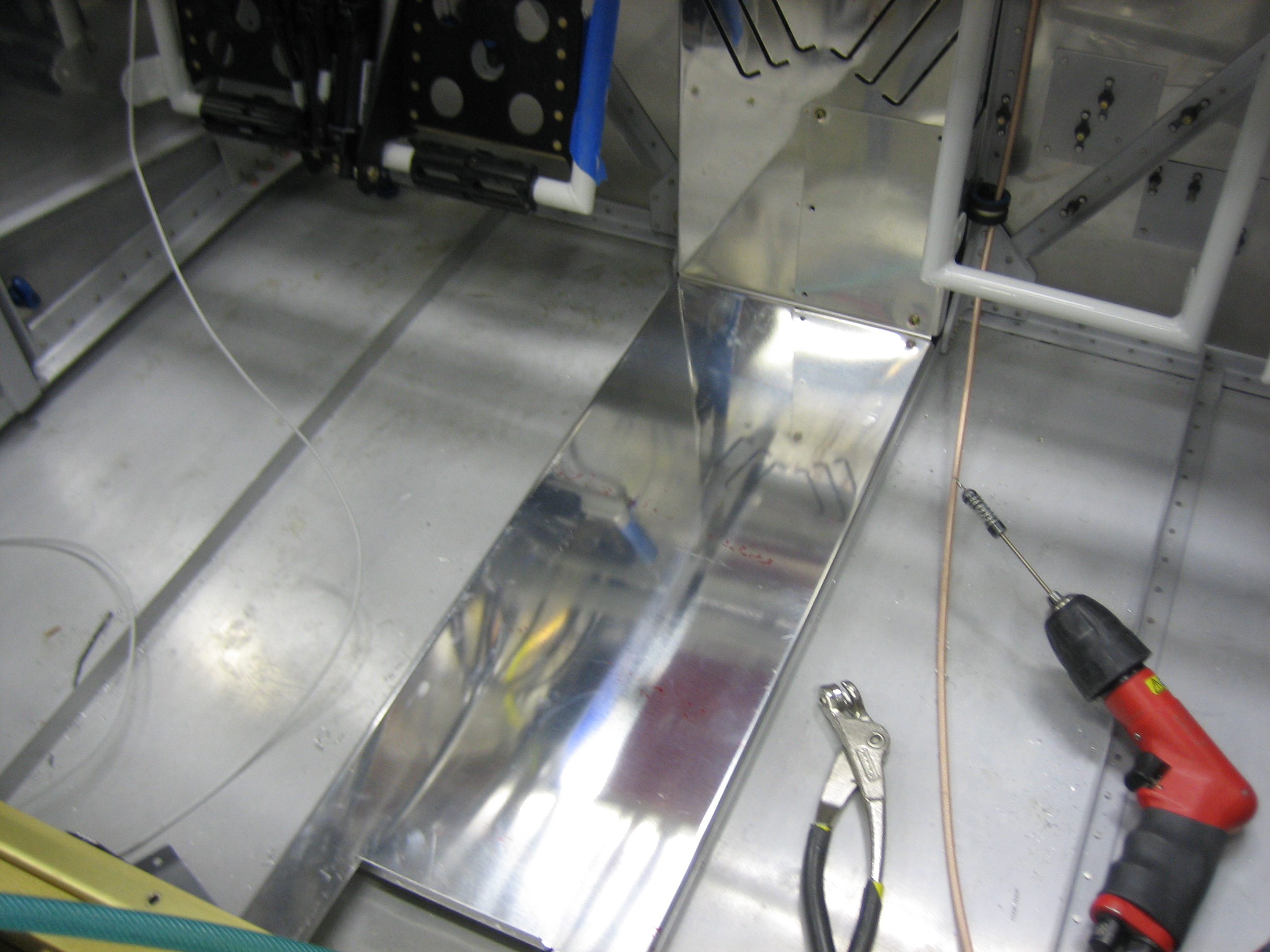
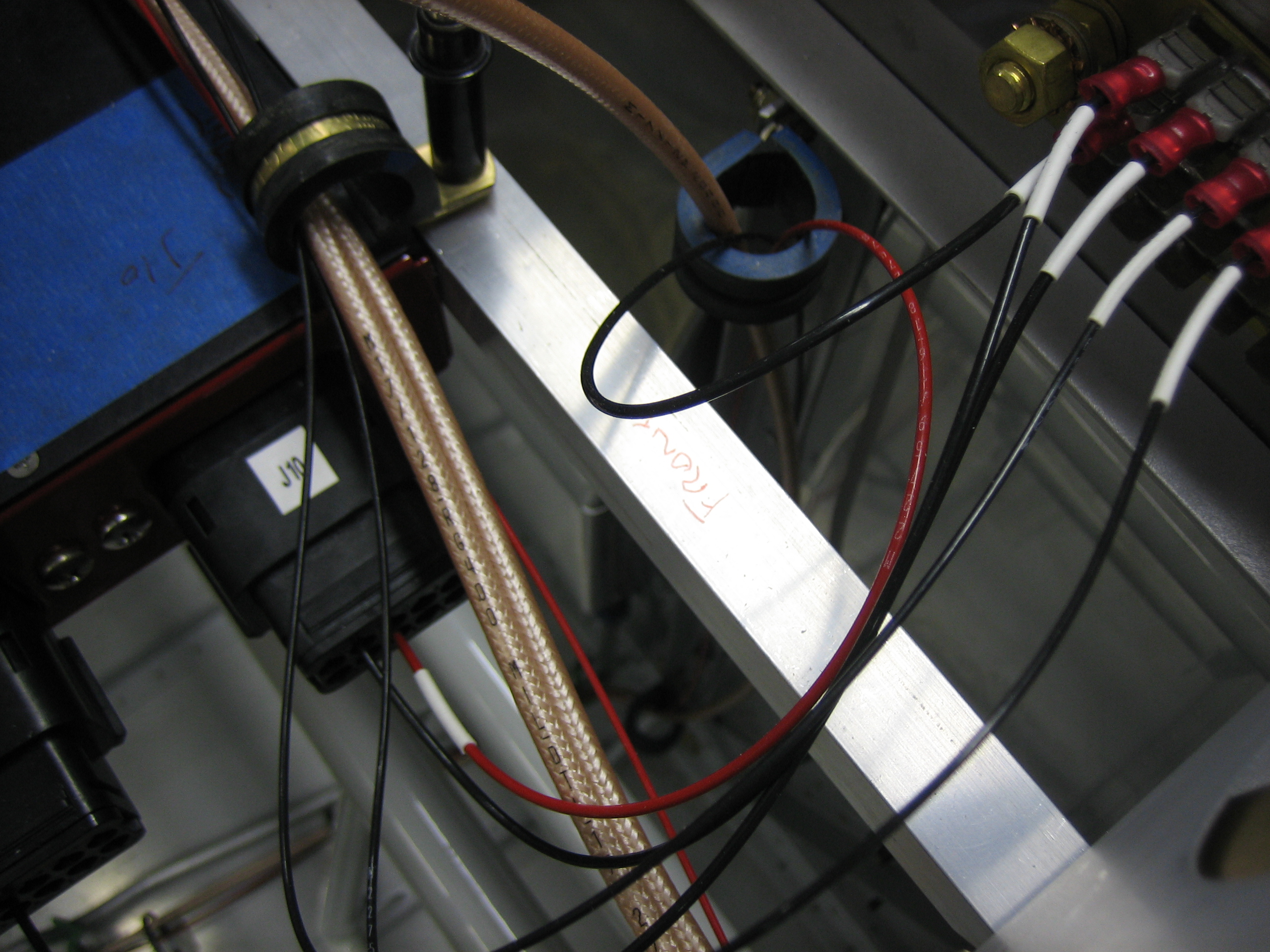
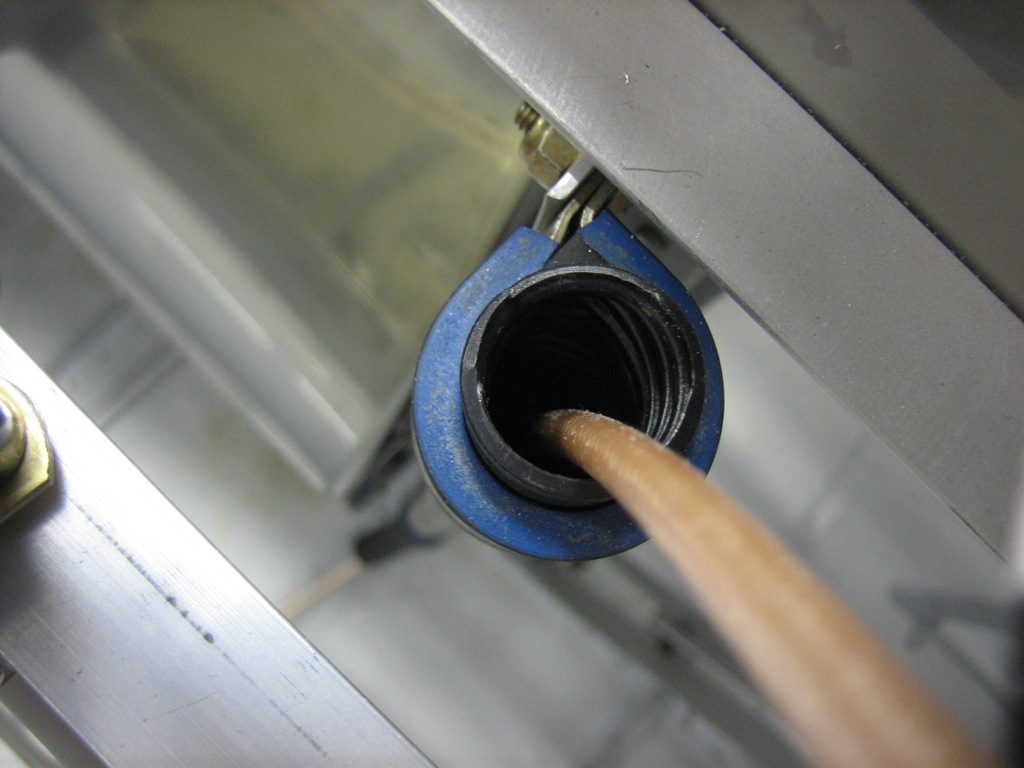
I pushed a piece of RG-400 through the conduit to get an idea how much space I’ll have in the conduit and figure out how I’m going to route the wires.  There are going to be a ton of wires that have to run through this conduit:

  • COM antenna[s]
  • SkyView network cable
  • Transponder power, ground, and serial wires
  • Autopilot servo power/ground wires
  • Stick trim and PTT wires
  • Aileron and elevator trim wires
  • Landing, taxi, NAV, and strobe wires
  • Flap motor and position sensor wires
  • Cabin light wires
  • Seat heater wires

Geez, after listing all these, I can’t possibly see that they’ll all fit through the conduit (even though most are pretty small relative to the RG-400).  I’ll either run the wires through the adel clamps directly and wrap the wires with split tubing, or possibly run a second conduit down the left side of the center section.
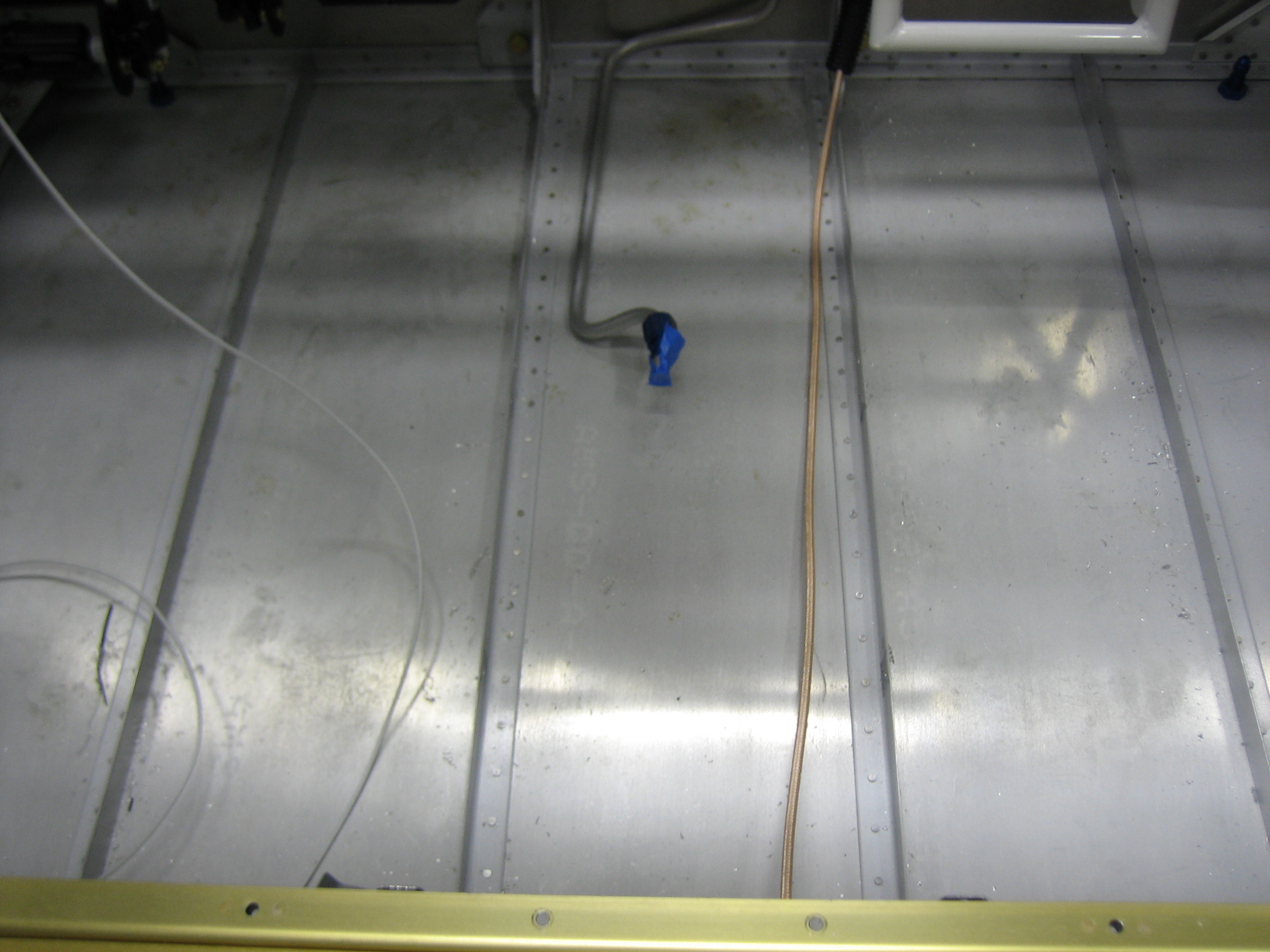
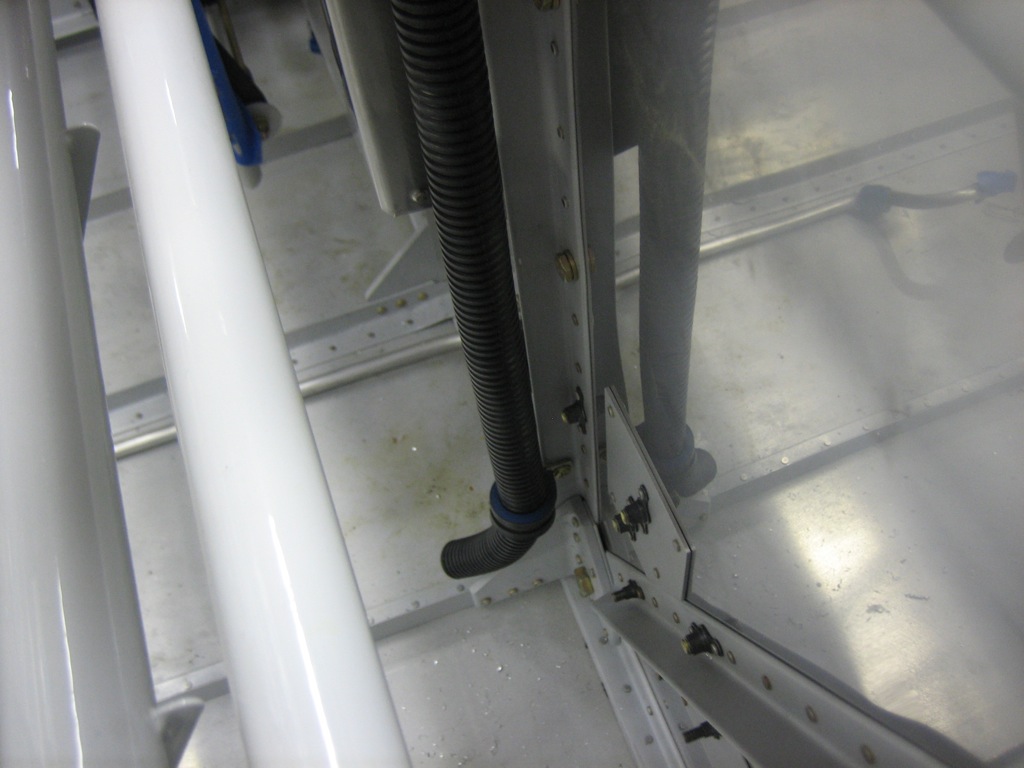
The wires exit the bottom of the conduit and will run along the floor.  I’ll add anchors along the floor to keep the bundle secure.
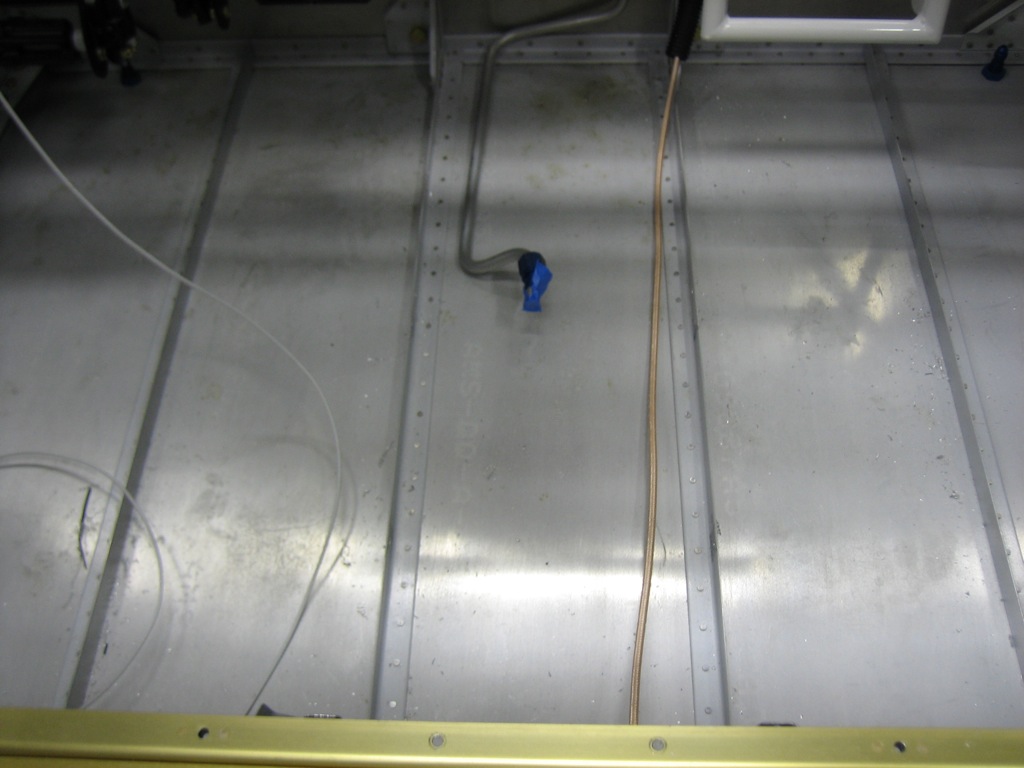
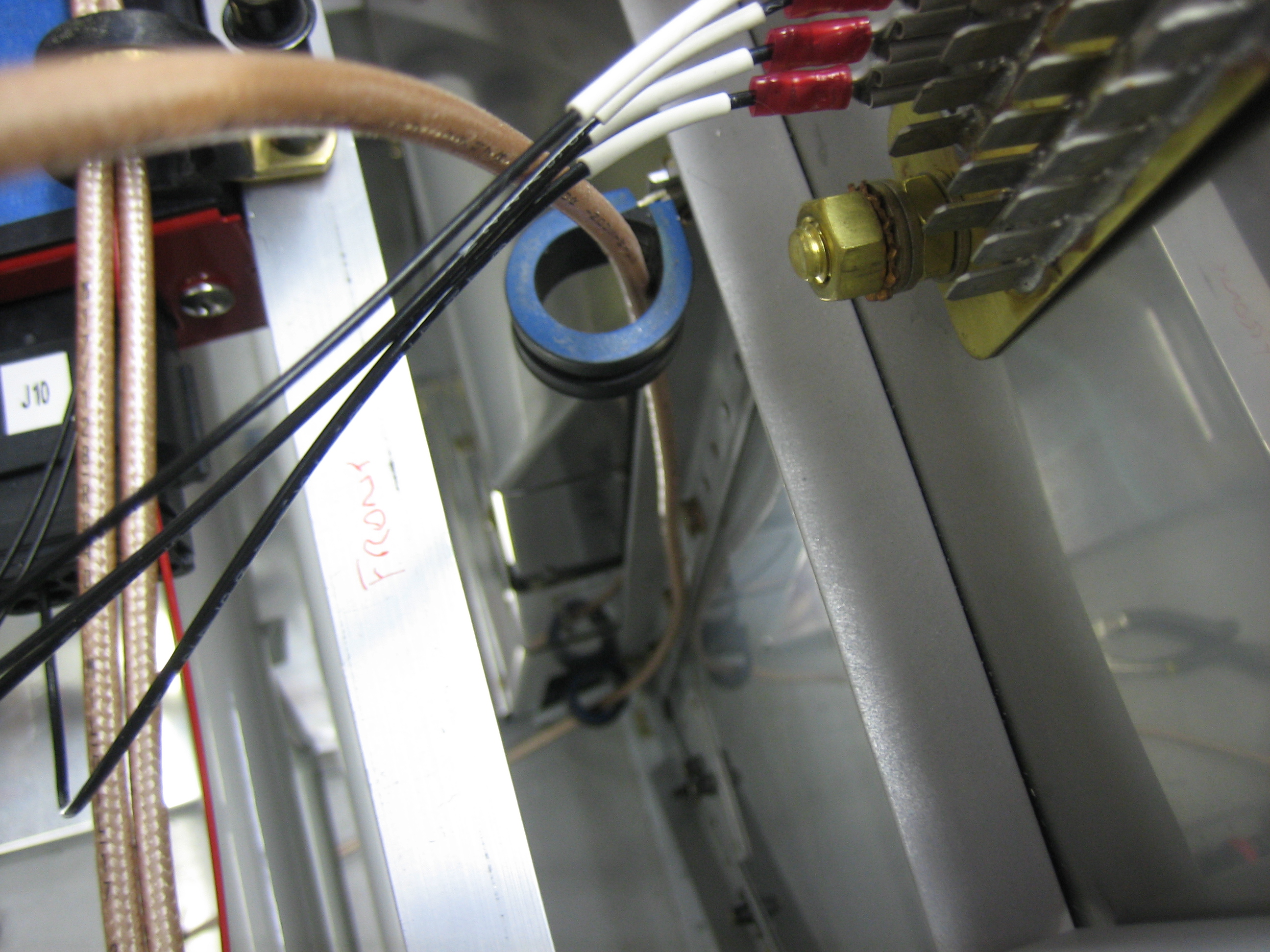
The wire exits the back of the spar near where the elevator horn sits.  I’m not sure I like where Van’s suggests you put the snap bushings in the ribs.  The wires have to make a fairly sharp turn to go through the ribs.  This is fine for all of the small wires, but the RG-400 has a minimum bend radius of 1″, so that might not work.
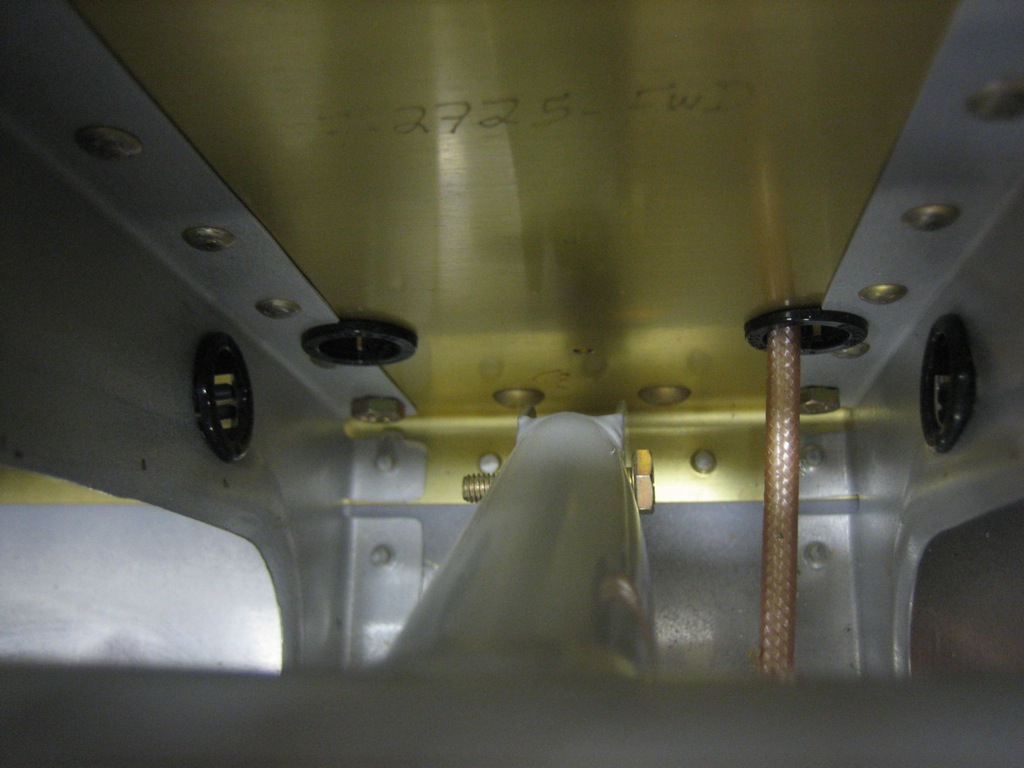
Another possibility I’ve seen builders use is to cross the wires and penetrate the rib on the opposite side of the spar penetration (though obviously below the push tube).  I’d need to drill new rib penetrations which would be challenging given the spacing between the ribs.  This certainly allows a generous bend radius in the wires though.
I also ordered my interior from Classic Aero Designs.  I’m going with the aviator seats with headrests, side panels, and full carpet.  I also added in the hooker harnesses with matching leather pads.  This will be a relatively heavy interior compared with the minimal cloth interior that many builders go with, but I really want a completely finished leather interior.
Removed Firewall Conduit and Worked on New Center Cover

I added up all the wires that will need to go through the conduit, and it was pretty clear that they weren’t all going to fit.  I could either run a second conduit down the left side, or simply run the wires through the adel clamps directly and then wrap them with a split conduit which seems like the simpler option.

I decided to order a new center section cover from Van’s.  If you recall, I had to move the electric fuel pump forward a bit because I couldn’t easily fabricate the line from the fuel selector down to the fuel filter according to the dimensions in the plans.  This was going to require fabricating a custom fuel pump cover.  I was recently putting together my interior order, and the custom cover was going to complicate the floor carpet order.  I ended up deciding the easier thing to do was move the fuel pump back so that I could use the standard fuel pump cover (and hence the standard carpet).

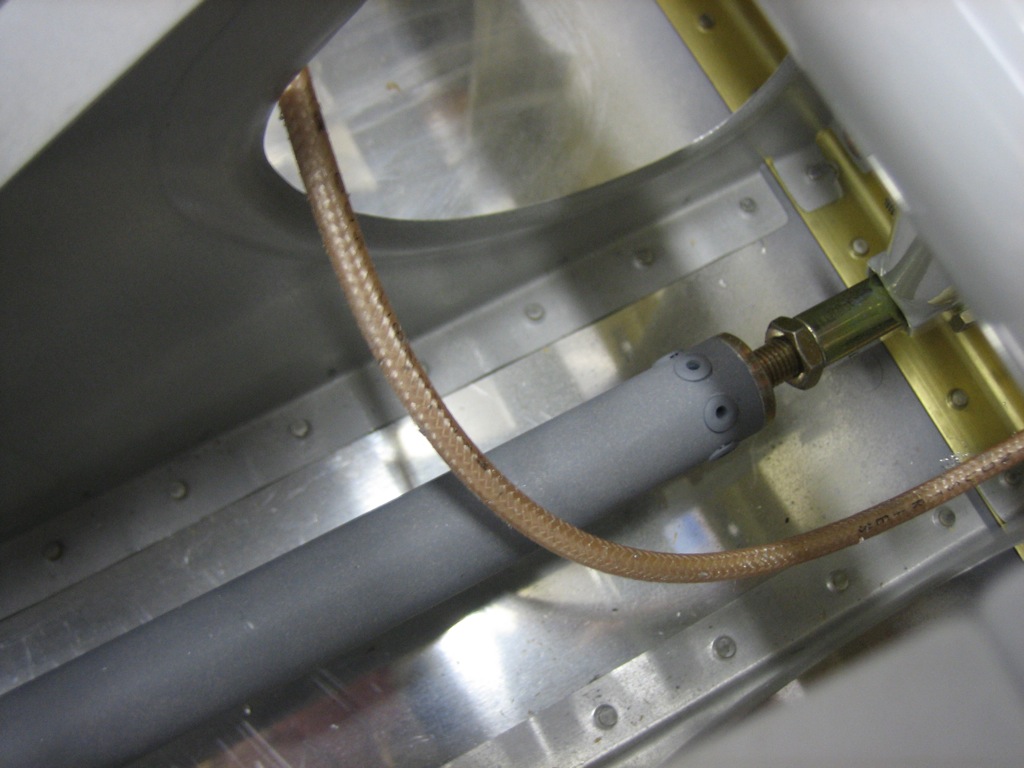
I also played around with wire routing under the seats.  Van’s stock location just isn’t going to work.  The RG-400 would be right at the minimum bend radius and the wires have to get routed around the control stick mounts.  I’m going to have to punch additional holes in the ribs in the location I identified yesterday.

Finally, I ordered a couple of custom circuit boards today to control the annunciator lights and for the avionics interconnect.

Installed Fuel Pump

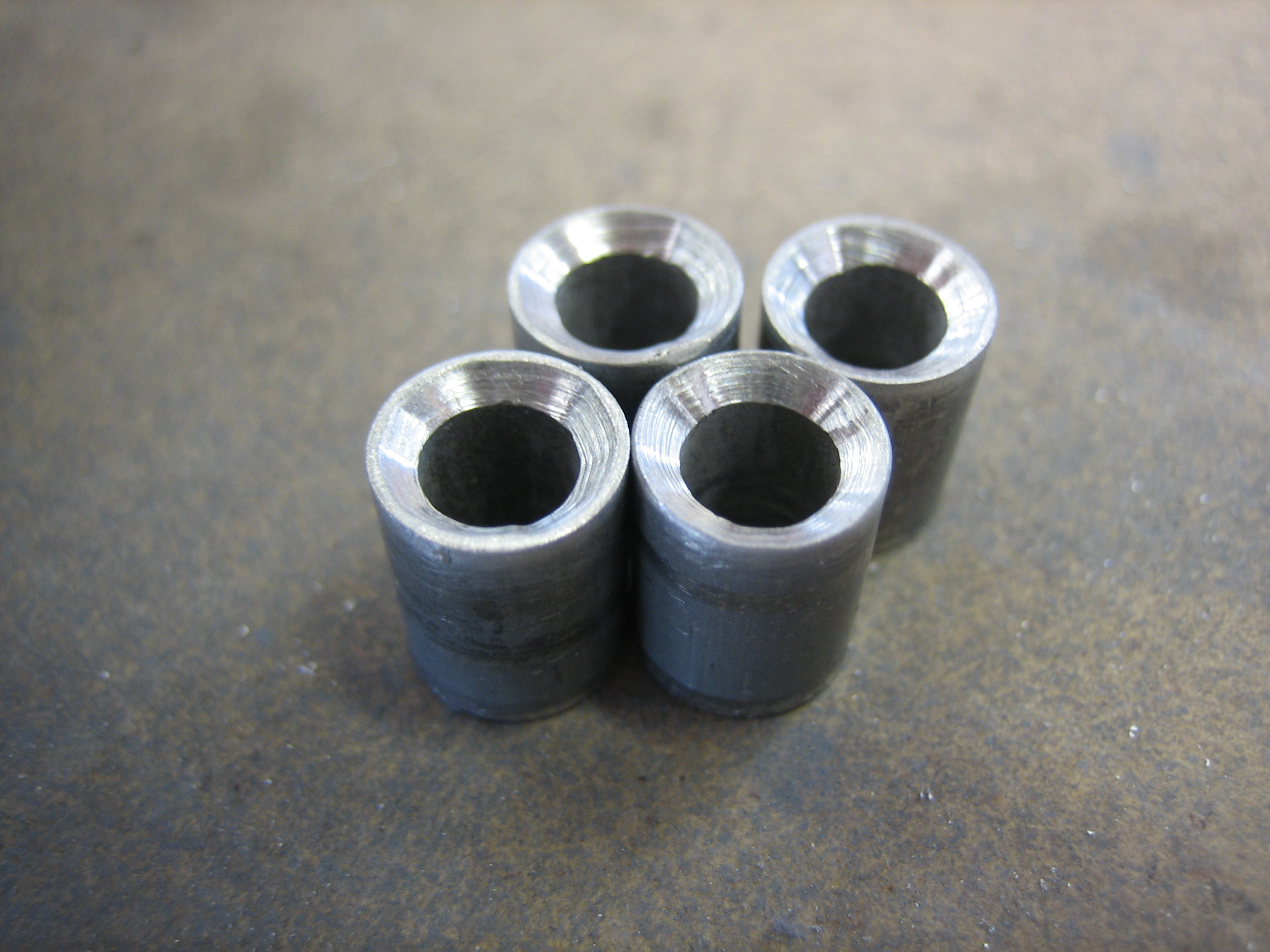
The fuel pump needs to be spaced up off the floor a little bit because of the nutplates and protruding screws on the bottom of the fuel pump mounting plate.  I fabricated four aluminum spacers and countersunk one end of each so that it will fit over the dimples in the floor.  I didn’t get any pictures of it, but I then dimpled the floor and installed the fuel pump with some scrap hardware.  I need to order some AN509-8R12 hardware to mount it for good.
Worked on Fuel Pump Mounting

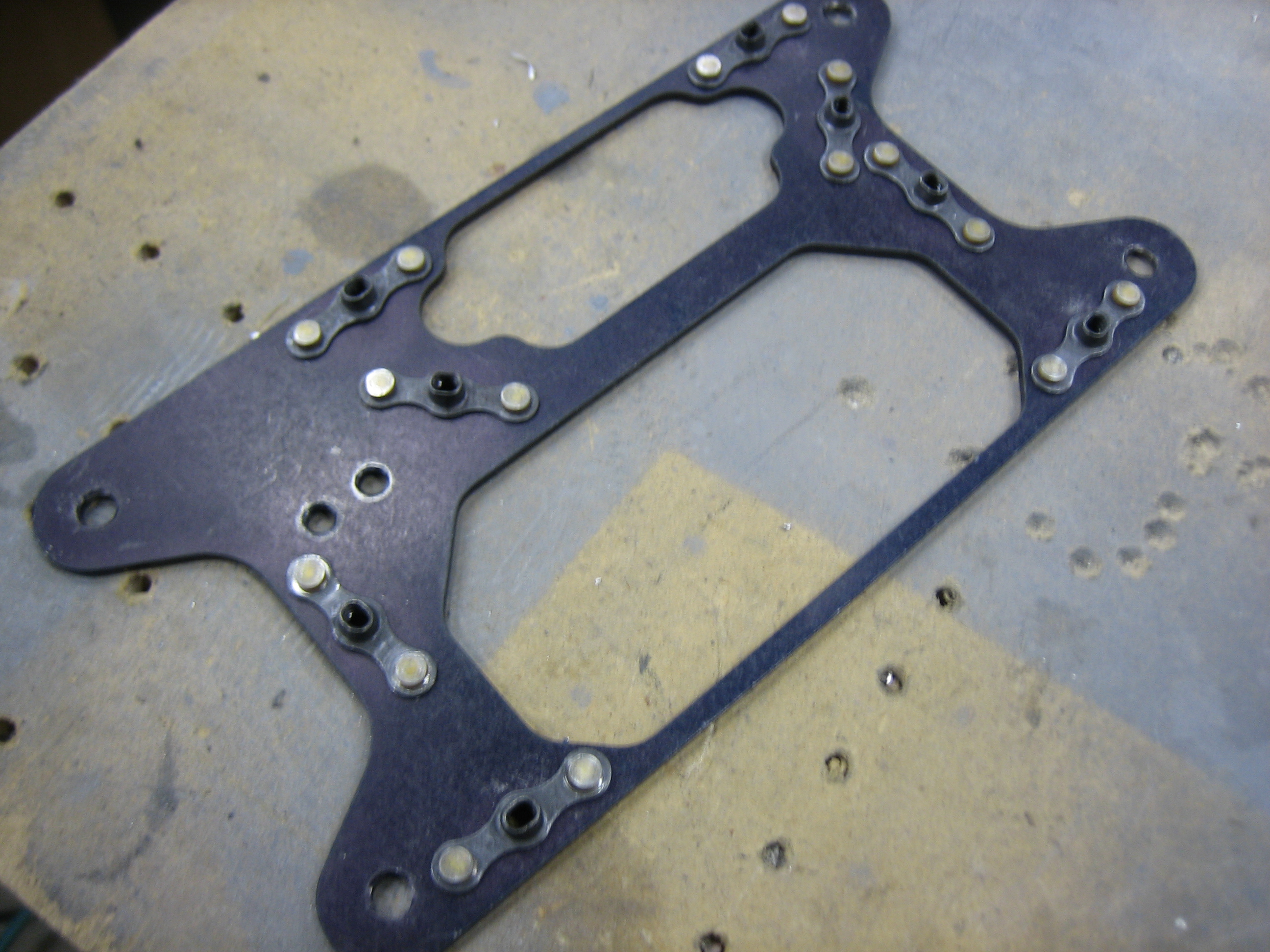
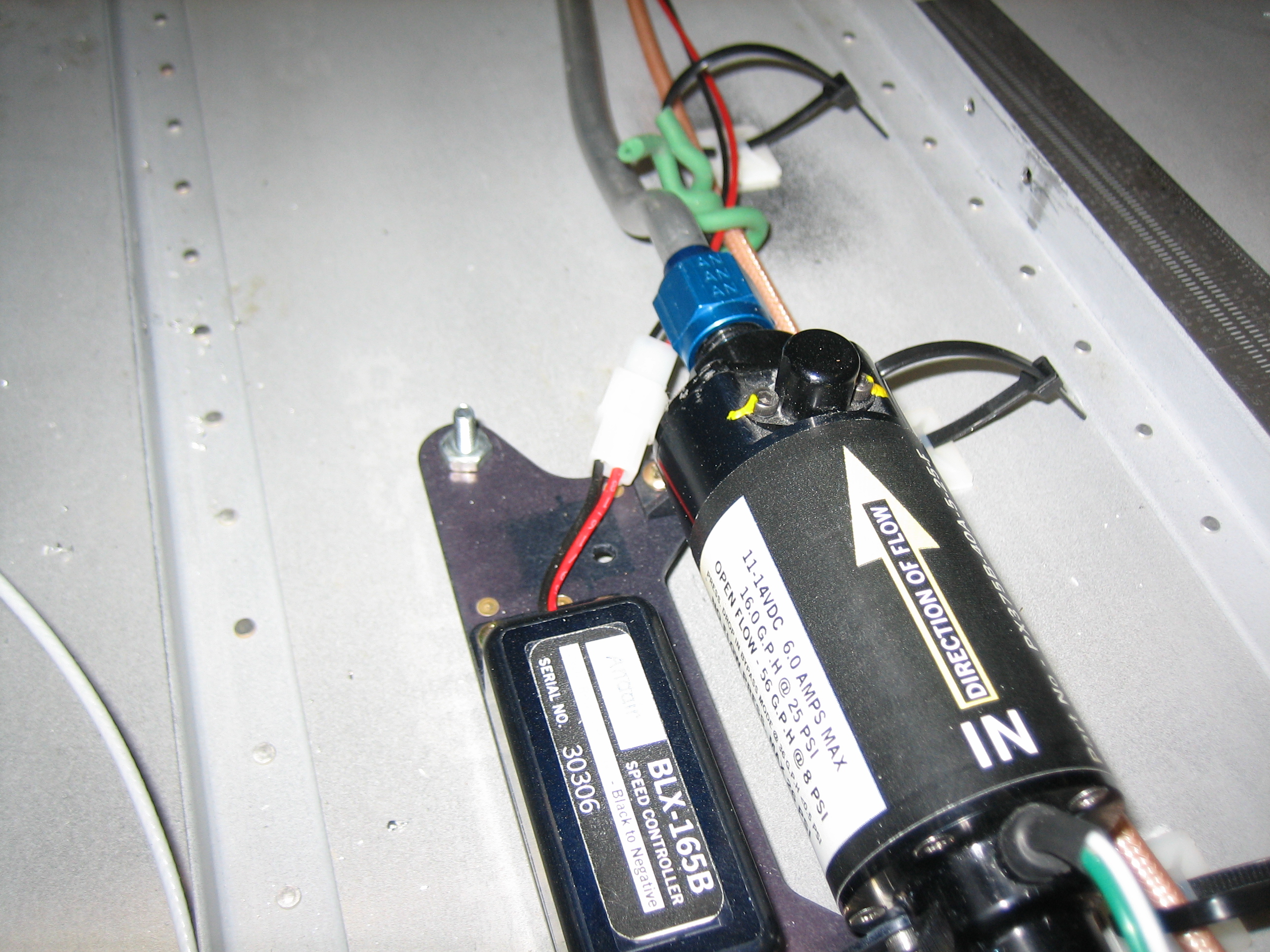
After fiddling around with where to mount the fuel pump, I decided not to mount the fuel pump to cross bars on the center cover.  I did this for a couple of reasons.  First, It means that the fuel pump has to come out if I ever need to remove the cover fiddle with the wiring.  Second, the cross bars reduce the vertical space available for wiring under the cover.  Instead, I’m going to mount the fuel pump mounting plate directly to the floor.  I do need to be able to remove the fuel pump and controller if they ever need to be serviced, and I don’t want to have to remove the mounting plate since that will require two people (one for the screws on the outside and one for the nuts on the inside).  To do that, I decided to replace all of the small metric nuts and screws with standard #6 AN hardware.  I installed nutplates on the bottom of the mounting plate.
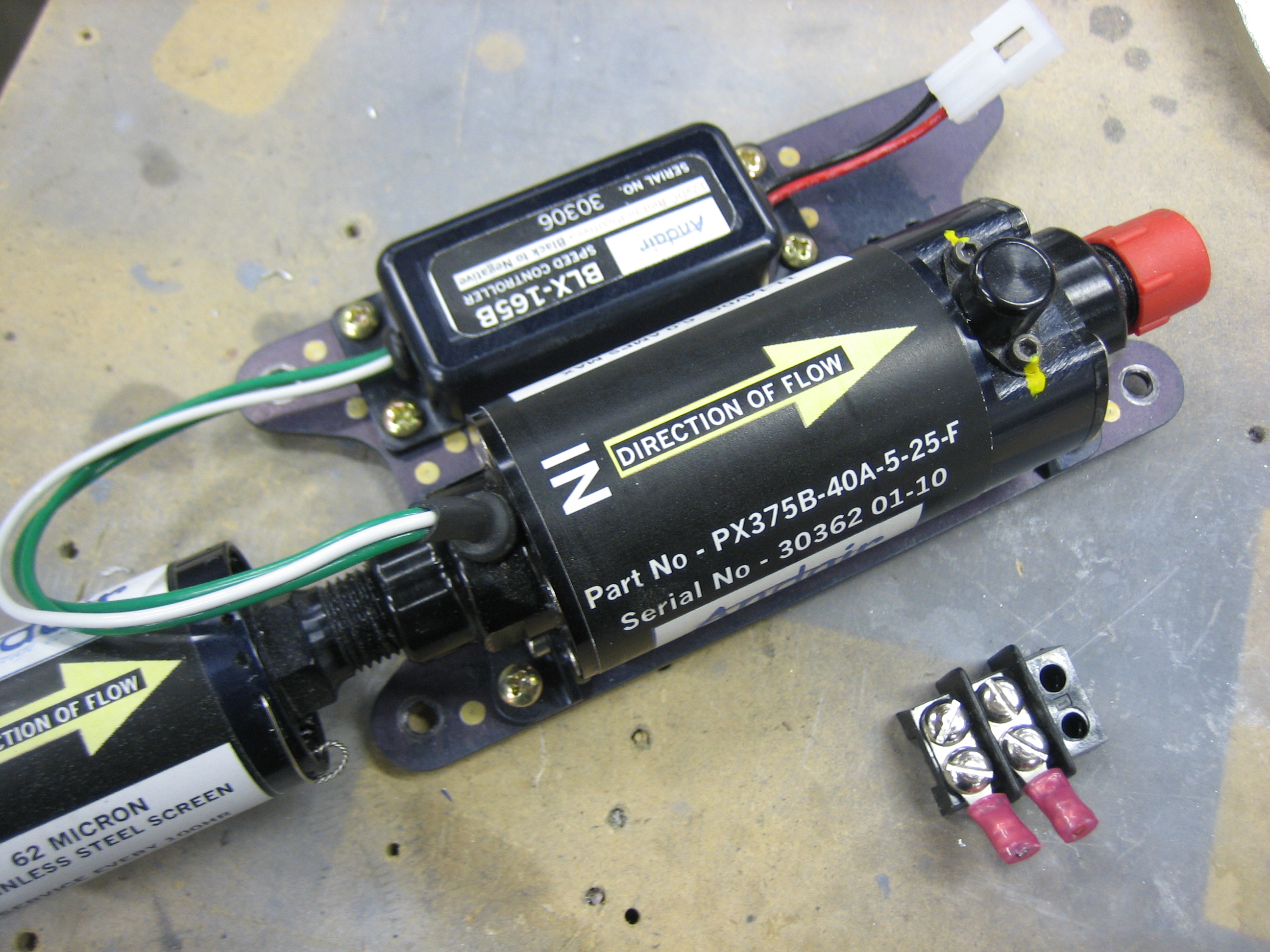
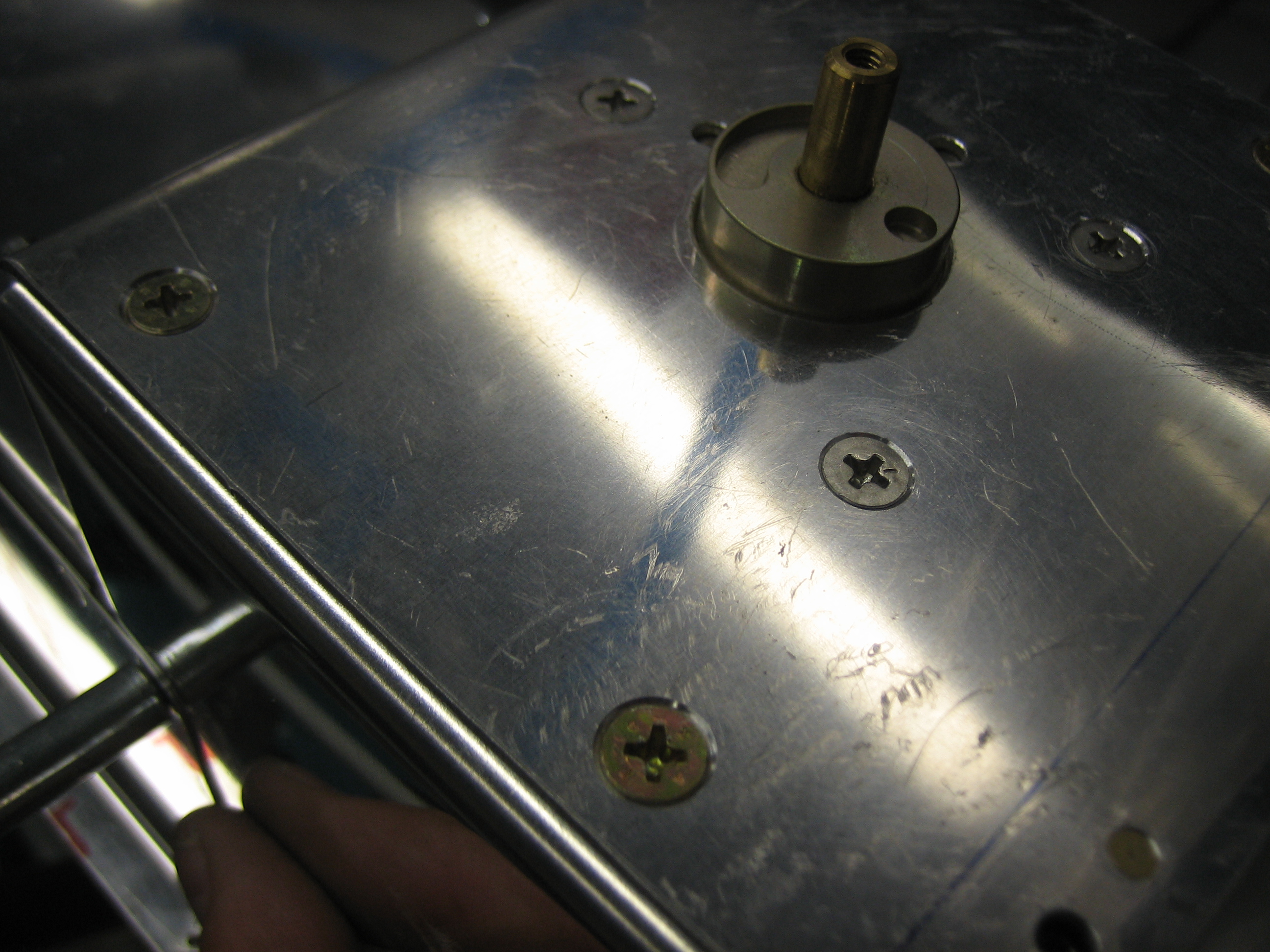
I then used some short AN515 #6 screws to screw the pump and controller down to the mounting plate.  You can also see that I removed the terminal block and replaced it with a two connector molex connector.

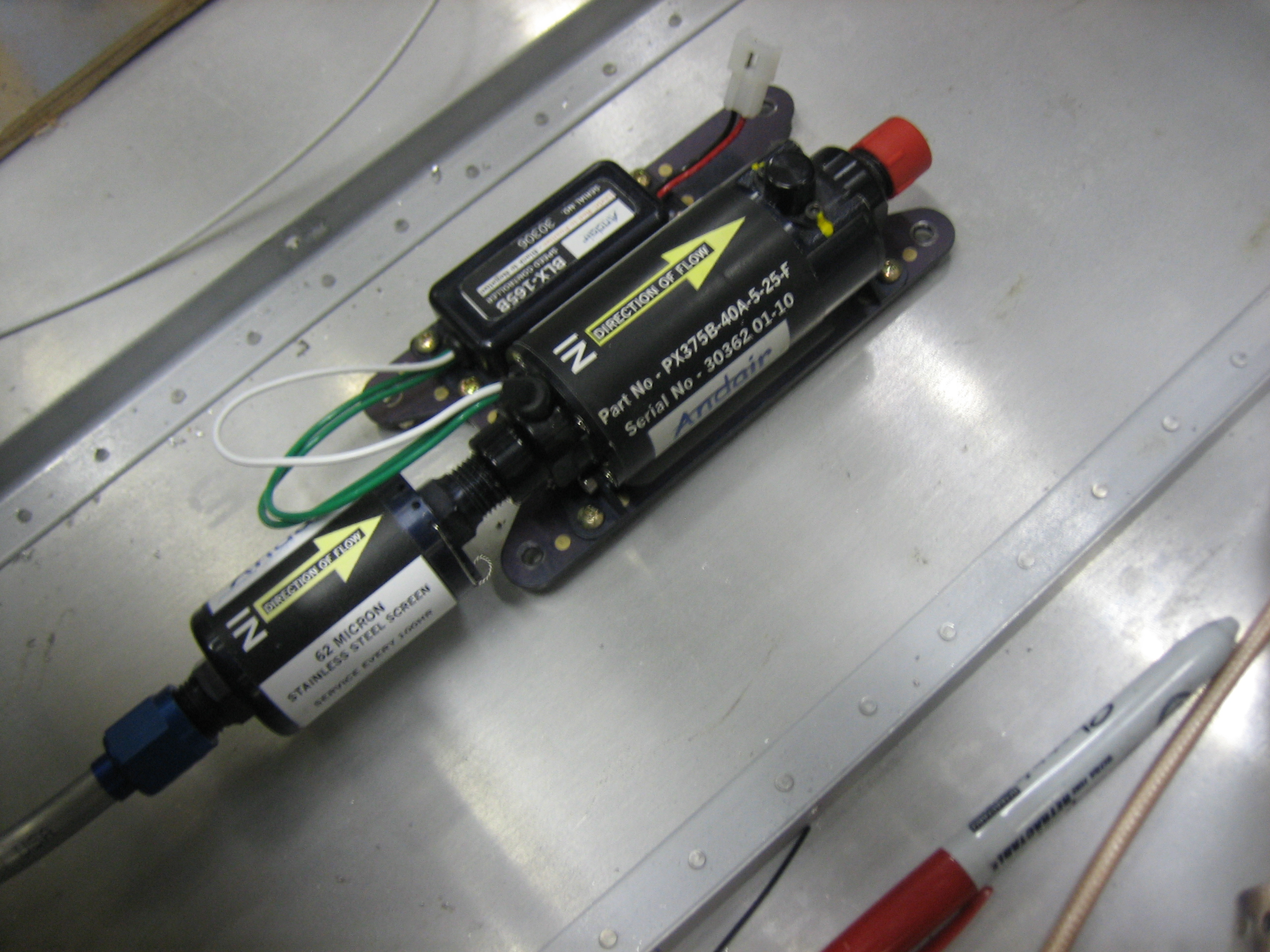
Here’s where the fuel pump will be mounted.  I’ll fabricate some short spacers and the screw this to the floor.

Moving the pump down made it a lot easier to bend this fuel line between the fuel selector and the fuel filter.  There is tons of room around the fuel line, and plenty of clearance from the spar penetration holes for wiring.  This also brings the pump pretty far back which keeps it completely inside the pump cover.

Fabricated Fuel Line Between Pump and Firewall and Worked on Covers

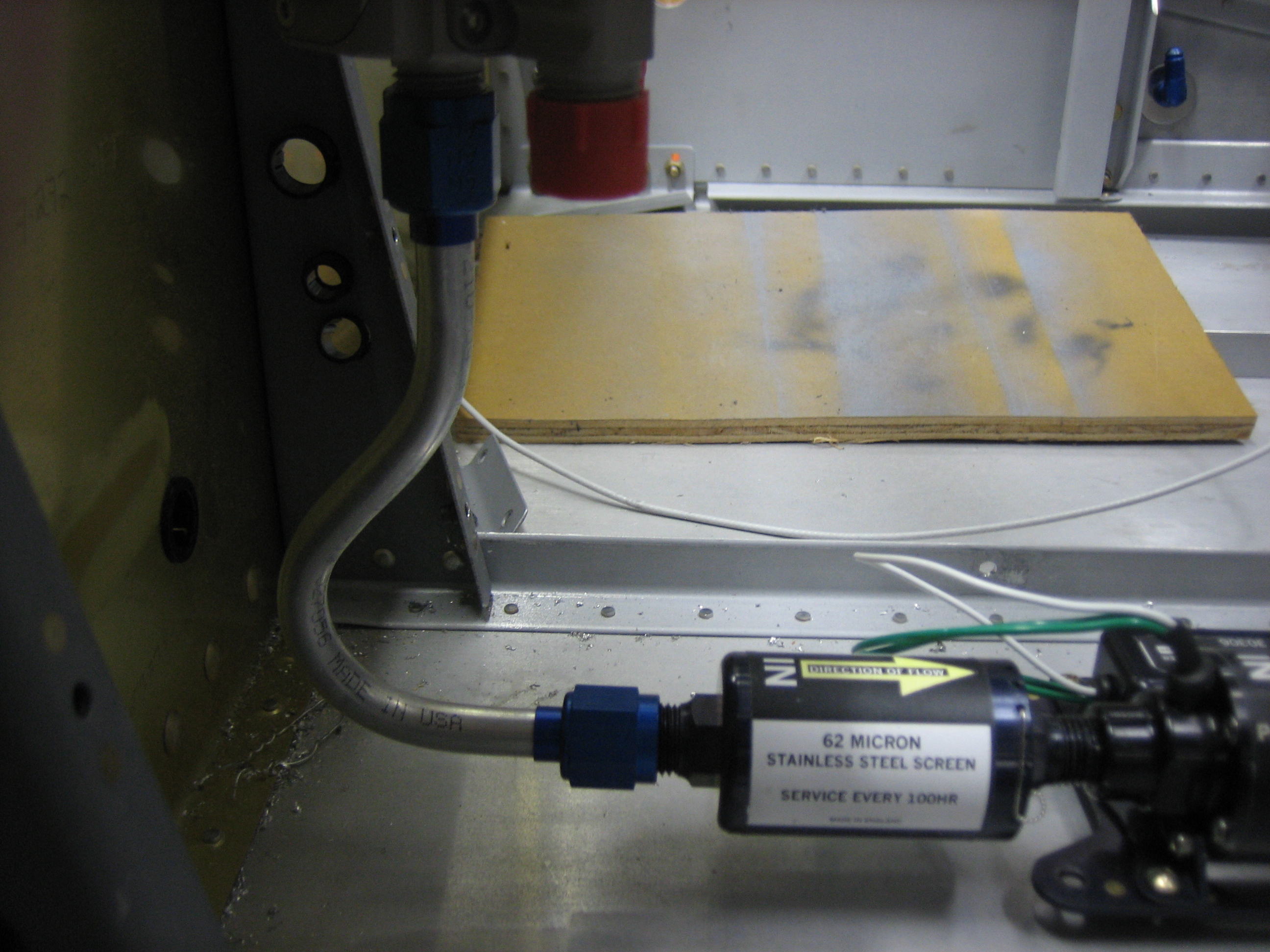
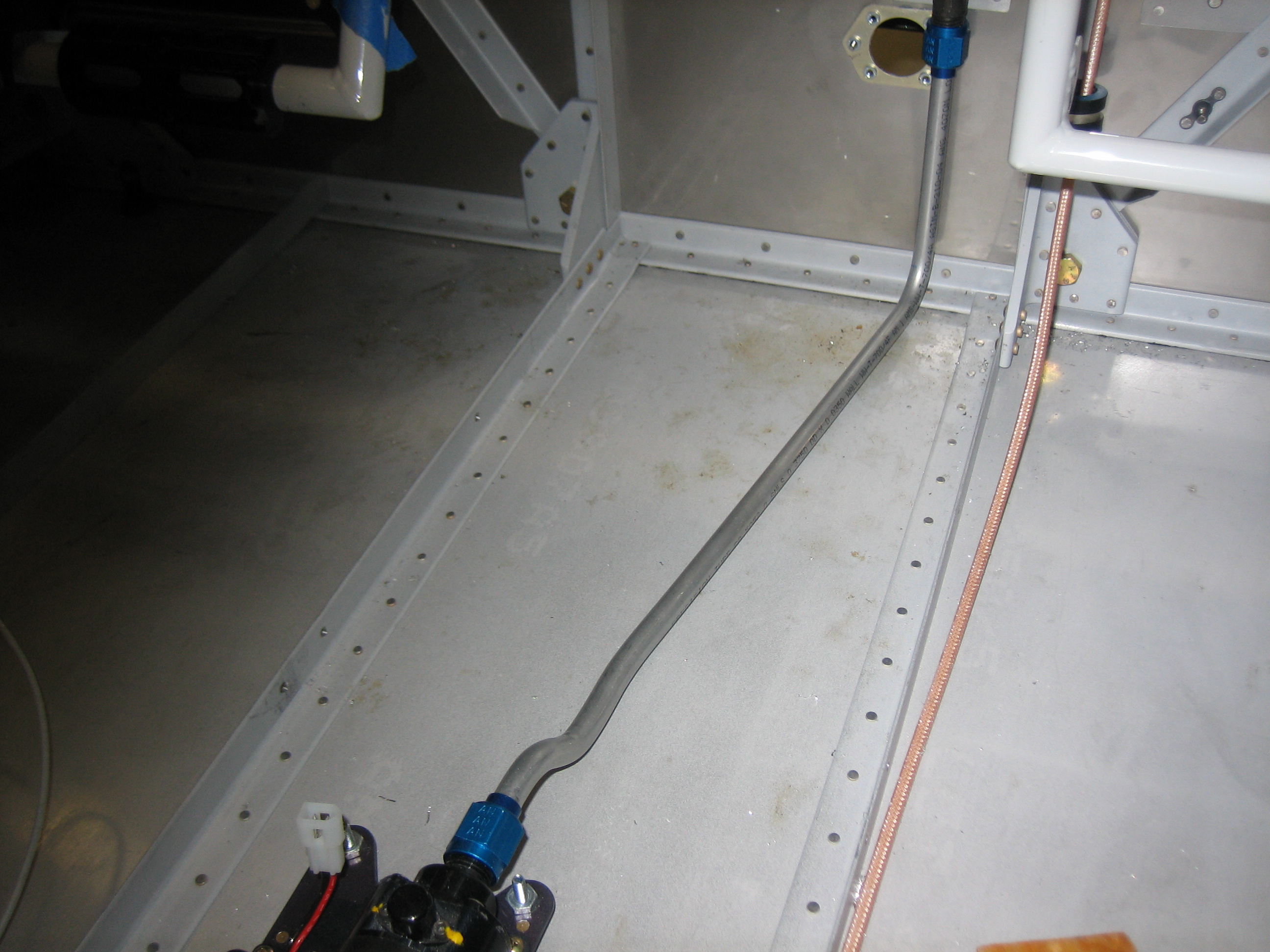
I fabricated the fuel line that runs between the fuel pump and the firewall.  I had previously fabricated this line, but that was for the old pump position and that line would no longer work.  Despite the pump being farther back, this line is shorter because it takes a more direct route.

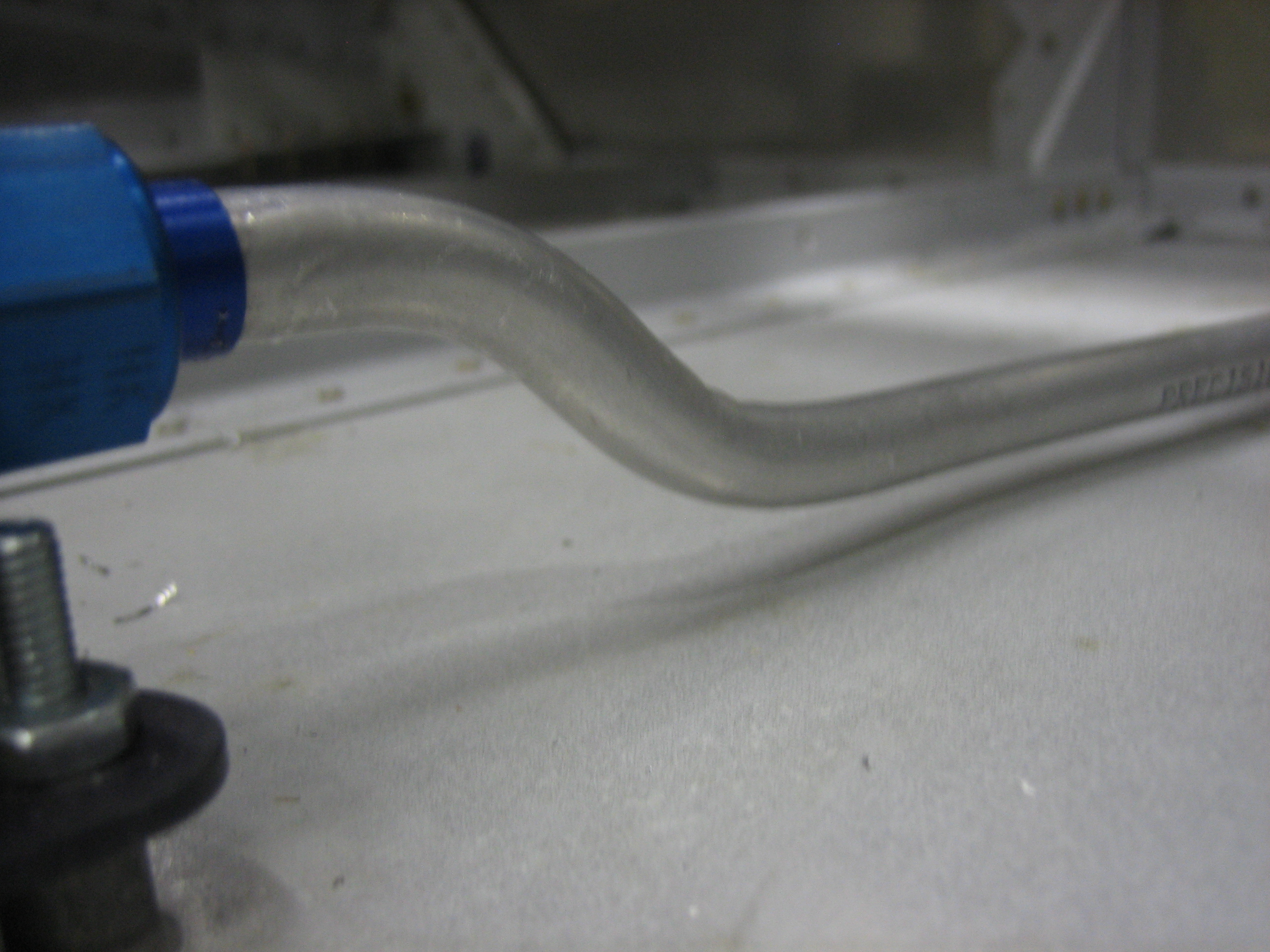
The line steps down immediately after leaving the pump to go under the cover and then bends slightly to the right to head directly to the firewall penetration.

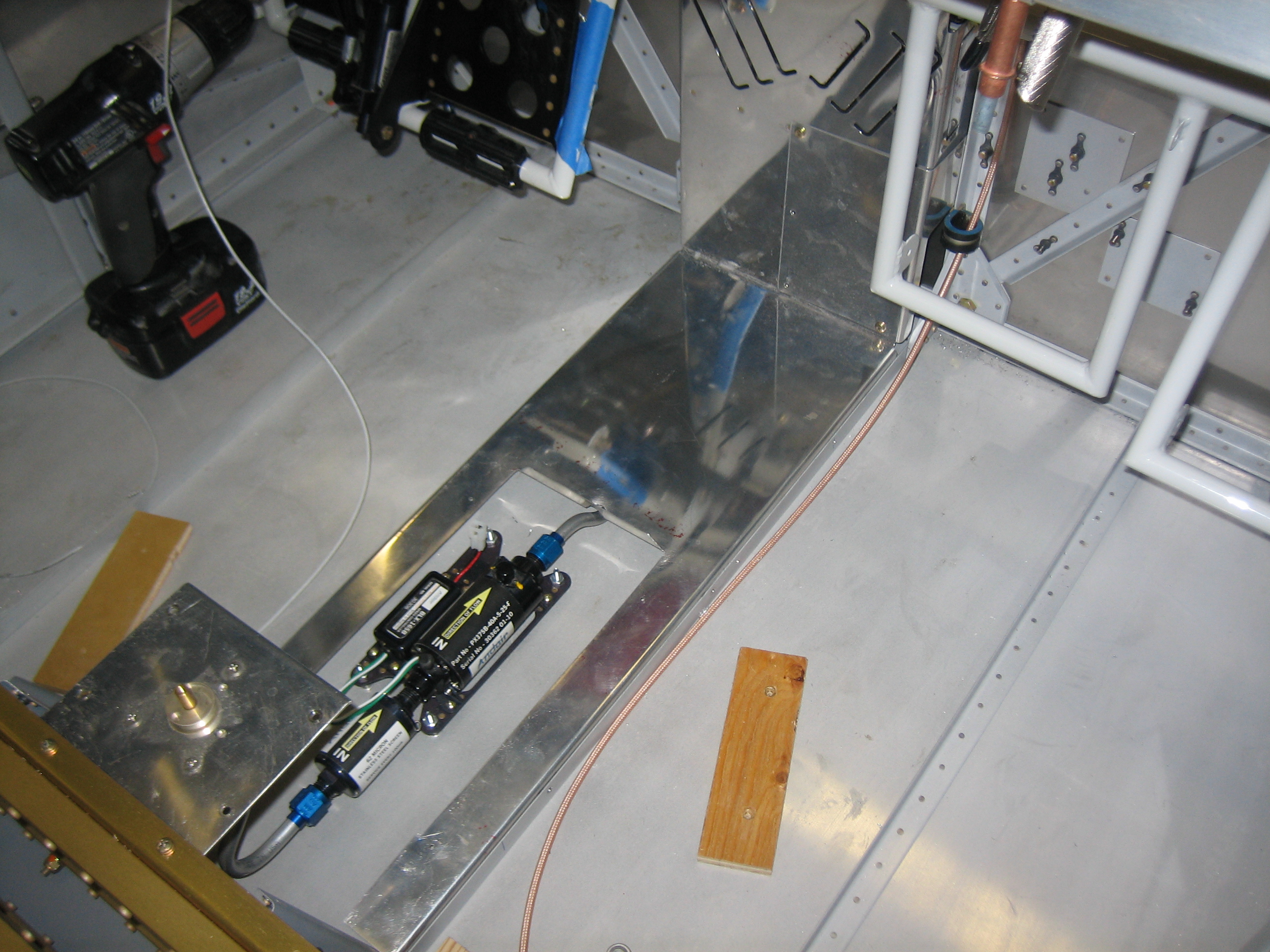
I cut away a good chunk of the cover so that it can drop in over the pump.  This is so much better than old way I was installing this.  That would have required removing the pump to access the wiring bundle.  I bent a flange in the forward end of the cutout to stiffen the cover in this spot.

The line just touched the forward end of the cutout, so I used my Dremel and sanded away a relief.  There is about 1/4″ of clearance around the line now and nothing can flex that far.  I might still add some silicone wrap here though.

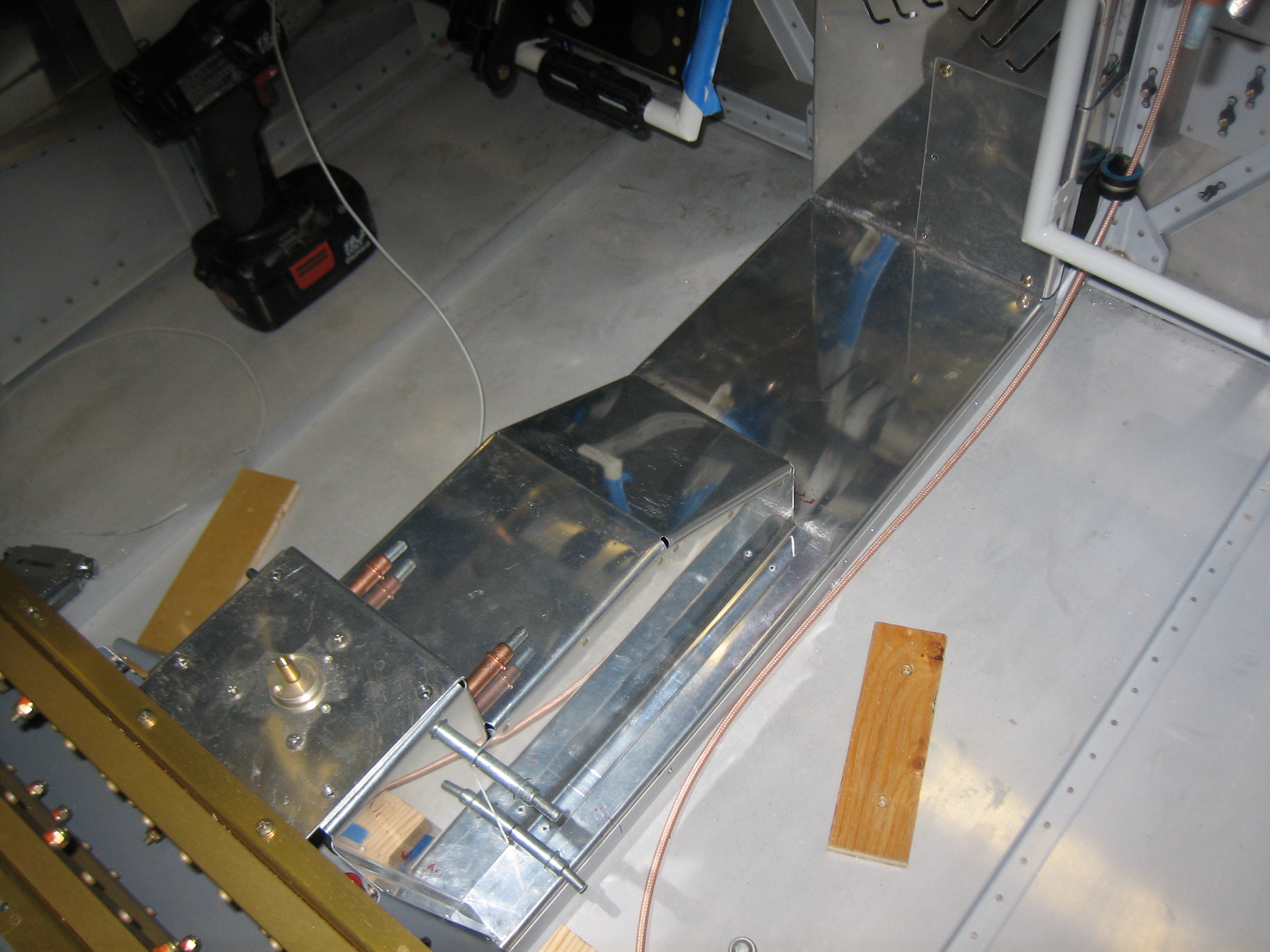
Here’s what it looks like with all of the covers in place.  With everything in its final position, I drilled the cover to the holes that were already in the floor stiffeners

I pulled everything apart to install nutplates and prep everything for final assembly.  While I had the fuel selector mounting plate off the plane, I countersunk all of the screw holes.  I didn’t realize until after doing this that the three holes near the fuel selector didn’t need to be countersunk since there is a cover plate that mounts over this.  It won’t matter though since these will be hidden under that plate.

Fuel Pump and Covers

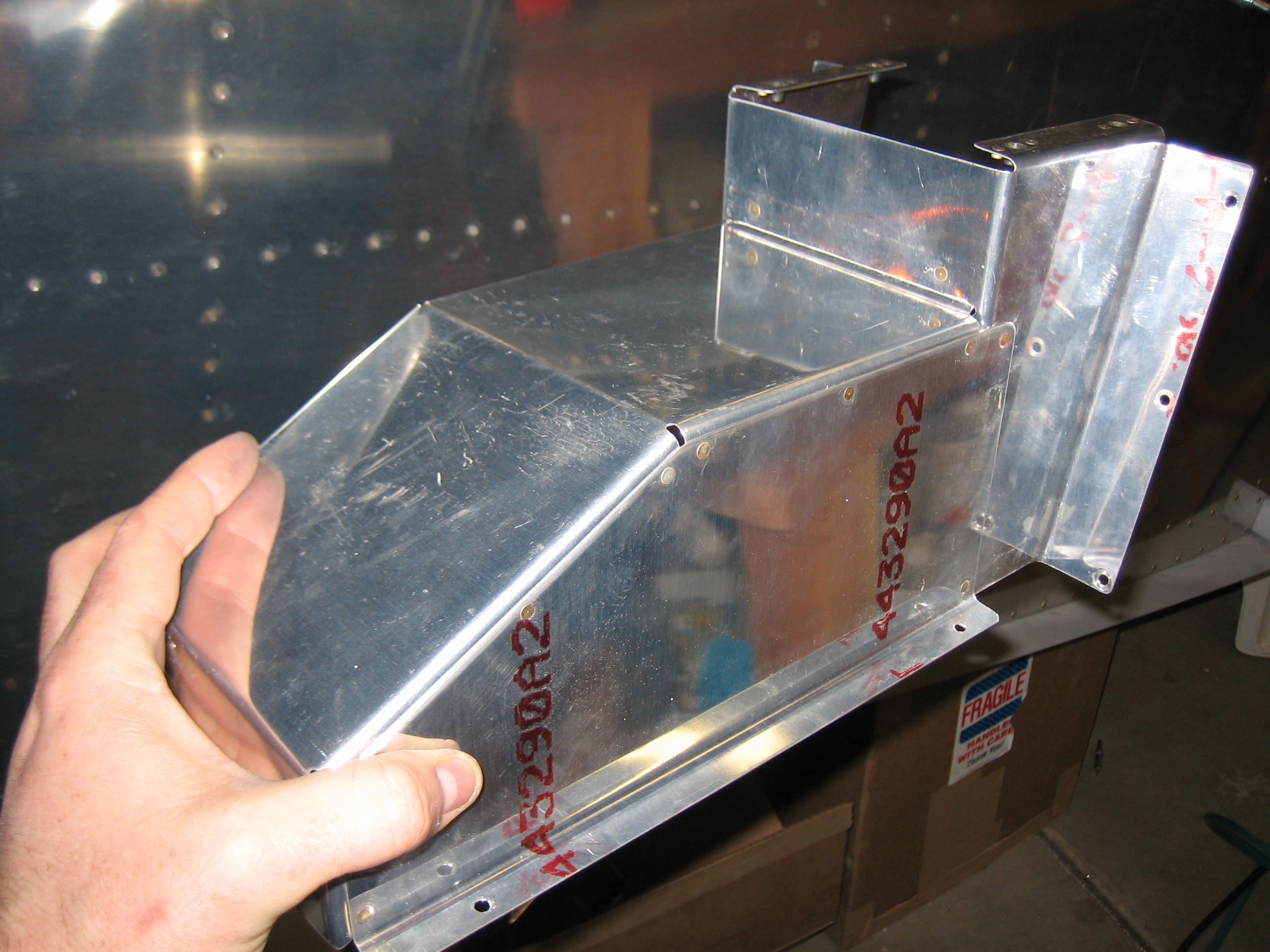
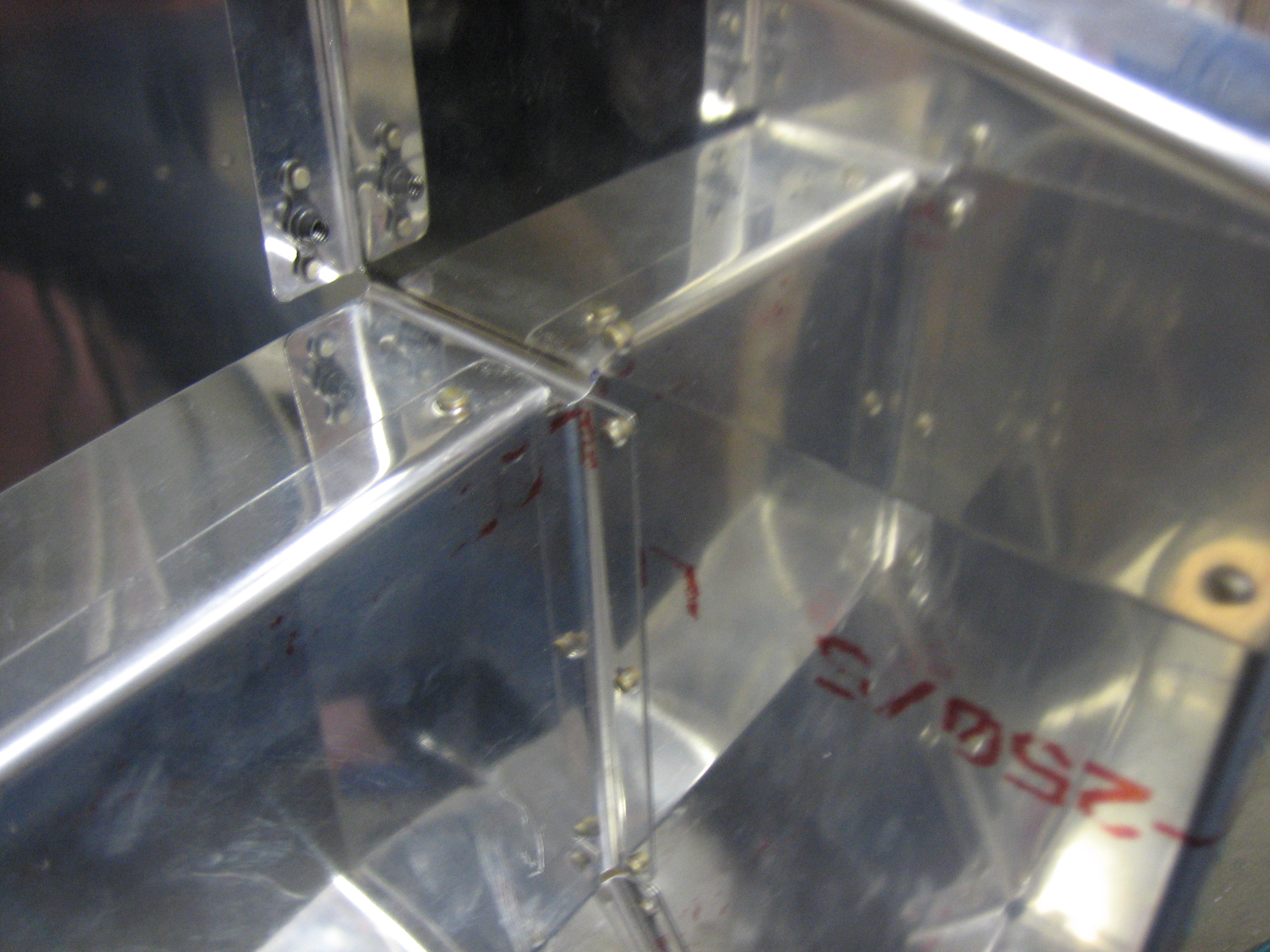
I riveted the pump cover to the fuel selector cover.  Some people use screws to attach these, but I can’t see why you’d ever care to remove one without the other and rivets are simpler and lighter.

It’s a little hard to see what this is, but it’s a picture of the inside of the two pieces above.  I cut away most of the front of the fuel selector cover since the extra metal inside here served no purpose.

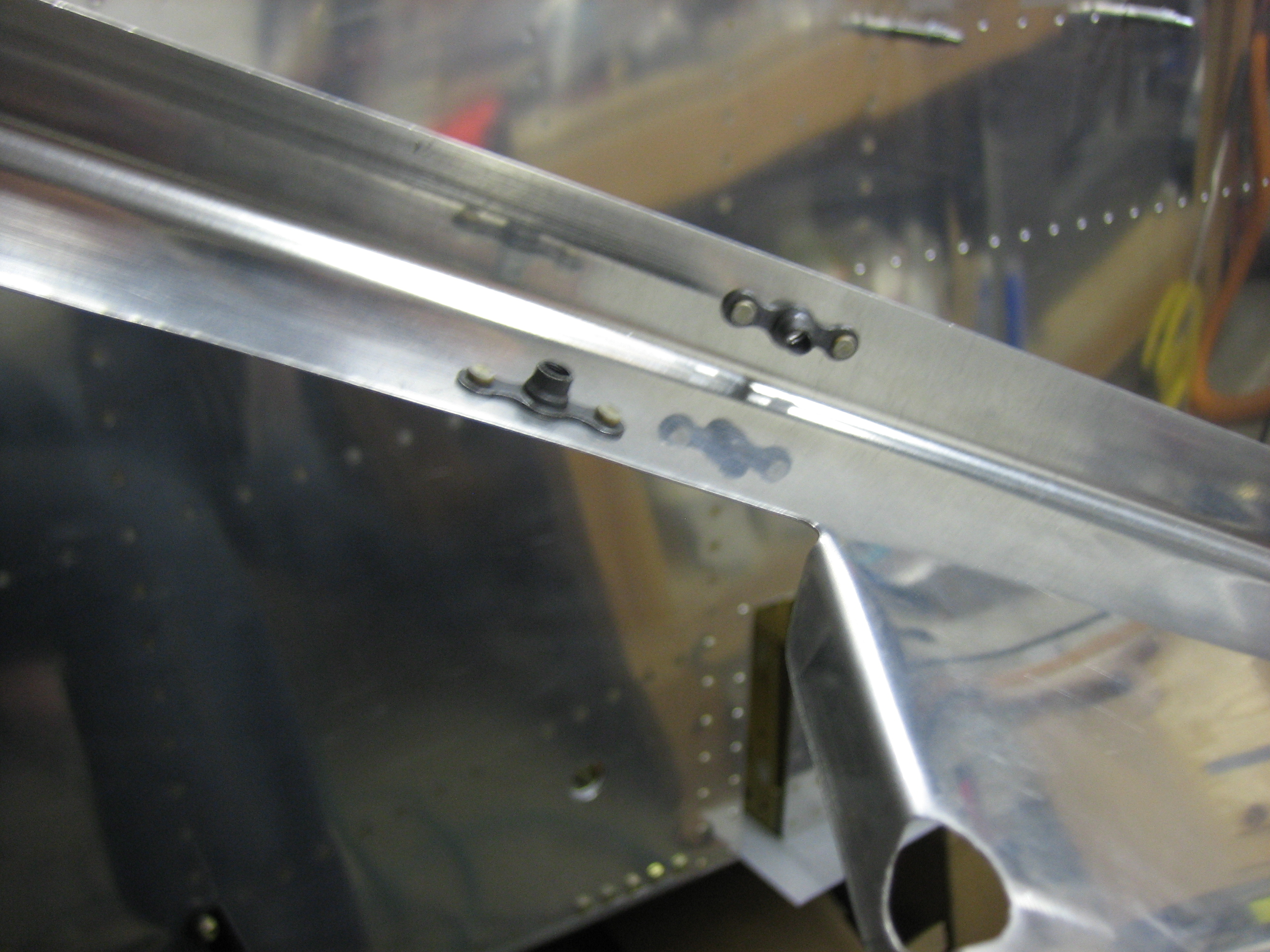
I also installed nutplates on the forward cover.  These allow the forward cover to be attached to the floor stiffeners as well as allowing the pump cover to be attached to the forward cover.

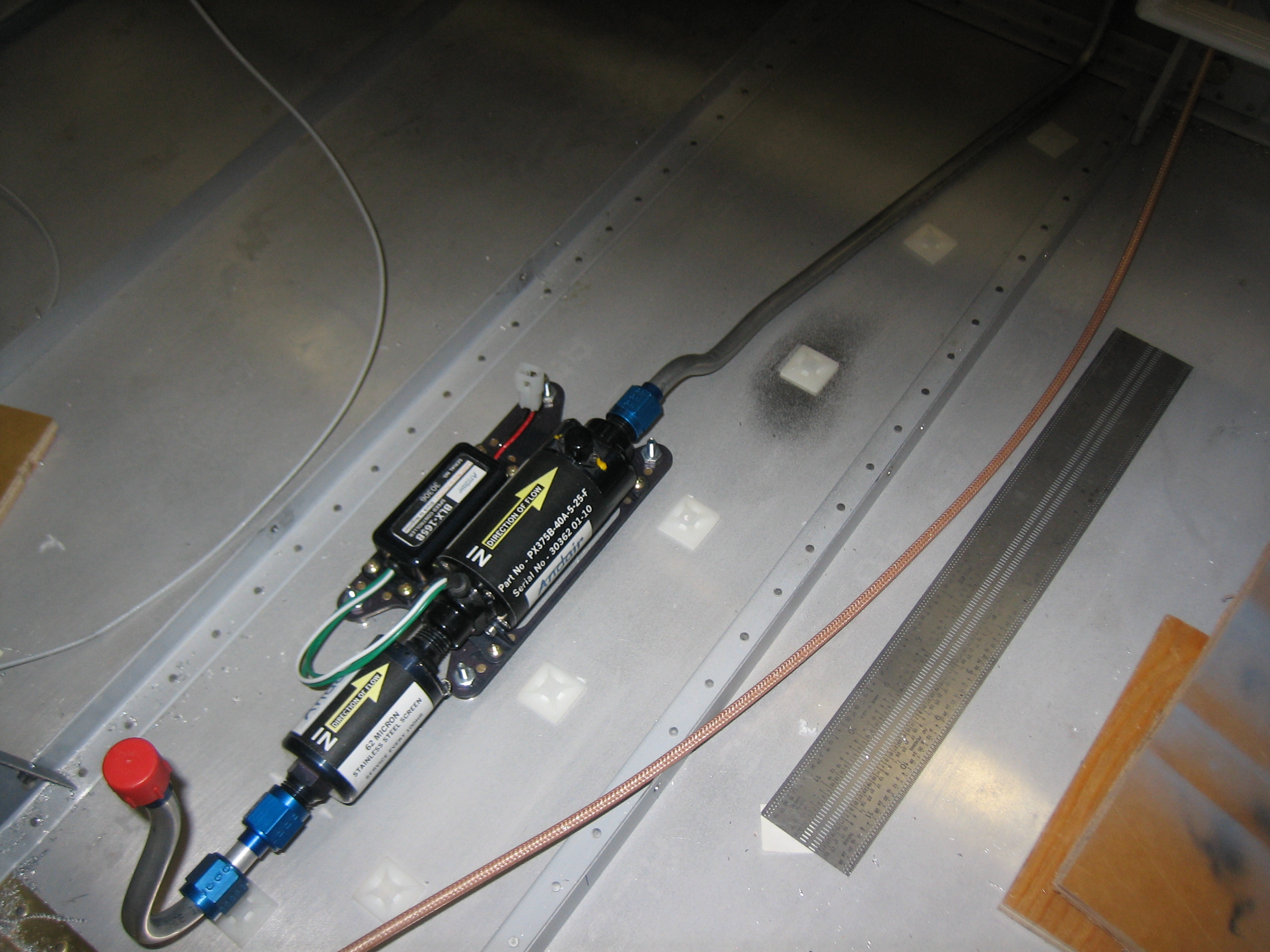
I cleaned the floor well and attached some adhesive tie-wrap mounts.

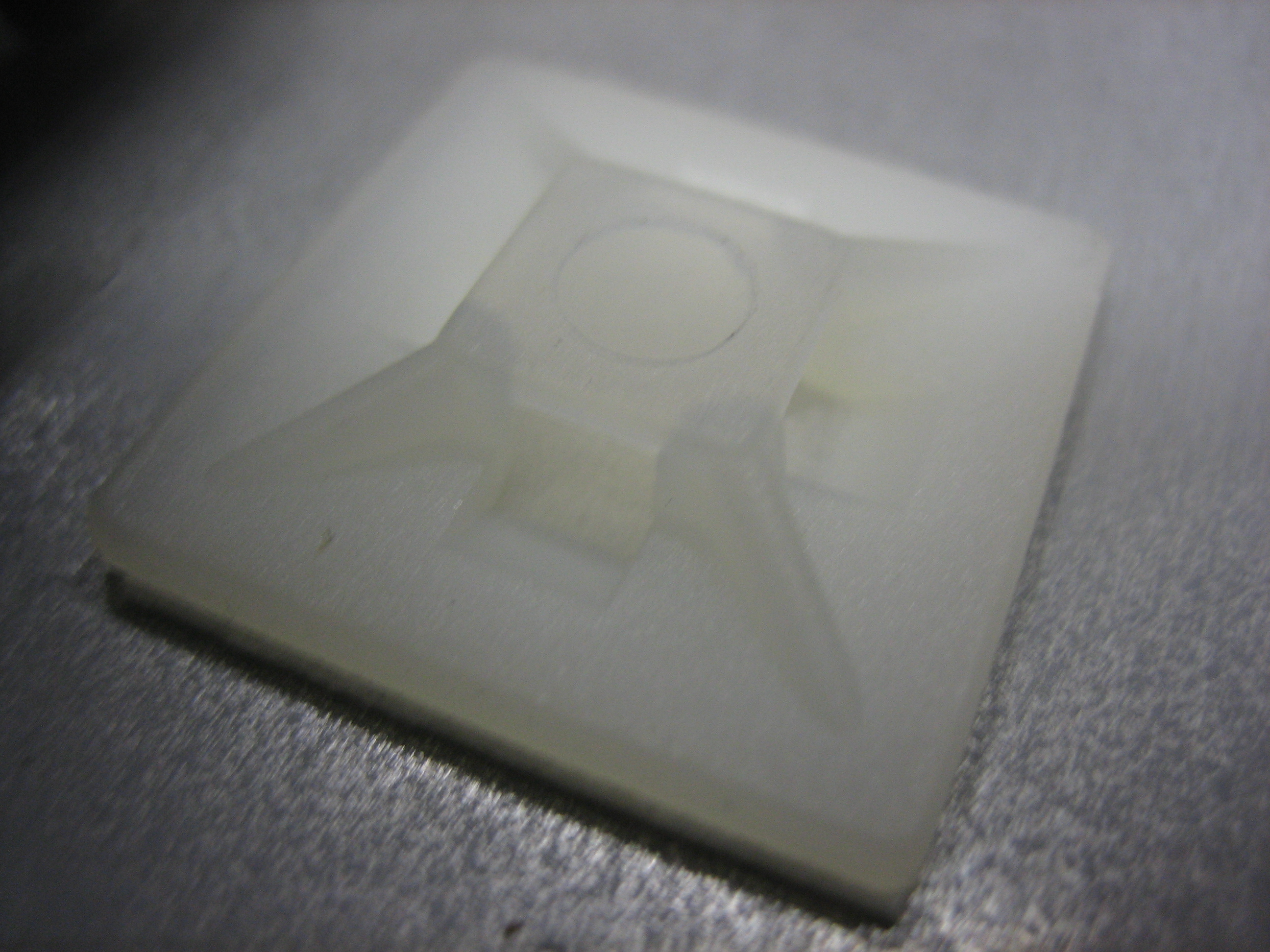
This is a closeup of the tie-wrap mounts.

I added loose tie-wraps to all of the mounts and then ran wires for the fuel pump.

The ground wire attaches to the firewall ground block and the power wire connects to the VP-X.  I’m really liking wiring with the VP-X since it allows you to do all of the wiring without having to have the panel design done or in the plane.  Once the panel is cut, I just need to run a sense line from the VP-X up to the switch and then the fuel pump wiring is done.